Photographers › Photo Restoration- Preservation- & Supplies
After Photo Restoration and Preservation: Maintenance, Follow-Up Costs and the Care Nobody Mentions Up Front
Restoration day feels like an ending. The torn portrait comes back whole, the faded wedding photograph has colour in its cheeks again, and the family gathers round. I spent my early working years assisting a commercial photographer, and the restorations were the jobs clients cared about most — which is why what happened next was so dispiriting. The restored print went back into the same shoebox, in the same garage, under the same leak. Or the digital file — the thing the whole fee actually bought — sat in a single email inbox until the account changed and it was gone.
Restoration is not an ending. It is the start of a small, cheap maintenance regime, and this guide covers it honestly: what to do in the first week after delivery, what follow-up work actually costs, how long results last, and the ongoing care nobody itemises at the point of sale. This site lists 1,063 photo restoration, preservation and supplies listings, so there is no shortage of people willing to do the first job. The second job — keeping it done — is mostly yours.
What you actually own when the job is finished
A modern restoration is digital. The restorer works on a high-resolution scan, rebuilding cracks, tears, stains and missing corners in the file; the original print is not repaired, painted or strengthened by the process. That distinction drives everything about aftercare, because you now have two objects with different needs:
- The original, which is exactly as fragile as it was the day you handed it over — often more so, for having been handled — and still needs proper storage if it is to survive.
- The restored file, which is the durable asset: it can be reprinted forever, at any size the scan supports, but only if you keep it, in a form you can still open, in more than one place.
Some restorers also return a new print. Treat that print as a display copy, not the archive. The archive is the file.
Ask, if you did not at the time, what you were actually delivered: a full-resolution TIFF or a print-ready JPEG is an archive; a small web-size JPEG is a preview. One published service spells out a typical good delivery — a print-ready TIFF and JPEG at full resolution plus a web-size copy — and another charges $10 extra per photograph for the 600 DPI scan that makes large reprints possible later. If your delivery was only a small file, go back now, while the restorer still has the work, and ask what a full-resolution copy costs. Later may mean paying for the job twice.
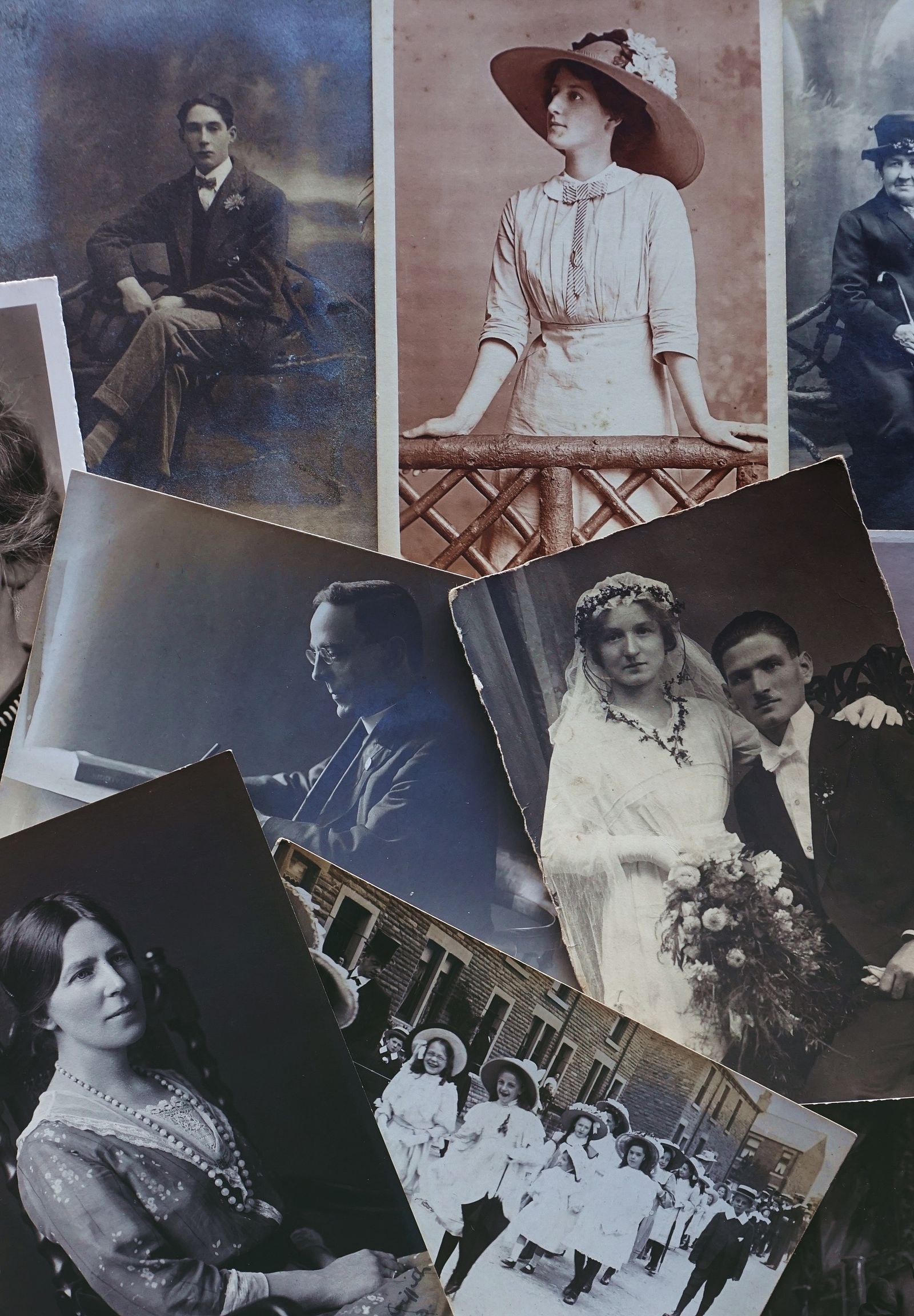
The first week: the follow-up nobody schedules
Do these while the order is still warm:
Check the restoration against the original, in daylight. Restorers commonly include revision rounds — one service in this market includes two free revisions with every order — but revision windows close. Compare faces especially: rebuilt detail is interpretation, and the time to say "that is not my grandfather's chin" is this week, not at the unveiling.
Order the reprints you already know you want. Reprint pricing is modest when the file is open on the restorer's desk — one long-published price list charges $3.33 for a 4×6 reprint, $11.11 for an 8×10 and $44.44 for a 16×20 alongside a restoration — and several relatives always materialise after they see yours. One service notes plainly that additional prints can be ordered at any time afterwards, but that convenience depends entirely on the file still existing somewhere. Which leads to the real follow-up cost:
Decide who keeps the file, and pay for that decision deliberately. At least one established restorer prices the options openly: $30 to have your images archived in the studio's database for six months of follow-up orders (with transfer to your own media included), $15 to have them transferred to a USB stick or drive you supply, or $15 per disc for a CD or DVD backup — with the blunt caveat that even the studio archive cannot be guaranteed retrievable, so you should keep your own copy regardless. That caveat is the whole lesson. Whatever you pay the studio, your own copy, in your own two places, is the actual preservation.
The digital maintenance regime
Files do not fade, but they do get lost, orphaned and stranded in dead formats and dead accounts. The regime is boring and nearly free:
- Two copies, different places. One at home (computer or external drive), one elsewhere (cloud storage or a drive at a relative's house). A single copy is not an archive; it is a countdown.
- Keep the TIFF and the JPEG. The TIFF is the master for future reprints; the JPEG is for sharing. Never edit the master — work on a copy, because every re-save of a JPEG throws away a little quality.
- Name files like you mean it. "Restored — Margaret and Thomas Ellis wedding, 1952, TIFF master" will be findable in twenty years. "IMG_final2" will not.
- Refresh on a five-year rhythm. When you replace a computer or drive, migrate the archive folder with everything else and open a few files to confirm they survived. Storage media fail quietly; an annual open-a-file check during that migration is the follow-up appointment nobody sells you.
- Record the story in the same folder. A plain text note naming the people, the date, and who restored the photograph and when. A restored face nobody can identify in 2060 is only half preserved.
The physical regime: storing the original and the new print
Here the guidance is settled, and it comes from the institutions that store photographs for a living. The Library of Congress calls a good storage environment arguably the most important preservation measure for photographic materials, and specifies it precisely: relatively dry, at 30–50% relative humidity; cool, at 70°F or below; and stable — fluctuations matter, with humidity swings ideally under 5% in a day. The National Archives adds the homeowner's version: keep temperature below 75°F, humidity below 65% to prevent mould, store items on a shelf away from leaks, and keep them out of damp basements, garages and hot attics.
Translated into a house, that means an interior closet or drawer on a main floor — not the attic (heat accelerates chemical decay; preservation guidance notes the decay rate roughly doubles for every 10°C rise), not the basement (water and mould), not against an exterior wall (condensation). Then:
| Item | What to buy | What it does |
|---|---|---|
| Sleeves / enclosures | Polyester, polypropylene or polyethylene sleeves, or acid-free lignin-free paper enclosures that pass the Photographic Activity Test (PAT) | Keeps dust, light and handling off the surface without chemically attacking it |
| Box | Acid-free, lignin-free archival box, sized so prints lie flat without overstuffing | Buffers humidity swings and keeps the collection dark |
| Album (if used) | Acid-free pages with stable-plastic sleeves; never self-adhesive "magnetic" pages | Prevents the sticking and staining that ruin the next restoration |
| Framing | UV-filtering glazing, an acid-free mat or spacer so the print never touches the glass | Cuts the light damage that is cumulative and irreversible |
And the handling rules the Library of Congress gives, which cost nothing: handle by the edges with clean hands or nitrile gloves; keep food and drink away from the work area; never use paper clips, rubber bands, tape or glue on a photograph; mark only the enclosure, or the back edge in soft pencil; dust with an air bulb rather than a cloth, because even soft brushes can scratch.
What to avoid is a familiar list of collection killers: PVC sleeves, ordinary cardboard shoeboxes, pressure-sensitive tape, lamination (it traps moisture against the image), and direct sunlight on a framed original. If the restored photograph matters enough to hang, hang the reprint and store the original — light damage cannot be undone, only re-restored.
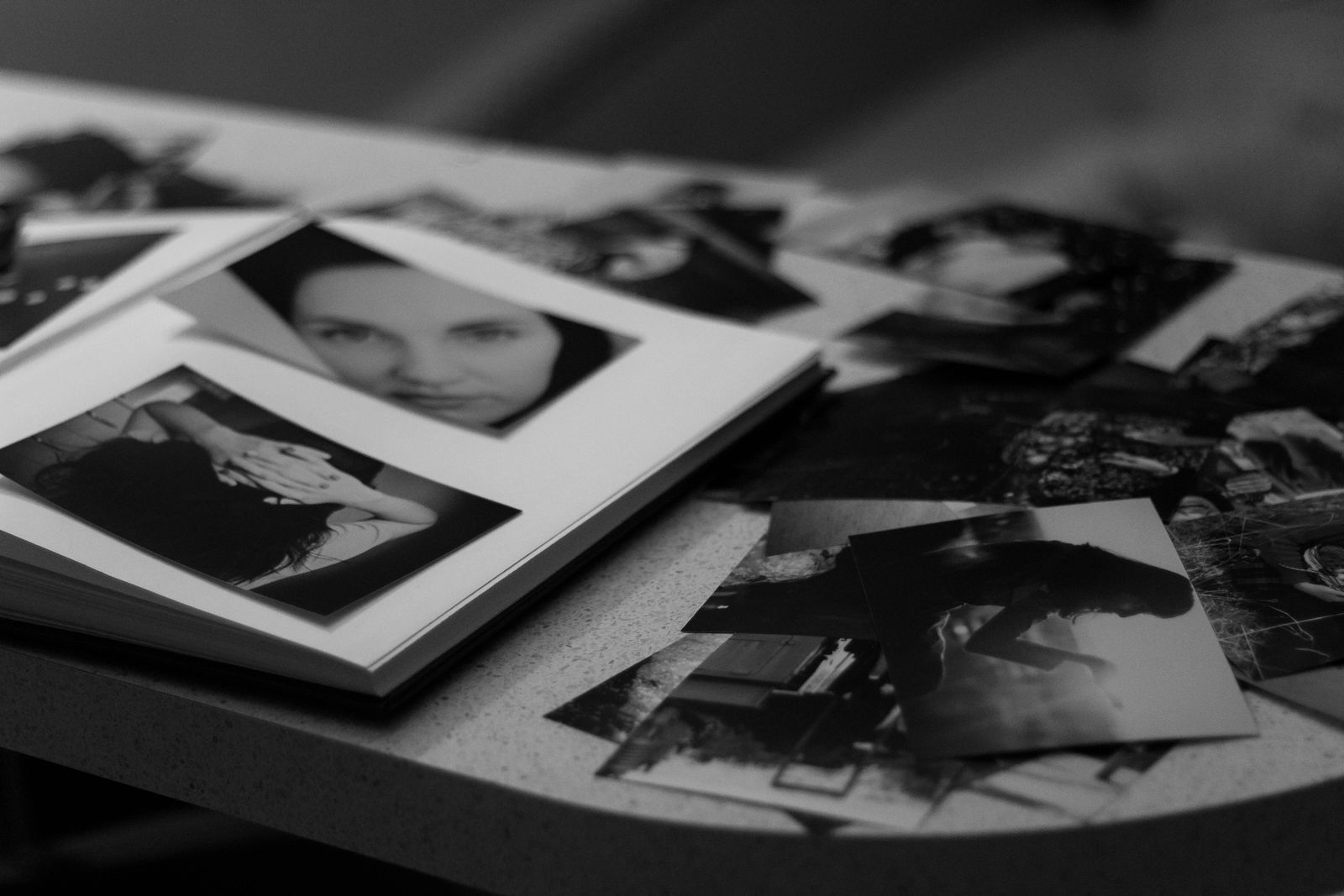
How long results last, and what follow-up work costs
A restored file, properly kept, does not expire — that is the genuine miracle of the digital process, and the reason the follow-up costs below are mostly optional rather than inevitable. What expires is everything around it: the studio's archive window (six months in the example above), the revision window (days to weeks), and the original's physical condition if storage does not change.
Budget honestly for the tail of the project:
- Reprints: a few dollars for small sizes to roughly $45 for a 16×20 from the restorer; standard lab print prices apply if you take your file elsewhere, which your full-resolution copy lets you do.
- Archiving/transfer fees: $15–$30 at studios that itemise them, as above — or nothing, if you take the file yourself at delivery. Take the file yourself at delivery.
- Storage supplies: sleeves and an archival box for a family collection are a modest one-off purchase, cheaper than a single moderate restoration (published tiers run from about $45 for basic work through $50–$70 standard, $75–$95 advanced, to $100–$135 for complex reconstruction, with colourisation around $75 extra at one Brooklyn lab). Preservation supplies cost less than redoing the photograph.
- A second restoration: the real follow-up cost to avoid. If the original deteriorates further in bad storage — new mould, new water damage, a print stuck to glass, which conservators warn can be difficult or impossible to separate without serious damage — you are paying restoration prices again, for worse raw material. If the physical object itself is what needs saving, that is a conservator's job, not a digital restorer's, and it is priced like the specialist work it is.
Set one recurring habit: look at the stored collection once a year — a quick check for mould smell, damp, sticking or new fading, in the same spirit as the twice-yearly inspection preservation guides recommend for home storage. Ten minutes, once a year, is the entire maintenance contract.
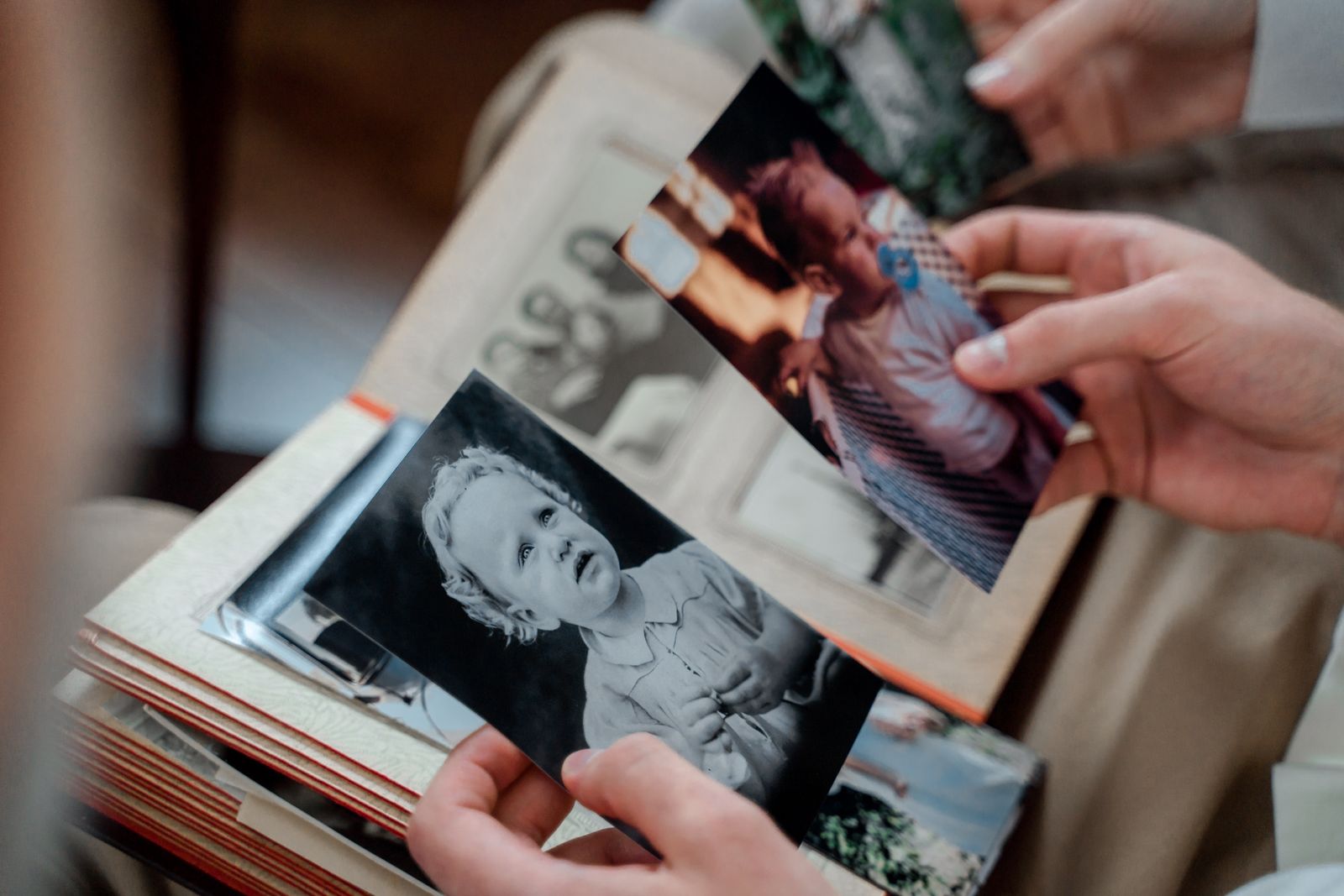
The point of the second job
Couples and families usually restore a photograph for a moment — an anniversary display, a memorial table, copies for siblings at a wedding. Those moments pass, and the photograph goes wherever photographs in your house go. The argument of this guide is simply that the destination should be a decision, not a default: file in two places, original in a sleeve in a box in a closet, reprint on the wall, story written down. Do that in the week after delivery and the money you spent restoring the picture keeps working for decades. Skip it, and you have not preserved a photograph. You have rented one.
Sources
- Library of Congress, Care, Handling and Storage of Photographs — establishes storage at 30–50% relative humidity and 70°F or below with minimal fluctuation, handling by edges with clean hands or nitrile gloves, and the bans on tape, glue, paper clips and rubber bands.
- U.S. National Archives, How to Preserve Family Archives — establishes keeping temperature below 75°F and humidity below 65%, storing on shelves away from leaks, avoiding basements, garages and attics, and using lignin-free, acid-free, PAT-passed enclosures.
- Artifact Services, Collection Care: Storage and Display of Photographs — establishes framing with UV-filtering glazing, a mat or spacer keeping the print off the glass, and rotating works off display to rest in storage.
- Kubus Photo, Photo Restoration Services — establishes restoration tiers from $45 basic to $100–$135 complex, a $10 charge for 600 DPI scanning, colourisation at $75, and reprints ordered after restoration.
- Extreme Imaging, Photo Restoration Pricing — establishes reprint prices alongside restoration (4×6 $3.33, 8×10 $11.11, 16×20 $44.44) and archive/transfer options at $30 for six months of studio archiving, $15 for transfer to customer media and $15 per backup disc, with the warning to keep your own copy.
- Vector Design US, Photo Restoration Services — establishes delivery of print-ready full-resolution files with a web-size copy and two included revision rounds.
Photographs: vintage portraits — photo by Suzy Hazelwood, https://www.pexels.com/photo/old-photos-3617531/ ; black-and-white prints on a table — photo by Pavel Danilyuk, https://www.pexels.com/photo/8057039/ ; hands in a family album — photo by cottonbro studio, https://www.pexels.com/photo/8848784/
More guides
- How to Find a Wedding Photographer: The Complete, Honest GuidePhotographers › Wedding Photographers
- How Much Does a Wedding Photographer Cost? Packages DecodedPhotographers › Wedding Photographers
- 10 Questions to Ask a Wedding Photographer Before You BookPhotographers › Wedding Photographers
- Wedding Photography Styles Explained: Documentary, Editorial, Traditional, Fine ArtPhotographers › Wedding Photographers
- Hiring a Wedding Photographer in California: Venue Light, Permits, and Price LevelsPhotographers › Wedding Photographers
- All Guides & ArticlesBrowse the full guides library