Photographers › Photo Retouching & Coloring
After Photo Retouching and Coloring: Maintenance, Follow-Up Costs and the Care Nobody Mentions Up Front
When I assisted a commercial photographer, couples and families treated the retouched gallery like a finished object: download, post, frame, done. The studio knew better. A retouched photograph is a file with a future — an album to be designed next year, a canvas for a parent's birthday, a grandparent who wants that one group shot enlarged, a colour grade that has to match when three more images are retouched for the anniversary book. What happens after photo retouching and coloring is a small, unglamorous economy of revision windows, re-edit fees, expiring galleries and backups. Nobody mentions it up front because nobody is thinking about it on the day the gallery arrives, glowing and new. This guide mentions it, so you can arrange the cheap version of every one of those futures while they are still cheap.
What "done" actually means at delivery
A delivered retouched set is usually two products wearing one name. The first is colour work across the whole gallery — exposure, white balance and a consistent grade, so a dim preparation room, an overcast ceremony and a tungsten dance floor read as one day. Outsourced wedding editing of that kind is commonly priced between about $0.35 and $0.75 per image. The second product is retouching proper on a smaller set of frames: skin work, stray-object removal, dress and background cleaning. That is priced very differently — roughly $2 to $15 per image from volume editors for detailed work, and $40 or more per image from high-end hand retouchers who include several revision rounds and deliver TIFF masters alongside web JPEGs.
Knowing which product you bought matters for everything after. Colour work is reproducible: a competent editor can re-grade a frame later and match the set. Detailed retouching is labour: asking for it later, on new frames, is a new purchase at the new day's rates, not a favour owed. This site lists 3,152 photo retouching and coloring listings, so there is no shortage of people who can do follow-up work — but a different retoucher matching another retoucher's skin work exactly is a hope, not a plan. The cheapest follow-up insurance is to finish your requests with the original editor, inside the original window.
The revision window: use it, and use it on paper
Most retouching services include revision rounds — two rounds is a common standard, three at the high end — and most attach a clock to them, even when the clock is only implied. One wedding editing service, for example, deletes originals 30 days after handoff; galleries themselves commonly stay live for only 30 to 90 days. Treat the first fortnight after delivery as the revision season, and work it properly:
- Look at the whole set once, quickly, for pleasure. Then look again, slowly, for work. The second pass is the business one.
- Write every request down in one list, with frame numbers. "The one where we're laughing outside" costs your editor a search and costs you goodwill; a filename costs neither.
- Separate correction from taste. A colour cast, a missed stray guest, a crooked horizon: corrections. "Could this one be warmer, and that one black and white as well?" — taste, which is legitimate, but say so, because editors triage corrections first.
- Ask for the extra versions now. Black-and-white conversions of the dozen frames you love, a crop for the frame you already own, a version sized for the thank-you card — inside the window these are minutes of work. A year later they are a re-opened job with a minimum fee.

Follow-up costs, honestly priced
Sooner or later most families buy some of these. Here is the shape of the bill, drawn from published retouching and editing rates:
| Follow-up | Typical cost | What drives it |
|---|---|---|
| Extra retouched frames from the same event | $2–$15 per image (volume editors); $40+ (high-end hand retouching) | Depth of skin/object work; whether the original editor still holds the files |
| Re-grade or re-crop of delivered frames | Often free inside the revision window; a per-image or minimum job fee after it | Whether the working files and settings were kept |
| Rush turnaround on any of the above | +25% to +100%; a +50% rush fee is a published norm at the high end | How many days you are asking them to remove |
| Gallery extension or re-upload | Varies by studio; sometimes a flat retrieval fee | How long ago the gallery expired and where the files are archived |
| Album design changes after approval | Per-spread or hourly fees are common | New retouching for swapped-in frames, not the layout itself |
Two patterns hide in that table. First, time is the currency: almost every follow-up is cheap inside a month and priced as new work after a year. Second, minimums appear later. An editor who retouched 40 frames for your wedding will add two more during the revision window without blinking; the same request in eighteen months arrives as a small job below their minimum order, and the honest quote reflects the setup time — reopening the project, re-matching the grade — not just two frames of labour.
How long the results last — and what actually expires
A retouched JPEG does not fade. What expires is everything around it.
The gallery link expires first, commonly within one to three months, sometimes a year. The photographer's RAW files and outtakes expire next: a typical pattern in the industry is unedited files kept for about six to twelve months, sometimes up to two years, because they are enormous and almost never requested after the first season. Edited finals last longest — many photographers keep delivered images for one to five years, and wedding finals are often archived far longer — but "often" and "many" are not a contract. Shutter & Sound's survey of wedding vendor practice puts the client's position bluntly: almost no contract promises to host your files forever, and the only copy certain to exist in twenty years is the one you downloaded and backed up yourself.
So the maintenance that matters is yours, and it is a twenty-minute job done once, in the week the gallery arrives:
- Download everything at the highest resolution offered — not the web-sized set, not screenshots, not the copies a social platform compressed for you.
- Keep three copies on two kinds of storage, one of them elsewhere — the archivists' 3-2-1 rule, which in family terms means: the folder on your computer, a cloud copy, and a drive that lives at a relative's house or in another building.
- Keep the retouched masters separate from everyday copies. One clearly named folder — date, event, "retouched masters, do not edit" — and do your cropping, filtering and sharing from duplicates. Every re-save of a JPEG costs a little quality; masters should be opened, not re-cooked.
- Write down the boring facts while you know them: photographer's name and contact, editor if different, delivery date, gallery expiry date, and how long the studio said it keeps files. Put the note in the folder. In five years this scrap of text is the difference between a five-minute email and an archaeological dig.
- Open the folder once every couple of years. Drives fail silently. Checking that the files still open, and migrating them when you change computers, is the entire long-term care routine for a digital photograph.
The print afterlife
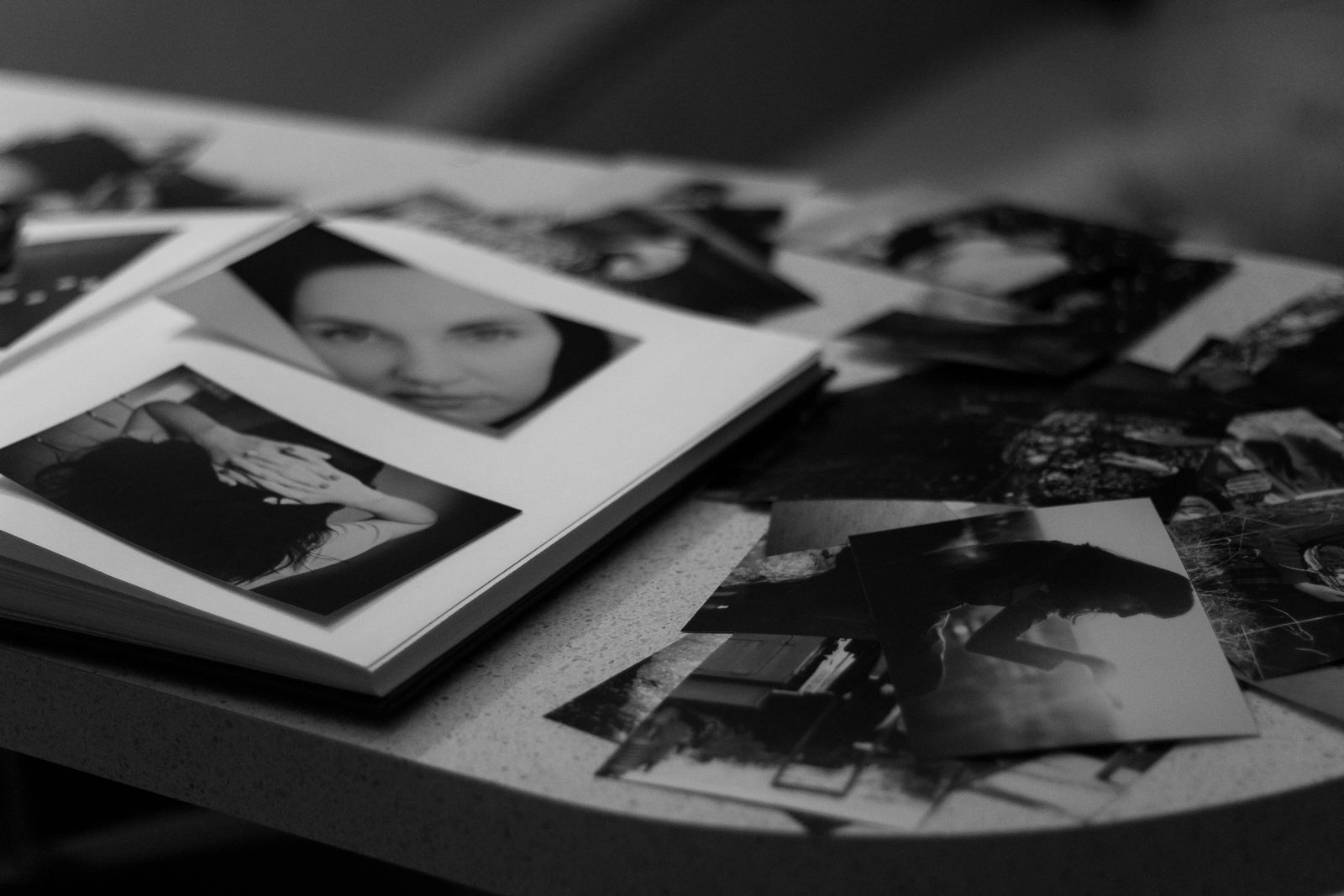
Retouching is judged twice: once on a bright phone, and again in print, where it cannot hide. Skin smoothed for a screen can look waxy at 11×14; a colour grade that sings on a phone can go muddy on matte paper. If you know at delivery which frames are destined for an album or a wall, say so during the revision window and ask for print versions — editors sharpen and sometimes brighten differently for paper. Ordering one test print of the most important frame, before the full album, is the same advice I would give about any lab work: it converts an argument about taste into a look at an object.
Albums themselves are follow-up work with their own clock. Frames swapped after design approval may need retouching the original set never got — an uncle's portrait that was only ever colour-corrected now has to sit opposite a fully retouched hero image, and the mismatch will show. Decide the album shortlist early, while the original editor, files and revision goodwill are all still warm.
When something is wrong later
A colour cast you only notice on the printed canvas, a file that will not open, a frame you are certain was delivered and cannot find — go back to the photographer or editor first, promptly, with the filename and the faulty item described precisely. Studios retrieve archived finals routinely; what they cannot do is reconstruct unedited outtakes deleted on a schedule their contract stated and you never read. If the original studio has closed, a new retoucher can still do a great deal from your full-resolution retouched files — another reason the masters folder matters — but matching an unknown grade exactly is slower, and slower is dearer.
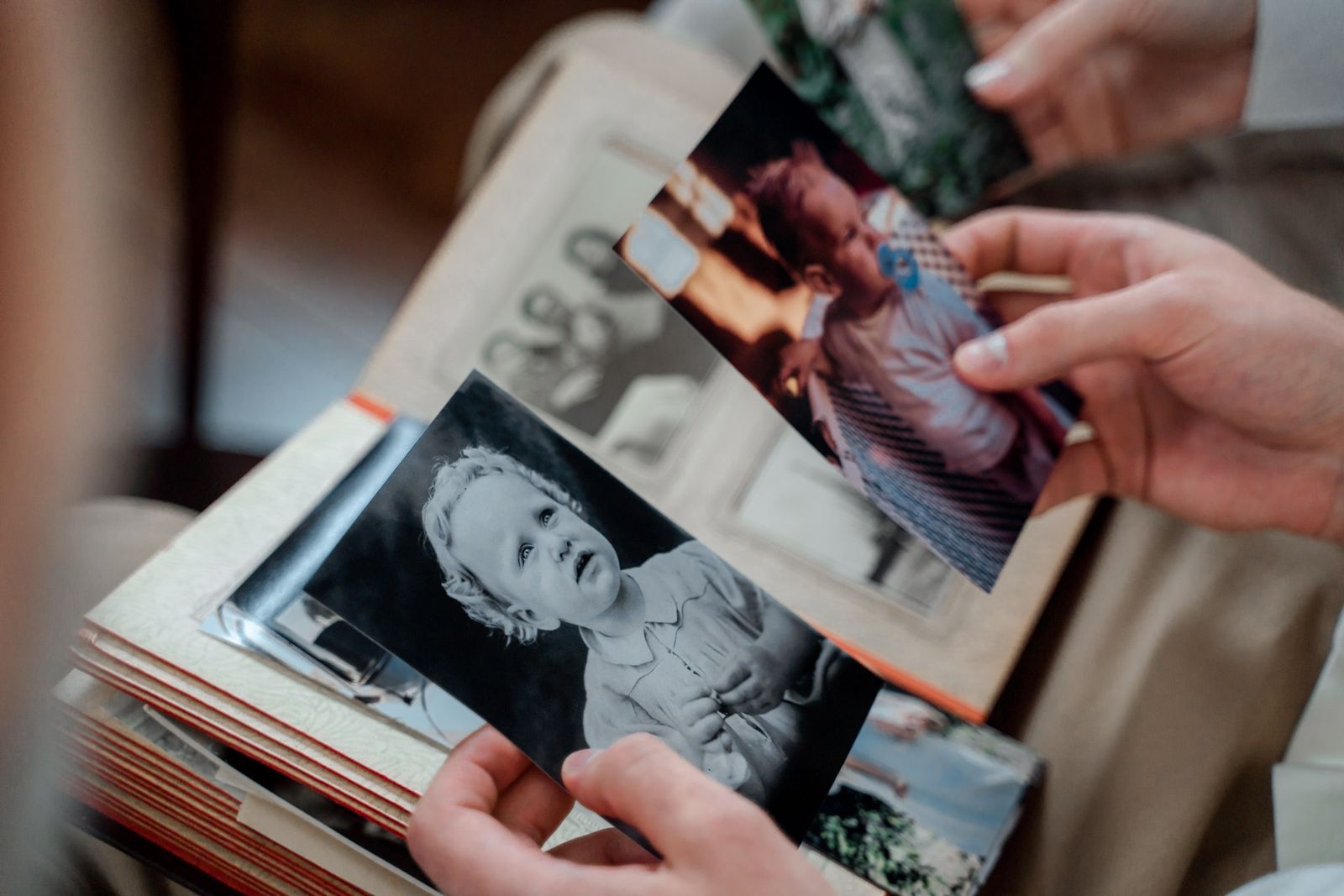
And a word on taste changing: the heavy, warm grade that defined wedding photography a decade ago already looks like a period style. Keep your retouched files, and if the studio will sell or supply them, keep the unretouched full-resolution versions of your favourite frames too. Future you, commissioning a re-edit in a future style, will be grateful that present you spent twenty minutes on filing rather than another hour choosing a cover photo.
The short version
Use the revision window in the first fortnight, with one written list keyed to filenames. Buy the extra versions, crops and retouched frames while the project is still open on the editor's desk. Expect follow-up work later to cost per image — a few dollars at volume rates, $40 and up for high-end hand work — plus rush fees if a deadline is doing the asking. Download the full-resolution set the week it arrives, keep three copies in two places-plus-one, and record the studio's file-retention dates in the folder. That is the whole of the maintenance nobody mentions up front — and it is the difference between photographs that are looked after, and photographs that were merely delivered.
Sources
- LH Retouch, high-end retouching studio rates and terms — establishes hand retouching from $40+ per image for wedding and family work, two to three included revision rounds, 3–7 day delivery, TIFF and web JPEG masters, and a +50% rush fee.
- Edit by Dee, wedding photo retouching — establishes outsourced gallery editing at $0.35–$0.75 per image, one included revision round, and deletion of originals 30 days after handoff.
- Clipping Path Experts, Wedding Photo Editor Costs — establishes the wider market ranges for basic, standard, advanced and high-end wedding editing per image, and hourly and package alternatives.
- The Ultra, How Long Should a Photographer Keep Client Photos? — establishes typical retention clocks: galleries 30–90 days, RAW files about a year, edited finals for years.
-
Shutter & Sound, How Long Do Wedding Vendors Keep Your Photos and Video? — establishes that galleries commonly stay live from a month to a year, that RAW material is kept for far less time than finals, and the 3-2-1 backup practice for clients.
-
Photo by Darlene Alderson, https://www.pexels.com/photo/7971616/
- Photo by Pavel Danilyuk, https://www.pexels.com/photo/8057039/
- Photo by cottonbro studio, https://www.pexels.com/photo/8848784/
More guides
- How to Find a Wedding Photographer: The Complete, Honest GuidePhotographers › Wedding Photographers
- How Much Does a Wedding Photographer Cost? Packages DecodedPhotographers › Wedding Photographers
- 10 Questions to Ask a Wedding Photographer Before You BookPhotographers › Wedding Photographers
- Wedding Photography Styles Explained: Documentary, Editorial, Traditional, Fine ArtPhotographers › Wedding Photographers
- Hiring a Wedding Photographer in California: Venue Light, Permits, and Price LevelsPhotographers › Wedding Photographers
- All Guides & ArticlesBrowse the full guides library