Photographers › Photofinishing Retail
Booking Photofinishing Retail for Someone Else: Adult Children, Parents and Caregivers
There is a particular order I remember from my studio years: a woman in her fifties with a shoebox of her mother's prints, a list written by her mother in pencil, and a worry she voiced before anything else — "I don't want to get any of this wrong, because none of it is mine." Booking photofinishing for someone else — prints from a parent's phone, scans of a relative's slides, an album assembled for someone in care — is ordinary retail with an extra layer of responsibility laid over it. The photographs belong, emotionally and often legally, to another person. The account, the payment and the instructions come from you. This guide is about holding those two facts at once: the consent to arrange before anything is copied, the payment and communication habits that keep families out of arguments, and the mistakes I watched well-meaning people make at counters like mine.
Start with permission, not with the shoebox
The first question is not what to order. It is whose photographs these are, and what they have agreed to.
If your parent or relative can decide for themselves, ask them — specifically. "Shall I get some photos printed?" earns a vague yes that covers almost nothing. The specific version takes two minutes: which photographs, copied in what form (prints, scans, an album), shared with whom, and what should not be copied. That last question matters more than families expect. Every long life contains photographs its owner keeps private — an earlier marriage, a difficult year, people they have lost touch with on purpose. A parent who happily agrees to "the holiday photos" may not have agreed to the whole box being digitised and circulated to the family group chat. Write down what was agreed, even if it is three lines in a notebook. If there is ever a disagreement later, those three lines are the difference between a misunderstanding and a breach of trust.
If the person cannot decide for themselves — advanced dementia, serious illness, a care setting — the honest standard is different: act as they would have acted, not as is convenient. A lasting power of attorney or guardianship may cover finances, but a shoebox of personal photographs is intimate property in a way a bank account is not. The working rules I saw good families use: copy what preserves (scanning fragile originals is stewardship, and few would object), be cautious with what publishes (an album for the person's own room is a different act from posting their youth online), and involve the other people who share the responsibility — siblings, the other parent, the care home — before, not after. Where family members disagree, the photographs can wait; the disagreement, handled badly, cannot be un-happened.
One legal boundary is absolute, and counters enforce it. Copyright in a professional photograph belongs to the photographer, not to the person in the picture or the family who commissioned it. Labs know this: their terms require customers to warrant they own the copyright or have permission, and reserve the right to refuse work they believe infringes — and professional print labs will refuse to copy obviously professional photographs without a signed print release from the photographer, because copying exposes the lab as well as you. The family consequence arrives constantly: the studio portrait of your parents from 1987, the wedding album, the school photographs. You may own the physical print outright and still need the photographer's release to have it copied or enlarged. Studios issue print releases routinely — ask, expect a possible fee, and keep the release with the family papers. It is not the lab being difficult. It is the lab being liable.
The four jobs inside the job
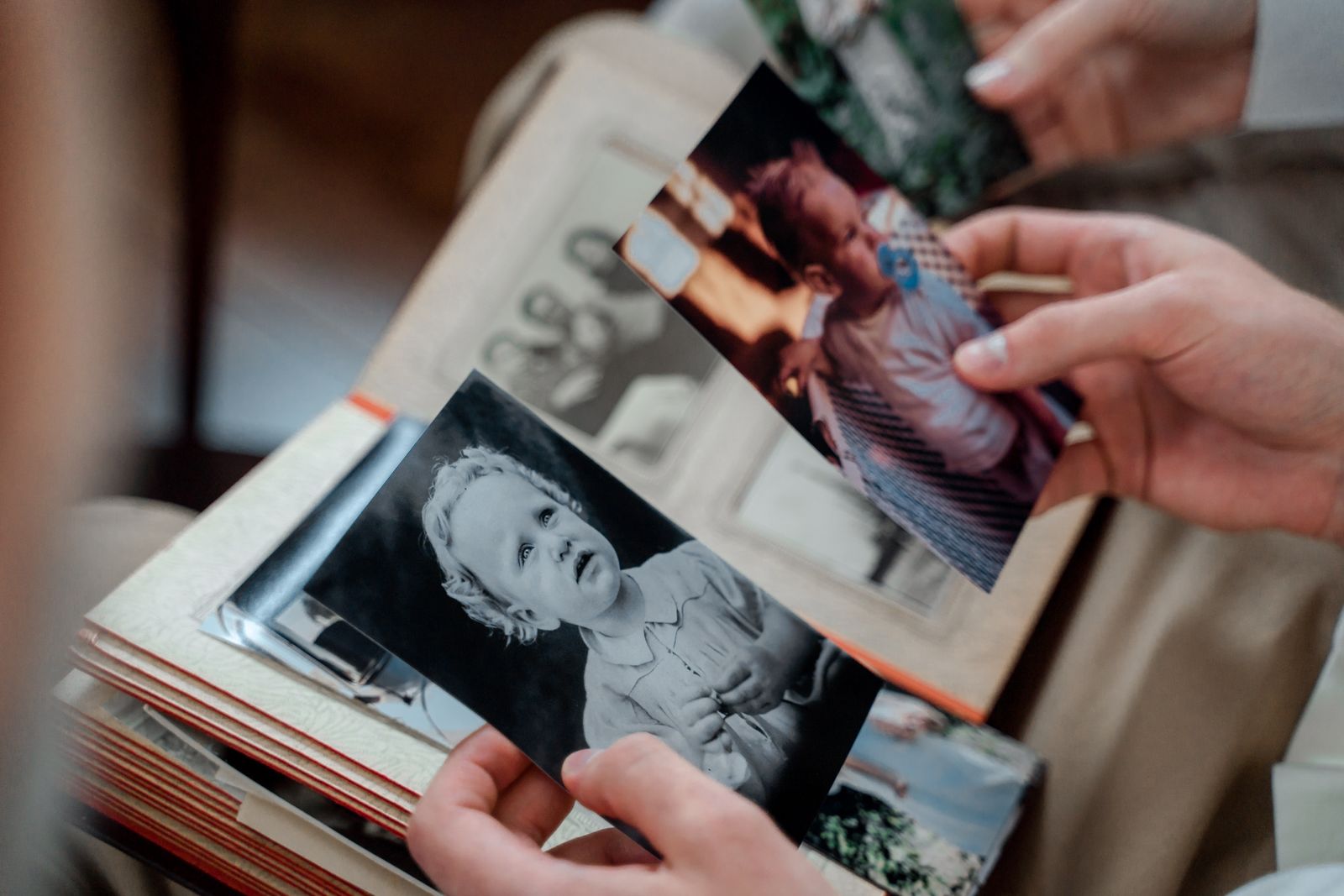
Arranging photofinishing for someone else is usually four separate commissions wearing one coat, and separating them prevents most mistakes.
Preservation copying — scanning prints, slides and negatives so the images survive the originals. This is priced per item, and the published market is usefully concrete: bulk print scanning runs from about $0.29 to $0.48 per photograph at the large mail-in services, a local lab's shoebox rate is around $45 per 100 prints, slides run from about 45 cents to 89 cents each depending on volume, and negatives around 52 to 75 cents a frame. Resolution is the decision inside the price: a standard scan suits reprints up to about 5×7, while the enhanced and archival tiers — up to $4 or $10 per slide at one service's published tiers — are for images destined for large prints. For a parent's collection, a sensible pattern is standard scans for the many and archival scans for the few dozen that matter most.
Prints for the person themselves — the framed photograph for a care-home room, large prints for failing eyesight, an album they can hold. Ask about size and finish for the actual reader: matte finishes glare less under institutional lighting, large prints beat beautiful small ones for low vision, and names and dates written on the back — or printed beneath — turn a photograph back into a memory for someone whose recall needs the prompt.
Prints and albums as gifts — copies for siblings, grandchildren, the wider family. This is where consent does its work: the gift set should come from the agreed photographs, and the person photographed — if living and able — should know the set exists.
Copies for paperwork — photographs for a care assessment, a memorial service, a family-history project, an estate. Memorial orders carry their own tenderness and their own deadline; tell the lab the date the prints are needed for, in plain words, because staff will move mountains for a funeral and almost none for an unnamed "rush."
Payment, accounts and the family ledger
Money spent on someone else's behalf has a way of becoming evidence in an argument nobody wanted. Keep it boringly clean.
- Use a separate order, in a separate account, in your own name — and say so. Labs' terms make the person submitting an order responsible for it, including the warranty that you have the rights to copy what you submitted. Book as yourself, arranging for them; do not book as them, on their account, with their saved card. If the money is properly theirs — you are spending a parent's funds as their attorney or carer — keep the receipt with the same records as every other expenditure made on their behalf.
- Keep every receipt, and write one line on it: whose photographs, what was ordered, who agreed. A $46 scanning receipt needs no annotation to you today; to a sibling in three years, or an executor in ten, the annotation is the whole story.
- Agree the split before the order, if there is a split. "We'll share the cost of Mum's album" settled at the kitchen table is kindness; the same sentence first uttered over a receipt is negotiation. If you are paying alone as a gift, say that too, once, clearly — it closes the subject.
- Mind the delivery address. Scans and prints of a vulnerable person's life should not travel to an address they would not have chosen. Use your own address, collect in person where you can, and think twice before any service that retains uploads: read how long the lab keeps submitted files, and ask for deletion after delivery if the images are sensitive.
Communication: the counter, the family, the person
Three conversations run through an order like this, and each has a failure mode I watched repeatedly.
With the lab, the failure is vagueness about originals. Say, in the order notes and out loud: these are irreplaceable family originals; I need them back in the same order I brought them; please do not separate the envelopes. Reputable scanning services count items with you and return originals with the files — one local lab's drop-off system, for example, is built around counting prints, slides and negatives together at the counter. Keep your own count and a phone photograph of each bundle before it leaves your hands. If originals are too precious to post, that instinct is data: use a local lab and carry them yourself, and pay the local premium gladly.
With the family, the failure is surprise. A short message before the order — "I'm having Mum's prints scanned so they're safe; standard copies for everyone who wants them; shout if you'd like the big album version" — prevents the two classic wounds: the sibling who learns of the project from a finished product, and the relative who wanted the original of one particular print and finds it has been "dealt with." Nothing is being dealt with. Everything is being copied, and the originals come home. Say exactly that.
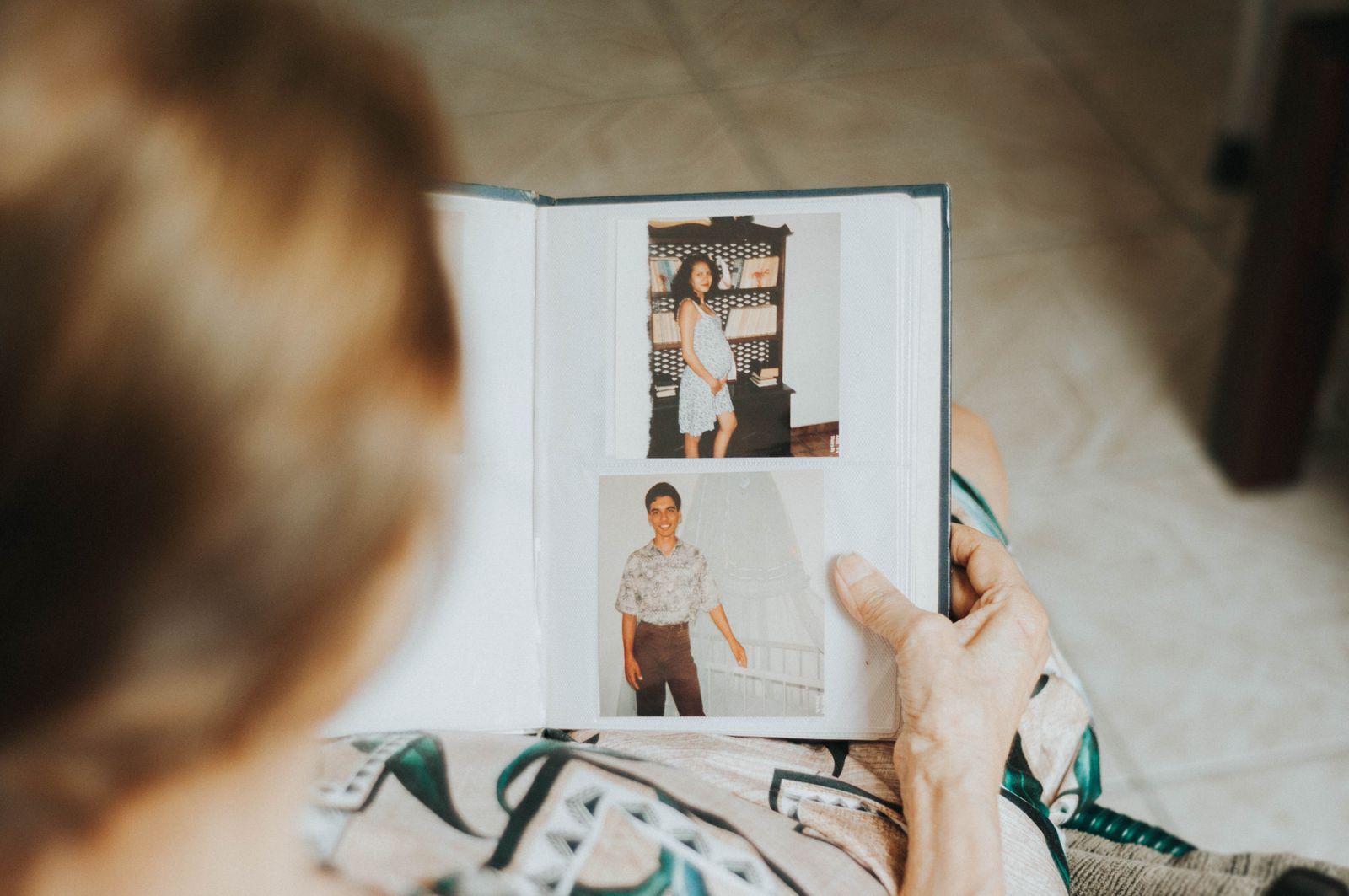
With the person themselves, where they can take part, the failure is efficiency. It is quicker to take the shoebox away and return an album. It is better — slower, and better — to choose the photographs with them if they can: an afternoon of "who is that, Mum?" produces the captions, the identifications and the stories that make the finished album worth ten of the efficient kind, and it converts your errand into their project. Caregivers told me the same from the other side: a resident choosing photographs for their own wall is exercising a self that care routines rarely consult. Build the time in. It is, not incidentally, also how you find out which photographs they would rather you had never copied.
The mistakes, collected
From my years of watching these orders, the greatest hits: copying everything because sorting felt like a decision you were not entitled to make — you are entitled, with the owner's guidance, and indiscriminate copying is how private photographs end up in circulation. Ordering one beautiful album when the person needed four cheap ones for four rooms and four grandchildren. Putting the order on the parent's own account "because it's their photos," which entangles their payment details in your project. Letting a lab's default sharing link become the family distribution system, unexamined. And the saddest, commonest one: waiting. The identifications only a parent can give — the names on the back, in their head — are perishable in a way prints are not. Scan the photographs this year; more importantly, record the names this year.
This site lists 7,823 photofinishing retail listings, so the counter is never the hard part. The hard part is the sentence my customer already knew by heart: none of it is mine. Act on that sentence — permission asked specifically, money kept clean, originals counted out and counted home, and the person themselves in the room choosing wherever they can be — and booking for someone else becomes what it should be: not a transaction performed on their past, but a piece of care performed with it.
Sources
- LegalClarity, What Is a Print Release in Photography? — establishes that copyright belongs to the photographer from capture, that a print release is limited permission for personal printing rather than ownership, and that many professional labs will refuse to copy obviously professional photographs without a signed print release.
- Yellow Lab Imaging, terms of service — establishes that labs require customers to warrant they own the copyright or have all necessary permissions for submitted images, and reserve the right to refuse infringing content.
- Color Inc Pro Lab, terms of service — establishes that labs may request evidence of authorisation before producing work and may refuse reproduction they reasonably believe would violate third-party rights.
- Capture, bulk photo scanning comparison — establishes bulk scanning prices of $19.99 for the first 50 photographs then $0.29 each at Capture, about $0.48 per image at ScanCafe, and kit pricing at LegacyBox, with turnaround times.
- Black Lab Imaging, photo scanning — establishes a local-lab shoebox rate of $45 per 100 prints, slides at 89 cents falling to 45 cents at volume, negatives at 75 cents a frame falling to 52 cents, and counting items with the customer at drop-off.
-
Pixel Preserve OKC, digitising pricing — establishes resolution-tier pricing for slides and negatives from 50 cents at basic tiers to $4 at enhanced and $10 at archival tiers, and per-photo print scanning at 25 cents.
-
Photo by cottonbro studio, https://www.pexels.com/photo/8848784/
- Photo by Jessika Arraes, https://www.pexels.com/photo/14013483/
- Photo by Suzy Hazelwood, https://www.pexels.com/photo/1989747/
More guides
- How to Find a Wedding Photographer: The Complete, Honest GuidePhotographers › Wedding Photographers
- How Much Does a Wedding Photographer Cost? Packages DecodedPhotographers › Wedding Photographers
- 10 Questions to Ask a Wedding Photographer Before You BookPhotographers › Wedding Photographers
- Wedding Photography Styles Explained: Documentary, Editorial, Traditional, Fine ArtPhotographers › Wedding Photographers
- Hiring a Wedding Photographer in California: Venue Light, Permits, and Price LevelsPhotographers › Wedding Photographers
- All Guides & ArticlesBrowse the full guides library