Photographers › Photo Retouching & Coloring
Colorizing Black-and-White Photos: Process, Cost, and Accuracy Questions
Every family has the shoebox. Inside it, a wedding from 1948, a soldier in uniform, a grandmother as a young woman in a dress that the photograph renders only as a confident shade of grey. At some point somebody asks the question that starts this whole trade: what would it look like in color?
Colorizing can answer that question beautifully. It can also answer it wrongly, confidently, and in a way that quietly replaces the family's memory with a machine's guess. Both outcomes are on sale right now, at prices ranging from a few dollars to several hundred per photograph, and the difference between them is not really the software. It is how much human research, reference material, and honesty about uncertainty went into the work.
This guide explains how colorization actually works — by hand, digitally, and with AI — what it costs at each level, and the accuracy questions every family should ask before handing over an heirloom. The short version: a black-and-white photograph does not contain hidden color waiting to be recovered. It contains brightness. Everything else is interpretation, and good colorization is the kind that knows it.
The fact everything else depends on
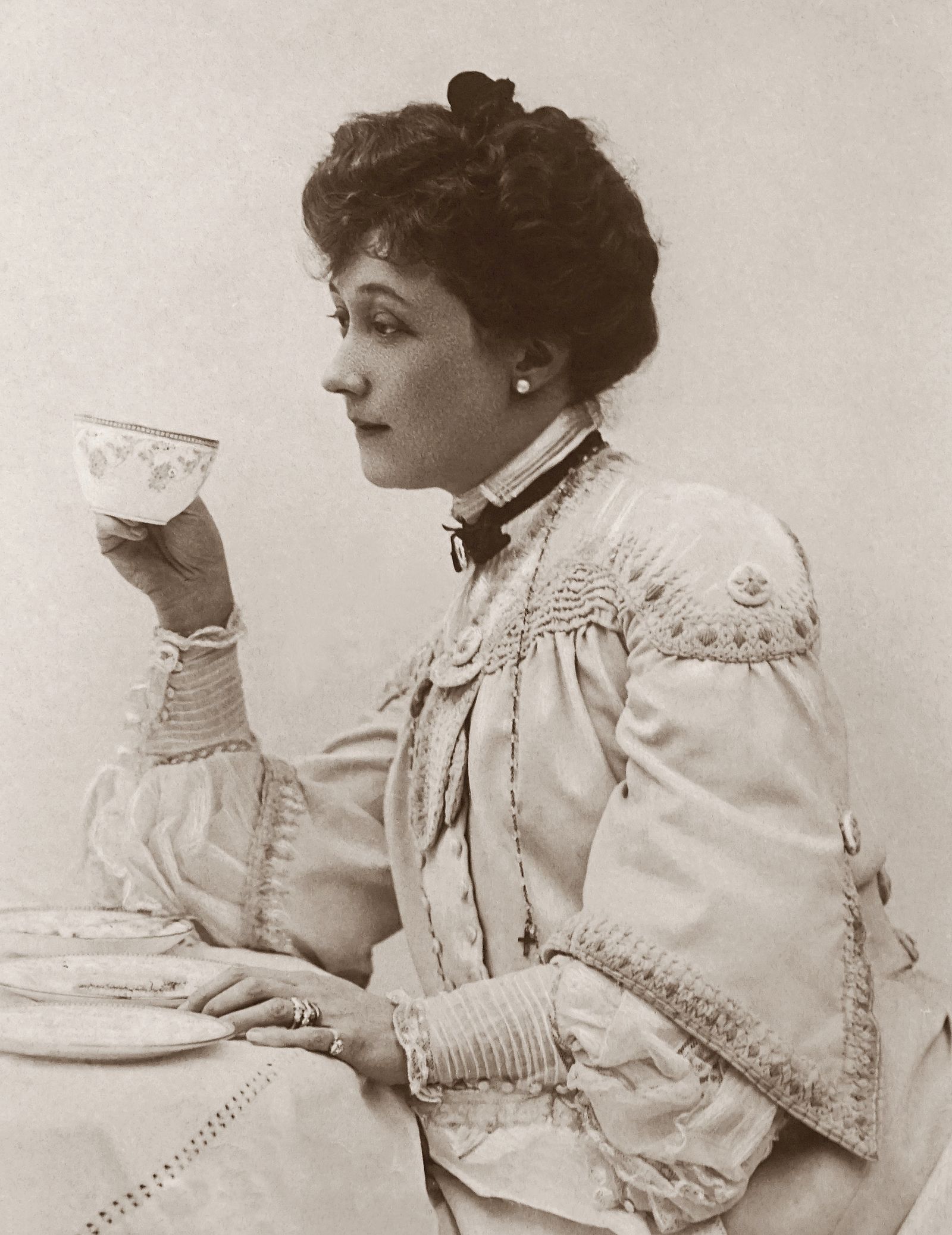
A black-and-white photograph records how light or dark things were, not what color they were. That sounds obvious until you consider what it means in practice: a red scarf and a green scarf of similar depth photograph as the same grey. Two dresses that looked completely different at the wedding can be indistinguishable in the print. No process — human, digital, or artificial intelligence — can read the original colors back out of the photograph, because the information was never stored there.
This is not a limitation of current technology that a better tool will fix. It is what the medium is. Colorization guides and archivists state it plainly: because grayscale media records lightness rather than hue, a colorized result is an interpretation unless it is verified against reliable evidence from outside the photograph itself. A colorist, or an algorithm, is making an educated reconstruction. The education is what you are paying for.
Hold onto that fact, because it reframes every buying decision below. You are not shopping for the service that “finds” the true colors. You are shopping for the service whose guesses are best informed, most carefully checked, and most honestly labelled.
How the work is actually done
Hand tinting is the original method. Long before digital tools, photographers and studio artists added color to prints with dyes, paints, and pigments — transparent oils worked in by brush, so the photographic detail showed through. It survives today as an archival craft: traditional hand coloring of a complex print is skilled physical labor and is commonly priced, in one recent benchmark of colorization methods, at roughly $200 to $800 per print. Almost no family commission needs this level, but it explains the top of the price ladder: color has always been labor.
Digital colorization is the professional middle. A retoucher works on a high-resolution scan — never on your original print — building the image in layers. First the photograph is restored enough to be readable: scratches, tears, stains, and fading are repaired in black and white, because color laid over damage just gives you colored damage. Then the colorist isolates each element with masks — skin, hair, each garment, the background, the furniture, a sign, a vehicle — and applies color to each layer while preserving the original highlights, shadows, and texture underneath. Edges, eyes, and small details get refined by hand. The layered method matters to you for a practical reason: it is revisable. “Her dress was blue, not green” is a five-minute correction on a layered file and a restart on a flattened one.
AI colorization is the fast first draft. Modern tools, including diffusion-based models, predict plausible colors from patterns learned across enormous numbers of color photographs. They are genuinely good at the statistically predictable: skies are blue, grass is green, skin falls in a human range. They cost very little — consumer tools run from free previews to a few dollars per image — and they produce a result in seconds. What they cannot do is consult your family's memory, a uniform regulation, a fabric swatch, or a caption on the back of the print. The AI is producing an interpretation constrained by pixels and probabilities, not checking evidence. Reviews comparing AI colorizers consistently find visible differences between them in skin tones, saturation, and how faithfully the original composition survives — which is another way of saying the guesses differ, because guesses are what they are.
Most good professional services in 2026 are hybrids, whatever their marketing says: AI or an automated pass generates a starting point, and a person reviews, corrects, and finishes it. One Jacksonville studio describes its $25 service exactly that way — AI-assisted colorization with personal review of faces, clothing, and background. That combination, honestly described, is usually the sensible buy for family work.
What it costs
Prices separate cleanly into three bands, and the bands buy different things.
| Route | Typical cost per photo | What you are actually buying |
|---|---|---|
| AI apps and automated services | Free preview to about $3–$8 | A plausible first version in seconds; no research, no family input, minimal correction |
| Professional colorization (standalone) | About $25–$40 | Human review and correction; FOREVER lists colorization at $39.99, one independent studio charges $25 per image |
| Colorization added to restoration | Adds about $10–$40 to the restoration fee | Color built on a properly repaired black-and-white file; total commonly $35–$110 depending on damage |
| Archival / hand-colored work | $200–$800 per print | Traditional hand coloring or research-verified archival work, quoted per piece |
The surrounding numbers support that shape. A 2026 restoration cost guide puts professional restoration at $19 to $59 per photo across its tiers, with colorization as a $10–$20 add-on and premium heirloom tiers reaching $59–$99 including colorization. A separate 2026 price roundup, checked against studios' own pages, puts professional restorers at about $25 to $85 per photo, severe damage at $95 to $250 or more, and colorizing as an add-on of about $15 to $40. Bundles change the arithmetic: one retoucher offers restoration plus manual colorization at $25 for a single photo and $89 for five, delivering both the restored black-and-white and the color version. Rush delivery, where offered, typically adds a 50–100 percent premium — ask before you assume a deadline is free.
Two pricing warnings. First, restoration and colorization are different services, and a quote for one may exclude the other; more than one studio states this explicitly on its price page, because customers keep discovering it afterwards. Second, per-photo prices assume a scannable, reasonably intact image. Rebuilding a missing face or a torn-away half of a group portrait is reconstruction work and is quoted like it.
The accuracy questions — and the reference material that answers them
If accuracy matters to your family — and for heritage photographs it usually does, even when nobody says so at first — the quality of a colorization is decided before any color is applied, by the reference material gathered. This is the part of the process you control, and it is where families get the most value for money.
What can be known, and how:
- Uniforms, insignia, and official colors are the most verifiable things in any old photograph. Military and police uniforms, school colors, sports kits, and company liveries were regulated and documented. A colorist who is given the regiment, the unit, or the employer can work from references rather than taste. One manual colorization studio describes exactly this practice: uniforms and insignia colored from references, interiors and nature from the season visible in the photo, fabric judged by its texture.
- Family testimony is next, and it is perishable. The relative who remembers that the dress was blue, the car was maroon, and the front door was green will not be available forever. Ask now, write it down, and give it to the colorist as a list attached to the specific photograph. Memory is fallible, but it outranks an algorithm's statistics about dresses in general.
- Surviving objects and later color photographs are gold. The actual dress, a swatch, the house still standing, a color snapshot of the same room or car from a decade later — photograph them and send them with the commission.
- Period sources discipline everything else: paint charts, car color catalogues, fashion plates, and other photographs of the same street or building in the same era. This is the research layer that separates archival colorization — where a professional review alone can run $50 to $300 per image — from a plausible pass. You are paying for somebody to check, not to guess faster.
What cannot be known should be agreed in advance. Eye color in a soft portrait, the exact shade of a long-gone dress with no witness and no surviving cloth, the color of a rented backdrop: honest colorists will tell you these are judgement calls. One retoucher's policy, printed on its own site, is the model: “We do not guarantee exact colours when colorizing. We do not know the colour of a dress or eyes; we make it plausible.” A service that promises you the true colors of 1948 is promising something no one can deliver, and that promise itself is the red flag.
There is a useful test from recent research. In a November 2026 experiment, testers took genuine early color photographs — the measured-color composites of Sergei Prokudin-Gorskii, made between about 1909 and 1915 and held by the Library of Congress — converted them to grey, and let three AI colorizers repaint them against the known answer. The median color error was about 9 on the ΔE2000 scale, where zero is identical; neutral surfaces like whitewashed walls held up well, while painted roofs, domes, and glazed tile were clearly wrong about one time in three. Read that as the honest summary of the whole field: the predictable world comes back well, and the specific, saturated, human-chosen colors — often the very details a family cares about — are where the guessing shows.
Preparing your photographs
Scan, or have scanned, at at least 300 pixels per inch — for an 8×10 print that yields roughly 2,400 × 3,000 pixels, enough for viewing and ordinary reprinting — and work only on copies. Handle originals by the edges, and send the colorist the best scan, not a phone snapshot of the print under kitchen light, unless they ask for one. If the photograph is damaged, decide whether you want restoration first; most professionals restore in black and white before color for a reason, and deliver both versions, so your archive keeps an honest monochrome copy alongside the interpretation. Label the colorized files as colorized, with the date and the service, in your family archive. Future generations deserve to know which version is the document and which is the reconstruction — archivists ask for exactly that labelling, and it costs you nothing but a filename.
Questions to ask before you pay
- Is the work manual, AI, or AI with human review — and who reviews it?
- Does the price include restoration, or is damage repair separate?
- Will you work from reference material and family notes if I supply them?
- How many revisions are included, and what does an extra one cost?
- Will I receive both the restored black-and-white and the color version, at full resolution, suitable for printing?
- Which colors in my photograph will be evidence-based, and which will be your judgement?
- How is the finished file labelled or documented as a colorization?
Finding a colorist
This site's listings include 3,152 businesses under photo retouching and coloring and a further 1,063 under photo restoration — a deep bench, and a reminder that colorization sits inside the wider retouching trade rather than apart from it. Shortlist two or three, send each the same scan with the same reference notes, and compare not just price but response: the colorist who asks you questions — about the regiment, the dress, the car, the year — is showing you their process before you have paid for it. For a shoebox of family photographs, that curiosity is the product. The color is just how it arrives.
Sources
- BestPhoto, “How Much Does Photo Restoration Cost? 2026 Prices” — professional restorer ranges ($25–$85 per photo; severe damage $95–$250+), colorization as a $15–$40 add-on, checked against companies' own pages in October 2026. https://bestphoto.ai/blog/photo-restoration-cost
- Restored Past, “Photo Restoration Cost Guide 2026” — restoration tiers ($19–$59), colorization add-on ($10–$20), heirloom tiers including colorization ($59–$99), rush premiums. https://www.restoredpast.com/blog/photo-restoration-cost
- Photo Digitizer, “Photo Colorization – $25 Per Image” — a working studio's price, its AI-assisted-plus-manual-review process, and its statement that exact historical colors cannot always be confirmed. https://www.photodigitizer.net/image-colorization-service/
- GdeFoto, manual photo restoration and colorization — restoration plus hand colorization pricing ($25 single; $89 for five), its layered method, and its policy of not guaranteeing exact colors. https://www.gdefoto.com/en/photo-restoration/
- ColorizeThis, “How to Colorize Black and White Photos Accurately” (Medium, November 2026) — the Prokudin-Gorskii test: median ΔE2000 error about 9 across three AI colorizers, with painted roofs, domes and glazed tile clearly wrong about one time in three. https://medium.com/@revivophoto/how-to-colorize-black-and-white-photos-accurately-we-tested-3-ai-models-against-real-1910s-color-ac5cc5667611
- Emergent, “Colorization: Methods, Uses, Limits, Accuracy” — the underlying principle that grayscale records lightness, not hue, so colorization is interpretation unless verified against external evidence. https://emergent.sh/glossary/colorization
Photographs: classic portrait — photo by Suzy Hazelwood, https://www.pexels.com/photo/classic-photo-of-a-woman-holding-a-tea-cup-3682153/ ; vintage camera — photo by Elina Volkova, https://www.pexels.com/photo/vintage-analog-camera-18332726/
More guides
- How to Find a Wedding Photographer: The Complete, Honest GuidePhotographers › Wedding Photographers
- How Much Does a Wedding Photographer Cost? Packages DecodedPhotographers › Wedding Photographers
- 10 Questions to Ask a Wedding Photographer Before You BookPhotographers › Wedding Photographers
- Wedding Photography Styles Explained: Documentary, Editorial, Traditional, Fine ArtPhotographers › Wedding Photographers
- Hiring a Wedding Photographer in California: Venue Light, Permits, and Price LevelsPhotographers › Wedding Photographers
- All Guides & ArticlesBrowse the full guides library