Photographers › Digital Imaging Photographers
Digital Imaging Photographers: The Complete Checklist Before You Commit
"Digital imaging" is the least self-explanatory label in photography. It covers the people and studios who capture, scan, retouch, composite and finish images digitally: the product photographer whose packshots feed your store, the retouching house that cleans a thousand catalogue images, the scanning studio digitising your company's paper archive, the specialist who composites a product into a scene it never sat in. For a small business, these are not creative luxuries. They are production suppliers — and they should be hired with a production checklist, not a vibe.
This site lists 354 digital imaging photographers, which is plenty of choice and no guidance at all about which of them can run a 2,000-image job to a deadline. That is what the checklist is for. It runs in the order a job actually unfolds: define the work, fix the specifications, test before you commit volume, price it properly, settle rights and files, and only then sign. Every item on it exists because its absence has cost some business money, a launch date, or a second run at the same job.

Stage 1: Define the job in units a quote can be built from
- [ ] Name the service precisely. Capture (new photography), scanning (digitising existing material), retouching (fixing and finishing), compositing (building images from parts), or some chain of them. Quotes are incomparable until each provider is pricing the same chain.
- [ ] Count the units. Images, products, pages, originals — and count them yourself. "A box of photos" is not a unit; scanning services price per image, and published rates for loose prints run from roughly $0.32 to $0.98 apiece depending on resolution and volume, so the difference between 800 and 1,200 prints is real money.
- [ ] Separate heroes from bulk. In almost every business job, a minority of images carry the sales weight — the hero product shots, the images for the campaign — and the rest need competent, consistent production work. Pricing every image at hero level is the most common way small businesses overspend: one worked example from an editing service's own price list shows a jewellery store paying $650 for a month's images when sorted by need, against $2,100 if every image had been sent at the top retouching level.
- [ ] Fix the deadline and what drives it. A store launch, a catalogue print date, a seasonal drop. Say which images the deadline actually depends on; a good imaging provider can sequence a job so the critical tenth arrives first.
- [ ] Decide the end use before anyone quotes. Web only, print, large format, marketplace listings — each sets different resolution, colour and file requirements, and retrofitting them afterwards means paying twice.
Stage 2: Lock the technical specification
This is the stage amateurs skip and professionals write down. Your specification is a short document, and it should cover:
- [ ] Resolution, in numbers. For scanning: the dpi, and why. Published guidance from scanning services is consistent — 300 dpi reproduces a print at its original size; 600 dpi is the working standard for archives you intend to enlarge or edit (one large digitisation firm scans by hand at 600 dpi as its standard); four-figure dpi is for small originals and special cases, and it multiplies file sizes and sometimes prices. For capture and retouching: the delivered pixel dimensions, not "high resolution."
- [ ] File formats, plural. A master format (TIFF or the layered working file where relevant), a delivery format (usually JPEG), and any marketplace or web derivatives. Agree whether you receive the layered files — the difference between a flattened JPEG and the layered master is the difference between tweaking an image next season and reshooting it.
- [ ] Colour space and profile. sRGB for web and marketplaces; Adobe RGB or CMYK conversions for print. Ask how colour-critical work is matched — against the physical product, a reference file, or a calibrated screen on their end — because "the red looks wrong" is the most common dispute in product imaging and it is almost always a colour-management argument.
- [ ] The platform rules your images must pass. If the images are for Amazon, the main image has hard rules: a pure white background (RGB 255, 255, 255), the product filling at least 85 percent of the frame, and no text, logos or watermarks. Other marketplaces and Google have their own. Hand the provider the rules; do not assume they know your channels.
- [ ] Naming and organisation. File-naming convention, folder structure, and — for scanning — whether your existing order and labels are preserved and mirrored in the digital folders. Good scanning services keep your groups in order and name folders from your labels as a standard inclusion. Getting 2,000 files back as IMG_0001 through IMG_2000 is a self-inflicted wound.
Stage 3: Test before you commit volume
- [ ] Run a paid test batch. Ten to twenty images that represent the range of your job — including the hardest one, not the easiest. Every reputable editing and scanning house will do this; many publish free or cheap trials. A provider who resists a test batch on a volume job is telling you something.
- [ ] Judge the test against the spec, in writing. Colour against the physical product. Edges on the cut-outs. Consistency across the batch — the tenth image should match the first, because your catalogue page will show them side by side.
- [ ] Check the turnaround on the test, not the promise. Production editing houses advertise 24-to-72-hour turnarounds; scanning a large archive is a different beast — one established firm quotes four to eight weeks as typical for its orders. Your test tells you which end of the range your job will live at.
- [ ] Confirm who actually does the work. Much production retouching is done by specialist editing houses, including overseas teams, at per-image rates a local studio cannot match. That is not a problem in itself. It becomes one if you believed you were hiring the person in front of you, or if your images are sensitive — unreleased products, embargoed campaigns — and you never asked where the files go.
Stage 4: Price it on the right model
Digital imaging is sold per image, per hour, per day and per project, and the models suit different jobs. Per-image pricing dominates production work because it is forecastable; published rates from editing services show how wide the ladder runs:
| Work | Published per-image rates | Notes |
|---|---|---|
| Clipping path / background removal | From ~$0.39–$0.50 | Hand-drawn paths; complex edges (hair, fur, glass) move to masking at ~$1.19+ |
| Basic product retouching | ~$0.69–$1.50 | Dust, spots, colour correction, crop and resize |
| Ghost mannequin (apparel) | From ~$0.89–$2.00 | Neck-joint finishing costs more than simple removal |
| Advanced / complex retouching | ~$1.49–$25 | Composites, rebuilding, difficult products |
| High-end retouching (jewellery, fashion) | $10 and up | Campaign-level work; hourly specialists run far higher |
| Photo scanning (loose prints) | ~$0.32–$0.98 | By dpi and volume; hand-scanning and album work cost more per image |
- [ ] Get the level definitions in the quote. "Retouching" at $0.69 and "retouching" at $15 are different products sharing a word. The quote should describe what is done at your level — and what is not.
- [ ] Ask about volume tiers and rush fees. Published practice includes bulk discounts of 10–30 percent at volume and rush surcharges around 20 percent for 24-hour service. Both belong in the quote, not in a later invoice.
- [ ] For scanning, price the whole job, not the scan. Order minimums, service fees (one firm charges a flat $50 handling fee on all orders), delivery media, metadata and caption work, and return shipping of originals all ride on top of the per-image rate.
- [ ] For capture work, clarify what the per-image rate includes. One product photographer's published model — $90 per finished packshot with a ten-image minimum, $400 for styled lifestyle images — has standard retouching folded into the rate. Another studio will charge capture and editing separately. Neither is wrong; comparing them without unbundling is.
Stage 5: Settle rights, files and originals
- [ ] Usage rights, in plain terms. Who may use the finished images, where, and for how long. For commissioned product and brand work, businesses usually need broad, perpetual use of the finished images; confirm the contract says so, and whether the raw or layered files are included or held by the provider.
- [ ] Confidentiality for unreleased material. If the images show products before launch, agree who sees the files, where they are stored and processed, and when working copies are deleted.
- [ ] Originals: chain of custody. For scanning and archive work, your originals are the business's history. Log what leaves, ship tracked and insured, confirm how originals are stored at the studio, and agree the return method in advance. Established digitisation firms make a point of "your originals always come home" — get the equivalent commitment in your paperwork, with the order of originals preserved.
- [ ] Backup and re-delivery. How long does the provider keep your finished files and masters? If your copy is lost in two years, can the job be re-delivered, and at what cost?
Stage 6: The contract itself
- [ ] The spec is attached. Resolution, formats, colour, naming, platform rules — the Stage 2 document, referenced in the agreement, so "not to spec" has a meaning.
- [ ] Acceptance and revision terms. How many revision rounds are included, what counts as a revision versus a new instruction, and the window in which you must flag problems after delivery.
- [ ] Sequencing and milestones. For large jobs: delivery in batches, with the deadline-critical images first, and payment tied to accepted batches rather than a single completion date.
- [ ] The failure clause. What happens if quality or timing fails mid-job — rework, partial cancellation, return of originals and files. The time to write this is while everyone is still friendly.
The one-page version
Define the job in counted units, heroes separated from bulk. Write the spec down — dpi or pixel dimensions, formats including whether you get layered masters, colour space, platform rules, file naming. Test with a paid batch that includes your hardest image. Price on per-image levels with the level definitions, volume tiers and rush fees in the quote. Settle usage rights, confidentiality, custody of originals and re-delivery before work starts. Attach the spec to the contract, tie payment to accepted batches, and write the failure clause while you still like each other.
Do those things and a digital imaging photographer stops being a creative gamble and becomes what your business actually needs: a supplier whose output you can specify, test, price and accept — the same way you would any other production the business depends on.

Sources
- Lars Miller Media, Product Photography Retouching: Levels, Costs and Rules — published editing-house rates from $0.25–$1.19 per image for production tasks and $10+ for high-end work, bulk discounts of 10–30% and a 20% rush fee, Amazon's main-image rules (pure white RGB 255 background, product filling 85% of the frame, no text or watermarks), and packshot pricing of $90 per image with retouching folded in.
- Vector Design US, Product Photo Editing Services — per-image tiers from $0.50 (basic) through $1, $2 and $5 (high-end), with ghost mannequin from $2 and product retouching from $1.50.
- Path Edits, Photo Retouching Costs: The 2026 Pricing Guide — basic retouching at $0.69–$2.49 per image, standard product retouching at $0.79–$2.99, and commercial or editorial retouching at $15–$150+.
- Smooth Photo Scanning, Photo Digitization Services — loose-photo scanning from $0.32 to $0.62 per image by resolution (300–1200 dpi) and volume, with quantity discounts up to 25%.
- Legacy Digital, Photo Scanning Service — scanning at up to 1000 dpi from $0.49 per loose photo, typical turnaround of 4 to 8 weeks, and originals returned with the digital files.
- EverPresent, Convert Photos to Digital — 600 dpi hand scanning as standard, $0.68 per scan at 300+ volume, organisation and folder labelling included, and a $50 service fee on all orders.
- Fast Photo Editing, Product Photo Editing Prices Explained — worked budgets showing the cost difference between sorting images by retouching level and sending every image at the top level.
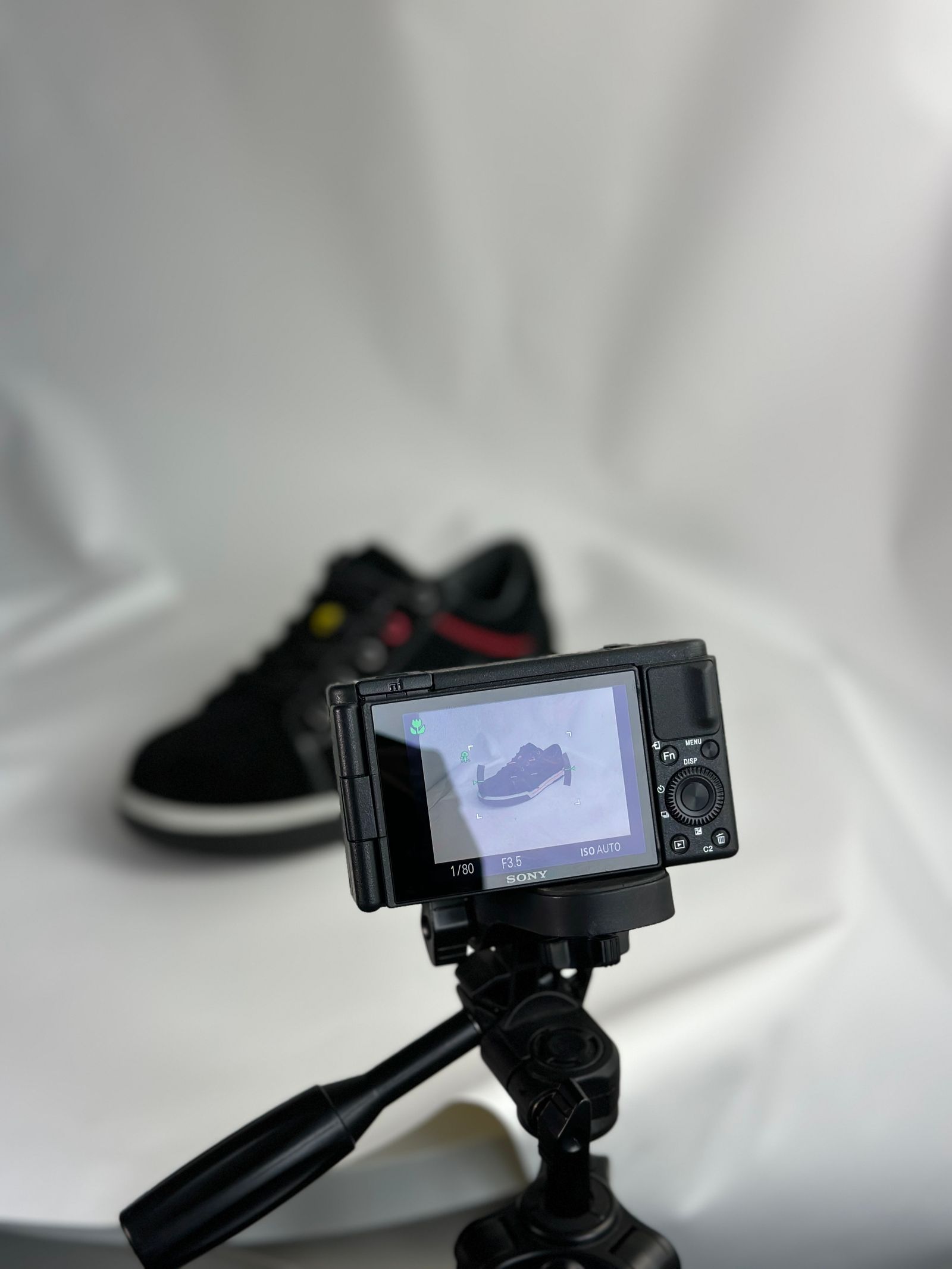
Photos: Retoucher at a desk — photo by Darlene Alderson, https://www.pexels.com/photo/7971616/ ; Sneaker product shoot — photo by J. S. J. S., https://www.pexels.com/photo/18190257/ ; Editing desk — photo by Masood Aslami, https://www.pexels.com/photo/19177223/
More guides
- How to Find a Wedding Photographer: The Complete, Honest GuidePhotographers › Wedding Photographers
- How Much Does a Wedding Photographer Cost? Packages DecodedPhotographers › Wedding Photographers
- 10 Questions to Ask a Wedding Photographer Before You BookPhotographers › Wedding Photographers
- Wedding Photography Styles Explained: Documentary, Editorial, Traditional, Fine ArtPhotographers › Wedding Photographers
- Hiring a Wedding Photographer in California: Venue Light, Permits, and Price LevelsPhotographers › Wedding Photographers
- All Guides & ArticlesBrowse the full guides library