Photographers › Photo Retouching & Coloring
How to Hire a Photo Retoucher: Rates, Turnaround, and What to Send
Every working photographer reaches the same wall. The shoots go well, the clients are happy, and the editing queue eats the business alive — evenings in Lightroom, weekends on skin work, delivery dates slipping not because the photography is slow but because the finishing is. Businesses hit the same wall from the other side: a catalog of product photographs that are ninety percent right, held back by dust, wrinkles, reflections, and backgrounds that are almost white.
That is the moment to hire a retoucher — and usually the moment people discover they have no idea what retouching costs, how long it should take, or what a retoucher needs from them. Published prices span from twenty cents an image to well over a hundred dollars, and both ends are honest. They are simply selling different work under the same name.
This guide unbundles it: what the levels of retouching actually are, what each level costs and how long it takes, how revisions normally work, and — the part that decides whether your money buys results — exactly what to send and how to brief it.

First, name the level of work you actually need
Retouching is not one service. It is a ladder, and most bad hires are level mistakes — paying campaign prices for cleanup, or cleanup prices for campaign work and being disappointed.
Production edits are single, well-defined tasks applied at volume: clipping paths and background removal, adding a natural shadow, masking around hair or glass, ghost-mannequin assembly for apparel, straightforward color correction. This is process work. A skilled operator with a good system does it fast and consistently, and it is priced accordingly — in cents and low dollars per image.
Standard retouching is judgment work on individual frames: dust, spot and scratch removal, taming reflections on product surfaces, removing wrinkles from fabric, gentle beauty cleanup that keeps skin texture intact. Still priced per image, still efficient, but the price now reflects decisions, not just operations.
Advanced and high-end retouching is handwork that resists automation: full beauty and fashion skin work built on dodge-and-burn and frequency separation, jewelry with its chains, prongs and reflections, composites, object removal and reconstruction, editorial and campaign images that will be printed large and looked at closely. This is priced like craft, because it is — a single image can take an experienced retoucher an hour or more, and no batch discount changes that arithmetic.
Before you ask anyone for a quote, sort your images by level. Most real jobs are mixed: a catalog shoot might be eighty percent production work, fifteen percent standard, and five percent hero images that deserve the high-end treatment. A quote that prices the whole batch at one level is either overcharging you for the easy frames or undercharging for the hard ones — and undercharging is not a bargain if it means the hard ones come back done at cleanup standard.
What it costs
Published rate cards from editing houses and working retouchers, checked for this guide, draw a consistent map:
| Level | Typical price per image | What it covers |
|---|---|---|
| Production tasks | $0.20–$1.19 to start | Background removal from $0.20, clipping paths from $0.25, shadows from $0.25, ghost mannequin from about $0.50–$0.89, masking from $1.19 — "from" prices for simple shapes at standard turnaround |
| Basic retouching | $0.69–$2.49 | Dust, spot and scratch removal ($0.69 simple, $2.49 complex on one major rate card) |
| Standard retouching | $0.79–$5 | Reflection removal, fabric wrinkle work, simple beauty airbrushing ($1.29 on the same card, $2.99 complex); broader market range up to about $5 |
| Advanced retouching | $1.49–$25+ | Multi-task product and portrait work, complex masking, detailed cleanup |
| High-end / editorial | $10–$150+ | Jewelry and fashion beauty from about $10 at volume houses; boutique and editorial specialists commonly $15–$100+, campaign work higher still |
Four forces move a quote inside those ranges, and understanding them makes you a better buyer than any haggling will.
Complexity is the first. A white sneaker on a white background and a bicycle are both "one clipping path." Hair, fur, glass, chains, and transparent or reflective surfaces are where prices climb, because edges are where the time goes.
Volume is the second. Per-image prices fall as batches grow, because the setup — reading your brief, matching your look, building the delivery structure — is shared across every frame. Retouching twenty images genuinely costs more per photograph than retouching two thousand, and bulk discounts of 10–30 percent on large orders are published practice, not a favor to extract.
Who you hire is the third. The same standard edit can be bought from an offshore production house, a marketplace freelancer, a managed service, or an independent specialist, at very different prices — and what changes is not only the pixels but the accountability: who checks the work, and who owns the redo. Freelance marketplace listings started anywhere from $9 to $349 in one November 2026 check, with half at $30 or less — a spread that tells you the listing price is the beginning of the conversation, not the answer.
Turnaround is the fourth — covered next, because it deserves its own arithmetic.
Turnaround: what "fast" costs
Standard turnaround at the large editing houses is 24 hours for production work, with published option ladders running from about 6 hours to 96 hours, priced by speed. Standard and advanced work at smaller services typically runs one to five business days. High-end and composite work is measured in days, not hours, because it is one pair of hands doing sequential handwork — plan accordingly, and be suspicious of anyone who promises campaign-level beauty work back overnight at volume.
Rush is a real product with real prices. Published examples include a 20 percent fee for 24-hour rush at one house, and 25–50 percent premiums for delivery inside 72 hours in product-retouching guidance. The pattern is universal even where the percentages differ: speed costs a quarter to a half more, because your job is jumping a queue of other people's deadlines.
Two buyer habits keep turnaround honest. First, give the real deadline — retouchers plan their queues around stated deadlines, and a false early one spends your credibility and sometimes a rush fee on nothing. Second, count the clock from a complete delivery on your side: a batch that arrives in three dribbled uploads, brief landing a day later, has not been "with the retoucher since Tuesday" in any sense that should shape your expectations.
Revisions: the norms nobody states out loud
Most revision pain is a definition problem. In professional practice, a revision is an adjustment to work that followed the brief — the skin is smoother than you wanted, the background white is a touch warm. A change of brief — different background, different crop, the other product colorway — is new work, and retouchers are within their rights to charge for it. Keeping those two categories separate in your own head will prevent most disputes before they start.
Ask, before you commit, how many revision rounds are included, what counts as a round, and what an extra round costs. Practices vary from revisions included in the price to a set number of rounds with paid rounds after. There is no single industry standard, which is exactly why it belongs in your first conversation rather than your first complaint.
Then hold up your end. The working rule, repeated by retouchers everywhere: gather every note and send them in one message. Eight points in one message is one revision round; eight messages across two days is eight interruptions and, by many agreements, eight rounds. Review at 100 percent magnification on a proper screen, not on your phone on a train — texture problems, edge halos, and over-smoothing are invisible at thumbnail size and glaring in print. Be specific enough to act on: "frame 12, forehead too smooth, bring back texture" is a note; "make it pop" is a wish. And say what worked. It is not flattery — it calibrates the next batch, and retouchers consistently say a client who marks what to keep unchanged gets closer first passes.
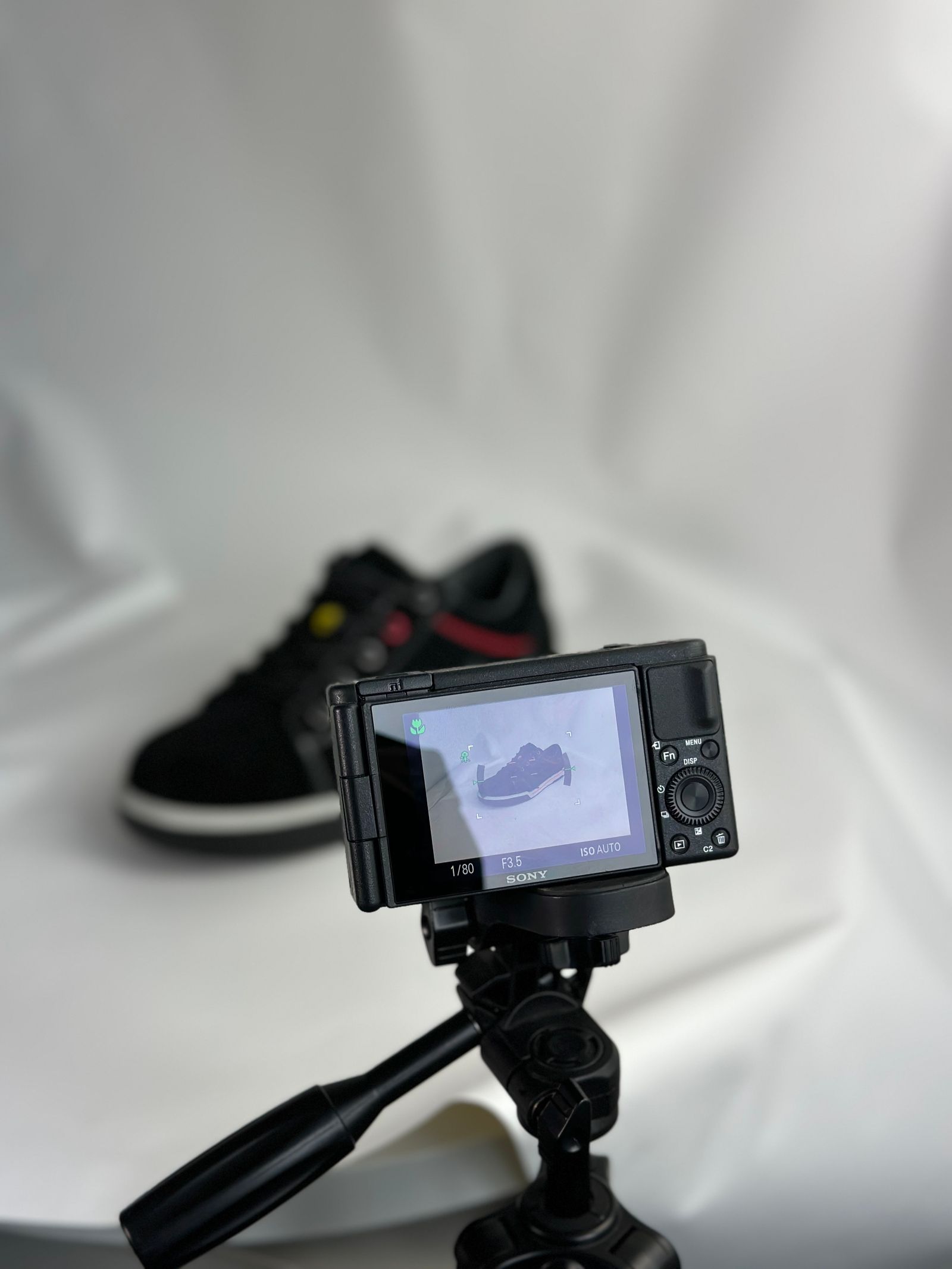
What to send: files that give the work a chance
Full resolution, always. You cannot get print-ready files back from web-sized uploads. This is the most common unforced error in outsourcing: a photographer exports 2,000-pixel web copies out of habit and sends those. Send the real files.
The format the work needs. RAW files give the most room for exposure and color recovery, and are the right send when the frames need rescue as well as polish. If you have already done work you want kept — a color pass, a lens correction — send a layered TIFF or PSD, say clearly what you have already done, and include a flattened copy if the layered file is enormous. A full-resolution, high-quality JPEG is entirely fine for cosmetic work on a well-exposed frame. What never works: screenshots, social-media exports, and files that have been saved and re-saved until the compression shows.
Selects only. Cull before you send. Retouching rejected frames wastes your money, and a retoucher cannot know which of sixty frames your client will actually see. Send what will be delivered, plus the legitimate extras that are parts of a single finished image — composite source frames and empty plates are not extra images; they are ingredients.
One batch, one link, tested. Send the set in one batch through one link — Drive, Dropbox, WeTransfer, the service's own portal — and test that link in a logged-out browser window before you send it. A set that arrives in pieces gets started twice; a link the retoucher cannot open costs a day of polite emails. Make sure the link will live longer than a couple of days, and keep your own untouched backup of everything you sent. Originals stay with you; copies go out.
The brief: five minutes that decide the first pass
Retouchers are unusually consistent about this: most revisions trace back to an unclear brief, not to careless work. A good brief is short. It contains six things.
What the images are for. Print or web, final sizes, the crops you will need. An image destined for a large print is retouched differently from one headed for a phone screen, and asking for every crop up front is cheaper than reordering later.
Reference frames from your own finished work. Two to four images you have already delivered and are happy with. This is the single highest-value item in the brief — "natural" and "clean" mean different things to different people, but your own delivered work shows your look exactly. It usually only has to be sent once; after that, a good retoucher matches you, and the notes get shorter every job.
A keep list. What must not change: freckles, scars, tattoos, a birthmark a family asked to keep, skin texture, the exact logo, the fabric's weave. The keep list is the part clients forget and the part that prevents the painful revision — the retoucher cannot know that the mark on a shoulder is the thing the sitter wanted preserved.
A fix list, per image where images differ. General instructions once, then notes only where a frame departs: remove the stray hairs, soften the shadow under the eyes, fix the dress color to the swatch. For color-critical work, send the swatch, the Pantone code, or the hex value — "the red one" is not a color specification.
The deadline and the delivery package. The real deadline, the formats you need back, whether you need layered files for future changes, and the color space. If you are unsure which package fits, describe what the finished frame has to do and ask — that is a question retouchers would rather answer before the work than after.
Anything unusual, up front. Privacy constraints, an NDA, a client whose images must not appear in any portfolio. Retouchers describe their file-handling plainly when asked — files used for the work only, deleted on request or within a stated period is a common policy — but ask before the files move, not after.
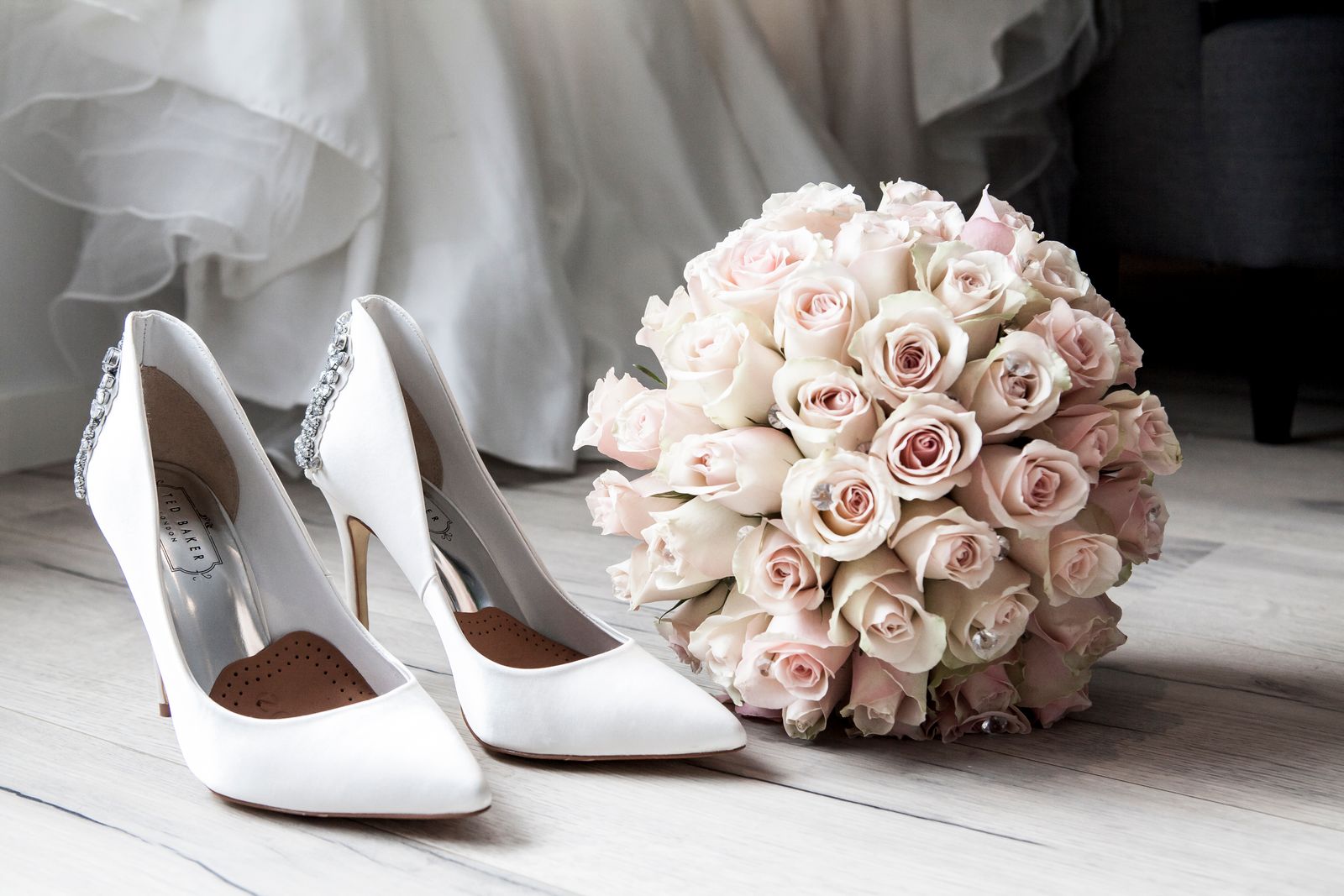
Test first, then commit
However you hire, start with a paid test: ten to twenty frames spanning your easy and hard cases, briefed exactly as a real job would be. Judge what predicts a working relationship: Did the first pass follow the brief, including the keep list? Did the files come back named, formatted, and on time? A retoucher who nails a test batch will scale with you. One who argues with the test brief will argue with every brief.
Then make it a system. Turn your brief into a reusable template — purpose, package, deadline, reference frames, keep list, fix list — and agree the standing terms once: rates by level, turnaround ladder, revision rounds, file retention. The people who outsource well are not the ones who found a miraculous retoucher. They are the ones whose process makes a good retoucher look miraculous.
Finding one
This site's directory lists 3,152 photo retouching and coloring businesses, within a photography directory of tens of thousands. That is far too many to audition — so filter by the work: look for retouchers who show your level of job (production, standard, or high-end) in their examples, ask the rate, turnaround, and revision questions in this guide, and let a paid test batch make the final decision. The right retoucher disappears into your workflow. That invisibility is the product. Buy it deliberately.
Sources
- Retouching Lab, "Photo Retouching Cost: Best Guide 2026" — typical 2026 costs from $0.20 per image for background removal upward; high-end beauty work quoted per image; volume and turnaround effects on price. https://retouchinglab.com/photo-retouching-cost-guide/
- Lars Miller Media, "Product Photography Retouching: Levels, Costs and Rules" — published outside rates from about $0.25–$1.19 per image for single tasks, high-end work from $10, 24-hour standard turnaround with 6–96 hour options, rush premiums. https://larsmillermedia.com/product-photography-retouching-guide/
- Path Edits, "Photo Retouching Costs: The 2026 Pricing Guide" — per-service rate card: dust and spot removal $0.69–$2.49, reflection removal $0.79–$2.99, beauty airbrushing $1.29–$2.99, commercial and editorial work $15–$150+. https://pathedits.com/blogs/tips/photo-retouching-costs
- Tucia, "How to Choose a Photo Retouching Service: Costs Compared" — freelance marketplace listing ranges and done-for-you service pricing and turnaround, checked November 2026. https://www.tucia.com/photo-retouching-services
- BeEdits, "How to Send Photos Safely to a Retoucher" — full-resolution files in one batch through one tested link, reference frames, keep/remove/do-not lists, and one-message revision notes. https://beedits.com/blog/how-to-send-photos-safely-to-a-retoucher
- LightHouse Retouch, "How to Brief a Retoucher: Files, Notes and a Simple Template" — RAW or full-size files, selects only, reference images, per-image notes, and a copyable brief structure. https://www.lh-retouch.com/blog/how-to-brief-a-retoucher
- Deividas Kvederys, "How to Send Images to a Retoucher" — cull before sending, send your own finished images as the style reference, and state what to leave alone. https://deividaskvederys.lt/en/how-to-send-images-to-a-retoucher/
Photos: retoucher at desk — photo by Darlene Alderson, https://www.pexels.com/photo/7971616/ ; sneaker product shot — photo by J. S. J. S., https://www.pexels.com/photo/18190257/ ; bridal shoes and bouquet — Pexels photo 313707, https://www.pexels.com/photo/313707/
More guides
- How to Find a Wedding Photographer: The Complete, Honest GuidePhotographers › Wedding Photographers
- How Much Does a Wedding Photographer Cost? Packages DecodedPhotographers › Wedding Photographers
- 10 Questions to Ask a Wedding Photographer Before You BookPhotographers › Wedding Photographers
- Wedding Photography Styles Explained: Documentary, Editorial, Traditional, Fine ArtPhotographers › Wedding Photographers
- Hiring a Wedding Photographer in California: Venue Light, Permits, and Price LevelsPhotographers › Wedding Photographers
- All Guides & ArticlesBrowse the full guides library