Photographers › Photo Restoration- Preservation- & Supplies
Photo Restoration and Preservation for Seniors: Costs, Comfort and the Adjustments Worth Asking About
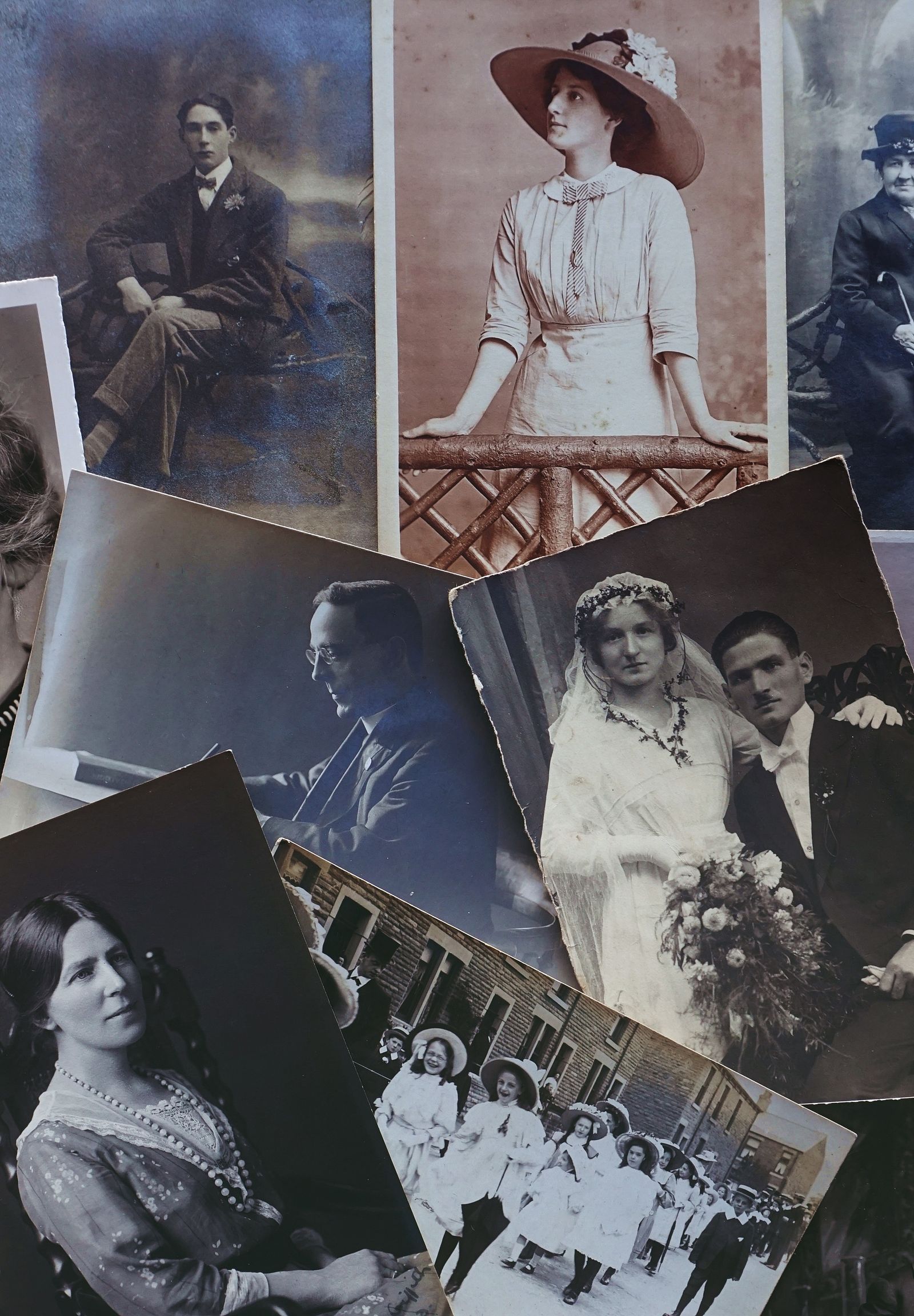
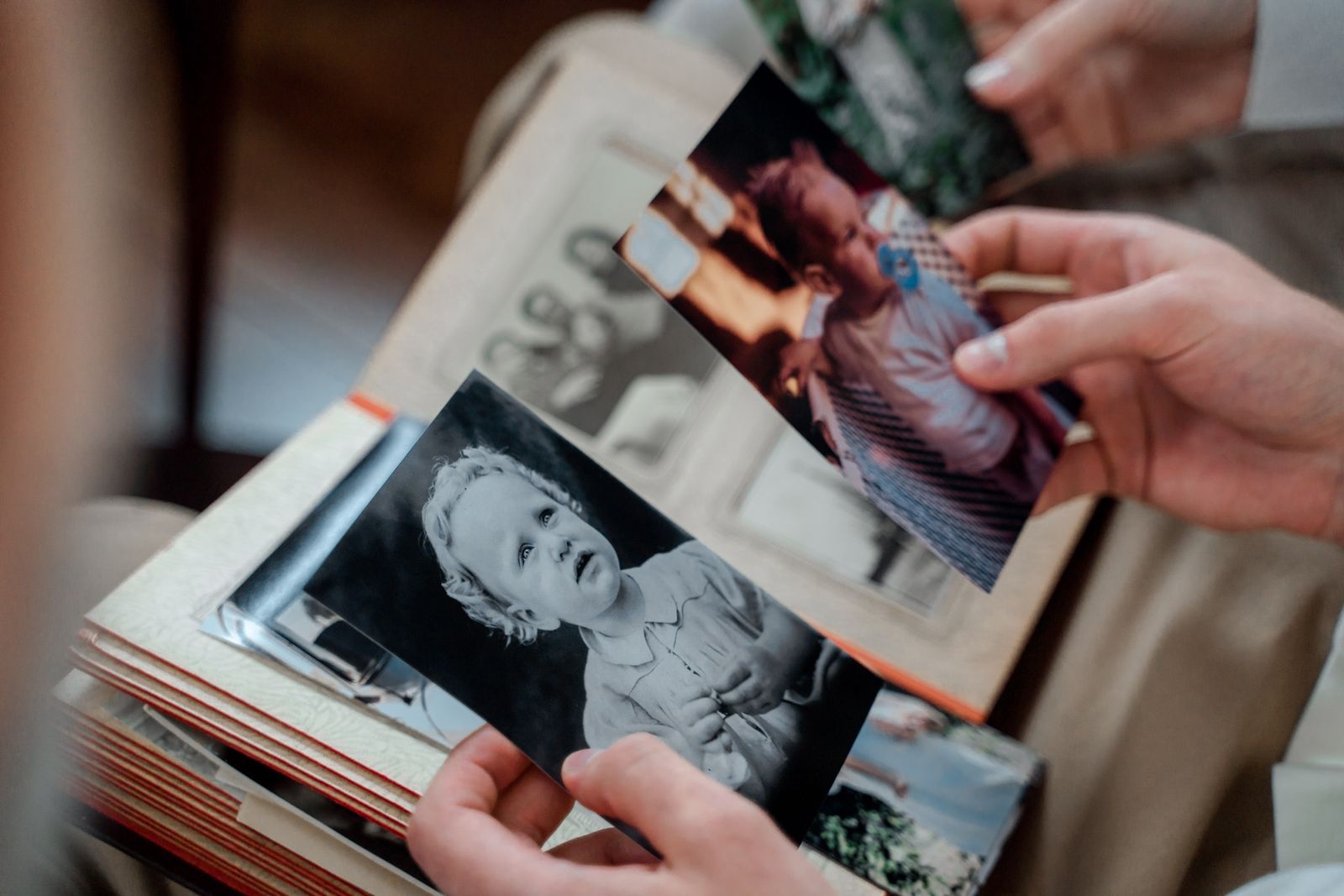
The photographs are usually in a box that has moved house three times. Or in an album whose pages have gone sticky, holding prints a little too tightly. Or in an envelope from a chemist, dated in pencil, with a wedding, a christening and a street that no longer exists all mixed together.
For older customers, photo restoration is rarely a technical purchase. It is a careful one. The prints may be the only copies in the world. The people in them may be gone. The person bringing them in may not use email comfortably, may read small print with difficulty, may need the whole thing explained slowly, in person, without being hurried — and may be quietly afraid that handing the box over is the last time they will see it intact.
Good providers understand that, and adjust without being asked. This guide is about what the work costs, what comfort should look like, and the specific adjustments worth asking for if they are not offered. This site lists 1,063 photo restoration, preservation and supplies listings, so you have choice. Use it to choose a provider who treats the customer as carefully as the photographs.
First, separate the two jobs
Restoration and preservation sound like one service. They are two, with different prices and different promises.
Preservation is stopping further loss: scanning prints, negatives and slides at a proper resolution, making faithful digital copies, returning the originals safely, and storing both in ways that do not quietly damage them. Scanning guidance is consistent on the basics: a flatbed scanner for fragile prints rather than a sheet-fed machine that can jam or crease them, about 600 dpi for standard prints — more for small prints, negatives and slides — colour scanning even for black-and-white originals, and an uncompressed master file such as TIFF, with smaller JPEG copies for everyday sharing.
Restoration is repair: cleaning dust and scratches, recovering faded contrast and colour, mending tears and creases, rebuilding small missing areas, and, if you want it, colourising a black-and-white image. Colourisation deserves one honest sentence before you pay for it: the colours are an interpretation, chosen to look right. They are not recovered from the original, because the original never recorded them.
A good provider quotes the two jobs separately, because many photographs need only the first. A clean, well-scanned print in decent condition does not need a restorer's hours. It needs a good copy and a safe home.
What it costs, by damage rather than by promise
Restoration pricing follows damage, and damage follows a simple rule: what is damaged, and where. A mark at a corner costs little. A crease through a face costs a great deal, because a face cannot be approximated.
Published price guides and service pages put the landscape roughly like this. Basic online services start low — from about $20 an image for light dust, scratches and tone recovery, rising through about $30 for visible tears and stains and $40 or more for heavy damage. Independent studios doing the work by hand, one photograph at a time, sit higher: roughly $75–$125 for light restoration, $125–$185 for standard work with tears, fading and water stains, and $185–$250 for major reconstruction. Marketplaces average out in between, with a typical job reported around $78 and most jobs falling between about $55 and $100. Colourisation is usually an add-on, commonly $25–$100 depending on the provider and the complexity of the scene.
| Level | What it usually covers | Typical price per photo |
|---|---|---|
| Preservation scan only | Flatbed scan at 600 dpi, master file plus a sharing copy, original returned untouched | Often priced per batch; ask for the per-photo figure in writing |
| Light restoration | Dust, scratches, small spots, mild fading, contrast and colour recovery | About $20–$125, depending on online service vs. local studio |
| Standard restoration | Tears and creases away from faces, moderate fading, water stains | About $85–$185 at a studio; less from high-volume online services |
| Major restoration | Missing pieces, severe fading, damage across faces and hands | About $150–$250 and up; always individually quoted |
| Colourisation (add-on) | Hand-applied colour for a black-and-white original | About $25–$100 on top of restoration |
Those spreads are wide because the market is wide. The protection is not finding the cheapest figure in the table. It is getting a firm, per-photo quote after the provider has seen the actual photograph — or a proper scan of it — and before any work begins. Reputable services do this as a matter of course: assess first, price second, and tell you plainly if a photograph cannot be restored. A completely blurred photograph, for example, cannot be sharpened back into focus, and an honest provider says so and charges nothing for saying it.
The comfort adjustments good providers make without being asked
This is the heart of the matter for older customers, and it is mostly not about photography.
They slow the appointment down. Sorting a lifetime of prints takes time, and decisions about which faces matter most cannot be made at counter speed. A good provider books a longer slot, offers a chair and good light, and does not treat questions as delays.
They put everything in large, plain writing. A one-page summary — what you left with them, what work was agreed, what it costs, when it will be ready, how you will be contacted — in print large enough to read at home without help. If the only record of your agreement is a small-font email attachment, ask for the paper version. You are entitled to leave with something you can read.
They do not insist on digital-only contact. Upload portals, app logins and links that expire are real barriers, not minor inconveniences. Good providers accept photographs brought in by hand, take instructions by telephone, and offer progress updates by phone as readily as by email. If a service can only be reached through a web form, that is a fact about who it is built for.
They let a family member be part of it. Many older customers want a son, daughter or grandchild in the conversation — to help choose, to keep a copy of the files, to remember what was agreed. A good provider welcomes that, copies the second person into the summary, and delivers the finished files to both. Be wary of any provider who treats a companion as an obstacle.
They handle originals like borrowed property. Numbered receipts for what was handed over. Originals kept flat, sleeved, and never trimmed, cleaned with liquids, or forced out of an album. Preservation guidance is blunt on this point: if a print is stuck to an album page, leave it and scan it in place rather than tearing it free, and never use cleaning products or liquids on old photographs. A provider who suggests peeling, flattening under weight, or "just trimming the damaged edge" is telling you how they will treat the rest of the box.
Adjustments worth asking for, if they are not offered
None of these requests is unreasonable, and a good provider will say yes to most of them on the spot.
- A test photograph first. Have one image — not the most precious one — scanned and restored before committing the whole box. You see the quality, the colours, the delivery format and the timescale, at the cost of a single photo.
- Proofs you can actually see. Ask for the restored proof as a print, or on a large screen in the shop, rather than a small image on a phone. Judging a face at thumbnail size is how over-smoothed, waxy restorations get approved by accident.
- The master files, in plain formats. Ask for the TIFF master and a JPEG copy, delivered on a USB stick as well as by any online link, with file names that say what the photograph is — not a string of numbers. Ask who else in the family should receive a copy, and have it sent while everyone remembers the conversation.
- Originals returned by a method you can track. If originals must travel, use tracked, signed-for delivery, keep your own list of what was sent, and consider hand-delivering the irreplaceable items to a local provider instead. Many families split the difference: local for the treasures, online for the duplicates.
- A written note of what was changed. Restoration involves judgement — a rebuilt background, a removed stranger, a colourised dress. Ask for a short note of the significant changes, kept with the files. In twenty years, a grandchild will want to know what is original and what is reconstruction.
- Time to decide. A provider who needs your answer today, at a price that expires tonight, is selling pressure, not preservation. The photographs have waited seventy years. They can wait until Thursday.
Storing what comes back
Preservation is finished at home, not at the counter. Keep originals where you live — a cupboard in a lived-in room, not an attic, basement or garage, where heat and damp swing hardest. Keep them dark, off the floor, and away from pipes. Use boxes and sleeves labelled acid-free and lignin-free, and sleeves of polyester, polypropylene or polyethylene rather than PVC. Frame copies for the wall, not originals, especially anywhere sunlight reaches.
For the digital copies, one copy is no copy: keep the master files in two places — for example, a USB stick or external drive at home and a second copy with a family member or in cloud storage. That simple duplication is what protects the collection against the fire, flood or failed laptop that preservation exists to defeat.
A calm way to choose
Start with the test photograph. Choose the provider who explained the two jobs separately, quoted after looking, wrote it down in print you can read, welcomed your daughter on the call, and handed your original back sleeved and listed. That behaviour is the product as much as the retouching is — because what you are really buying is your family's memory, handled by someone who acts as if they know it.
Sources
- Vector Design US, Photo Restoration Cost in 2026 — price ranges by damage level, from about $20 per image for light damage upward, with colourisation as an added cost, and Thumbtack's reported average job cost of about $78.
- Dale Studios, Custom Photo Restoration vs. Bulk Scanning — hand-restoration studio pricing of about $75–$125 for light work, $125–$185 for standard and $185–$250 for major restoration, and bulk scanning at around $1 per image.
- ScanCafe, Professional Photo Restoration Services — tiered pricing by damage, free assessment before payment, and the limit that a completely blurred photograph cannot be sharpened.
- Brandon Warrell, How Much Does Photo Restoration Cost? — damage location as the price driver, with damage across faces and detail costing more, and colourisation described as an interpretation rather than a recovery.
- FamilySearch, Building a Digital Archive — scan at 600 dpi when enlargement or cropping is likely, keep an uncompressed TIFF master as the digital negative, and avoid high-compression JPEG for archive copies.
- Lineage Library, Preserving and Scanning Family Papers, Bibles and Photos — store originals in lived-in rooms away from heat, damp and light; use acid-free, lignin-free supplies and non-PVC sleeves; scan stuck album pages in place rather than forcing prints free.
Photographs: vintage portraits — photo by Suzy Hazelwood, https://www.pexels.com/photo/old-photos-3617531/ ; album hands — photo by cottonbro, https://www.pexels.com/photo/8848784/ ; black-and-white prints — photo by Pavel Danilyuk, https://www.pexels.com/photo/8057039/
More guides
- How to Find a Wedding Photographer: The Complete, Honest GuidePhotographers › Wedding Photographers
- How Much Does a Wedding Photographer Cost? Packages DecodedPhotographers › Wedding Photographers
- 10 Questions to Ask a Wedding Photographer Before You BookPhotographers › Wedding Photographers
- Wedding Photography Styles Explained: Documentary, Editorial, Traditional, Fine ArtPhotographers › Wedding Photographers
- Hiring a Wedding Photographer in California: Venue Light, Permits, and Price LevelsPhotographers › Wedding Photographers
- All Guides & ArticlesBrowse the full guides library