Photographers › Photo Restoration- Preservation- & Supplies
Photo Restoration and Preservation on a Tight Budget: Where to Save, and Where Saving Backfires
Every studio counter has a version of the same conversation. A customer sets down a box — a wedding portrait with a cracked emulsion, a grandfather in uniform faded to a ghost, forty years of birthdays in envelopes — and asks the question that decides everything: "What can we do, and what will it cost?" Then, quieter: "We can't do all of it."
They are right that they can't do all of it, and wrong about what "it" is. Photo restoration is one of the few services where the budget version and the expensive version are not the same product at different quality levels. They are different decisions about what survives. Spend in the wrong places and you have polished copies of photographs that are still dying in the box. Spend in the right order — scan once, properly; restore selectively; store the originals like they matter — and a modest budget preserves almost everything that matters, even if only a handful of photographs ever get the full restoration treatment.
I managed a portrait studio, and this is the triage I used at that counter, written down. Where you can save without regret, where saving is a false economy that bills you later, and how to sequence a small budget so each dollar does permanent work.
First, understand what you are actually buying
Restoration pricing follows damage, not sentiment, and the published market is wider than most people expect. At the budget end, online services advertise light restoration from about $20 per image — dust and scratch cleanup, contrast and tone recovery, small spot removal. Mid-tier work with visible tears, stains, and creases rebuilt typically starts around $30 to $40 per image, and severe damage — large missing areas, faces needing reconstruction, full colorizing — runs from about $50 per image upward at those same services, with specialist retouchers charging $30 to $150 or more per photograph, and complex reconstructions reaching several hundred. One large scanning-and-restoration service prices by level from a few dollars for basic fixes to roughly $97 and up for extreme work involving mold stains and complex rebuilding. AI restoration services sit far below all of this: credit packs work out to roughly a dollar a photograph, sometimes less.
That spread is not a scam and not a bargain. It is a menu of different kinds of labour:
| Damage level | Typical examples | Published price signals |
|---|---|---|
| Light | Dust, scratches, fading, lost contrast, small spots | From about $20 per image at online services; a few dollars or less with AI tools |
| Moderate | Creases, cracks, stains, visible tears, minor missing corners | Roughly $30–$60 per image at tiered online services |
| Heavy | Torn-in-two prints, large missing areas, damaged faces, mold staining | Roughly $50–$150+ per image; extreme work from about $97 upward |
| Reconstruction / colorizing | Rebuilding what is partly gone; adding colour to black-and-white | Premium tiers and specialist retouchers; several hundred dollars for complex pieces |
Two honest cautions about any price list, including this one. First, reputable services quote after seeing the photograph, because the same tear costs three different amounts depending on whether it crosses a lawn, a dress, or a face. Second, nobody can restore detail that is not there. One flat-rate service states its policy plainly: it does not invent a face that is missing from the photograph — torn off, burnt out, or covered — and restores only what left some detail behind. Hold every provider, human or AI, to that standard. A service that promises to recreate a destroyed face is promising you a stranger who resembles your family.
Save here: the scan is a commodity — if you specify it properly
The single best saving in the whole project is to scan everything once, at archival quality, before you restore anything. Scanning is the cheap, mechanical step; restoration is the expensive, skilled one. A full shoebox scanned well might cost less than restoring three photographs from it — and once the scans exist, every later decision becomes optional, spread-out, and reversible. You can restore one photograph for a birthday this year and another for an anniversary in three years, from the same master files, without handling the fragile originals again.
But "scan it" is only a saving if the scan is specified, because a bad scan is the most expensive saving in photography. The archival guidance is consistent across institutions: scan photographic prints at 600 ppi, in 24-bit colour — even black-and-white prints, because the colour channels carry the stain and damage information a restorer later works with — and save the master as an uncompressed TIFF. Slides and negatives, being physically tiny, need far more: 2,000 to 4,000 ppi for 35mm. Those numbers come from university and state archives digitisation guidelines, and they exist for one reason: you can always derive a smaller file from a master, and you can never add detail the scanner didn't capture.
So the rule for a tight budget is not "scan cheap." It is:
- Do use a budget scanning service, a borrowed flatbed, or a studio's bulk rate — the machinery is a commodity.
- Do not accept 300 ppi JPEGs as your only copy of an irreplaceable print. That is the false economy in its purest form: you have paid for handling, received a file good enough for a phone screen, and quietly foreclosed the enlargement, the restoration, and the reprint.
- Do insist on keeping the unedited master scan as well as any restored version. Restoration is interpretation; the master is evidence. Storage is cheap. Regret is not.
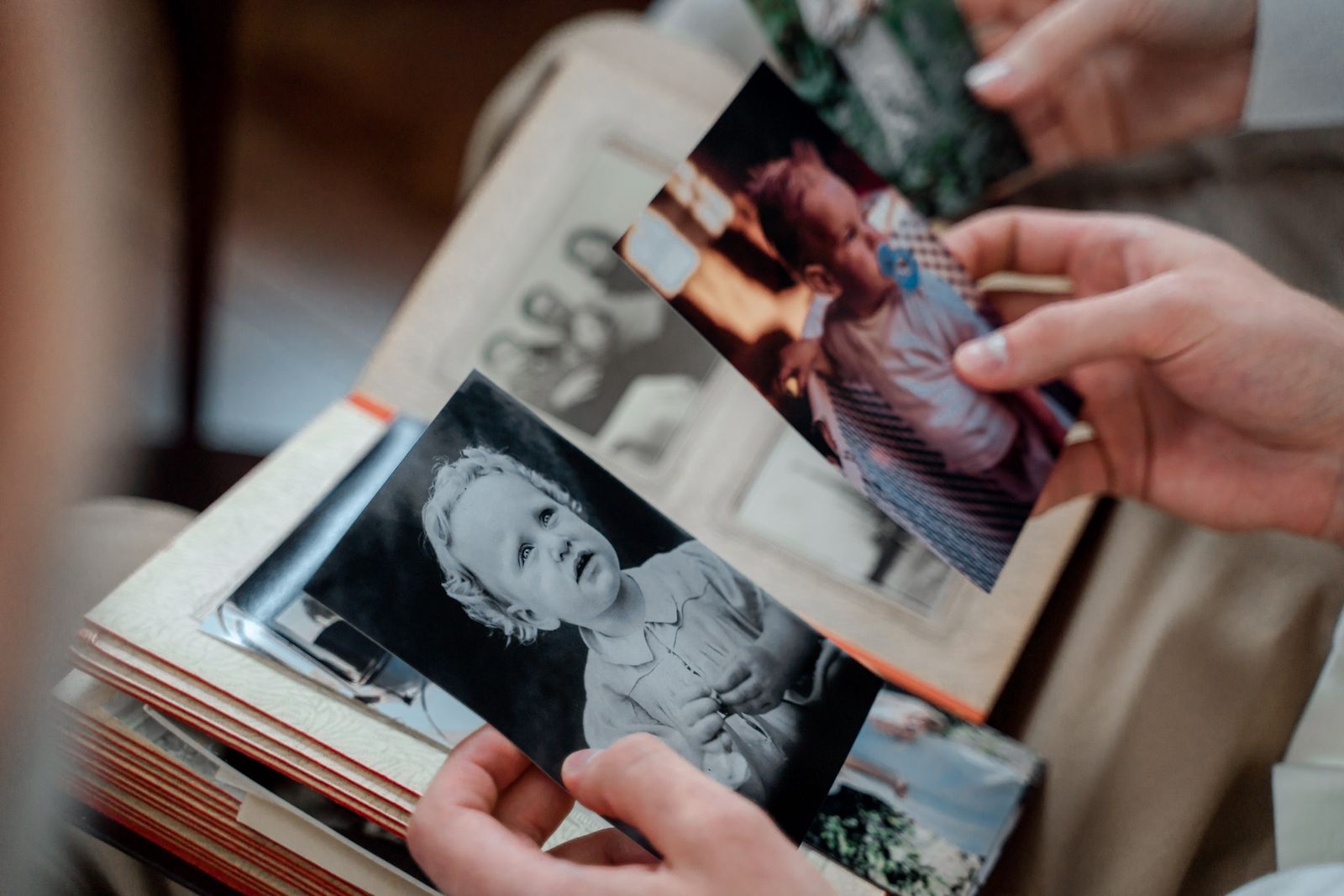
Save here: restore selectively, and let AI do the easy eighty percent
Here is the counter secret: most photographs in most boxes need light work, and light work is where the cheap options are genuinely good. Dust, scratches, fading, and lost contrast are pattern problems, and both inexpensive online tiers and AI tools handle them credibly for a few dollars — or, at flat-rate human services, for a fixed $19 to $25 per photograph regardless of damage. For a box of one hundred photographs, the maths is decisive: run the whole collection through the affordable route so that everything is presentable, searchable, and shareable, and reserve human money for the photographs that deserve it.
Which photographs deserve it? In studio practice, the same few, every time:
- The only image of a person. Scarcity, not quality, sets the value. A mediocre sole portrait of a great-grandparent outranks a beautiful duplicate of a well-photographed parent.
- The photograph that will be printed large. Damage invisible at wallet size shouts at 11×14. Anything destined for a frame, a memorial table, or a gift print earns human eyes.
- Damage that crosses a face. This is where cheap automation fails most visibly — skin smoothed to plastic, eyes rebuilt slightly wrong, a likeness that drifts. Faces are the one place the expensive tier is buying something real: judgement.
- The historically loaded image. The business your family founded, the house that burned down, the unit photograph. If the picture is evidence as well as memory, restore it as evidence — conservatively, with the master preserved.
Everything else — the duplicates, the landscapes, the birthday parties where everyone is also in six other frames — can take the budget route without a flicker of guilt. Triage is not neglect. Triage is how a finite budget covers a whole family's history instead of three perfect photographs and ninety-seven dying ones.
Where saving backfires
Cheap printing of restored files. You paid to recover a portrait, then printed it on the thinnest glossy paper at the fastest kiosk. Restored photographs are usually printed to be kept, and paper and process are the keeping. Save on many things; print the heroes properly, once.
Throwing away originals after scanning. This is the irreversible one, and people do it in the tidy glow of a finished project. Do not. Scans are copies with failure modes — drives die, accounts lapse, formats age — and the original print carries information no scan fully holds. Preservation after digitisation means storing originals cool, dry, dark, and flat, in sleeves or boxes that don't attack them, not feeding them to a celebratory clear-out. The budget version of archival storage — acid-free boxes and sleeves for the important prints, a sensible cupboard away from attic heat and basement damp — costs very little. The expensive version is mostly for institutions. The version that backfires is the bin.
Restoring the scan of a scan. If a relative emails you a small, compressed copy of the family portrait and you pay to restore that file, you are paying craftsman rates to polish a photocopy. Always trace the best surviving original or the highest-quality scan before commissioning work. Ten minutes of family archaeology routinely halves a restoration bill, because half the "damage" was compression.
Colourising everything. Colourising is priced as premium work, and on a budget it should be a deliberate treat for one or two photographs, not a blanket treatment. It is also the most interpretive step in the whole field: the colours are an informed guess. A colourised copy alongside the preserved black-and-white master is a pleasure. A colourised version that replaces it is a small historical forgery, committed against your own family, at your own expense.
Rush fees. Restoration services charge meaningfully more for speed — one large service's rush tiers add roughly $10 to $30 per photograph to turn work around in days instead of weeks. Funerals and milestone birthdays are real deadlines, and sometimes the fee is worth it. But most "urgent" family projects are urgent only because they started late. The cheapest restoration strategy ever devised is a calendar: begin the memorial project two months early and the entire price list drops a tier.
A sensible budget sequence
Put together, for a typical family box and a genuinely tight budget, the order of operations I gave at the counter was this:
- Sort and list. An hour with envelopes and a notebook. Note the only-images and the damaged heroes. Photograph nothing yet.
- Scan everything once, properly. 600 ppi, 24-bit colour, TIFF masters for prints; high-resolution scans for any negatives or slides. Budget bulk scanning is fine; low specifications are not.
- Back up the masters in two places — one at home, one elsewhere or in cloud storage — before any restoration begins. This step costs almost nothing and is the entire preservation project in miniature.
- Run the light work cheaply. AI tools or a budget tier for the faded, dusty majority.
- Commission human restoration for the shortlist only — faces, heroes, sole images, print-bound photographs — quoting from the master scans, keeping unedited masters untouched.
- Store the originals decently and print the finished heroes properly.
This site lists 1,063 photo restoration, preservation, and supplies listings, so you will not lack for providers to quote against each other — and quoting is free at most reputable services, because they price from the scan. Send the same master file to two or three, compare what each proposes to do — not just what each charges — and be suspicious of any quote given without seeing the photograph at all.
The principle underneath
Every saving that works in this field has the same shape: it cuts labour, repetition, or speed, which are renewable. Every saving that backfires cuts information — scan resolution, the original print, the unedited master, the detail in a face — which is not. Spend your small budget protecting information first and buying polish second, and the box you hand on will be in better shape than the box you were handed. That, for most families, was always the actual job.
Sources
- Vector Design US, photo restoration services and 2026 cost guide — restoration from $20 per image for light damage, $30 for visible tears and stains, $40 for heavy damage, and $50 for severe reconstruction or full colorizing; wider guides place severe work at $250–$500 or more.
- ScanCafe, photo restoration services — tiered pricing from a few dollars for basic fixes to about $96.79 and up for extreme restoration including mold stain removal.
- Gdefoto, old photo restoration by a retoucher — flat $19 per photograph ($25 with colorization), and the stated policy of not inventing a face that is not in the photograph.
- Re-Lively, how much photo restoration costs in 2026 — professional retouchers at roughly $30–$150 per photograph, and AI restoration credit packs at roughly $0.60–$3 per photograph.
- Capture, what resolution to scan old photos at — standard prints at 300–600 DPI with the higher end for archival copies, and slides and negatives at 2,000–4,000 DPI.
- University at Buffalo, digitization and scanning guidelines — photographic prints at 600 ppi, 24-bit colour, TIFF masters; film negatives and slides at 4,000 ppi.
- Pennsylvania Historical and Museum Commission, digitization guidelines — master image files should be uncompressed TIFF, unedited, and rich enough to serve all future uses.
- Photo by cottonbro, https://www.pexels.com/photo/8848784/
- Photo by Pavel Danilyuk, https://www.pexels.com/photo/8057039/
- Photo by Suzy Hazelwood, https://www.pexels.com/photo/1989747/
More guides
- How to Find a Wedding Photographer: The Complete, Honest GuidePhotographers › Wedding Photographers
- How Much Does a Wedding Photographer Cost? Packages DecodedPhotographers › Wedding Photographers
- 10 Questions to Ask a Wedding Photographer Before You BookPhotographers › Wedding Photographers
- Wedding Photography Styles Explained: Documentary, Editorial, Traditional, Fine ArtPhotographers › Wedding Photographers
- Hiring a Wedding Photographer in California: Venue Light, Permits, and Price LevelsPhotographers › Wedding Photographers
- All Guides & ArticlesBrowse the full guides library