Photographers › Photo Restoration- Preservation- & Supplies
Photo Restoration and Preservation Red Flags: The Warning Signs Most People Walk Straight Past
Every other photography purchase can be redone. A bad headshot can be reshot. A missed moment at an event is gone, but the event itself was witnessed, and other cameras were there. A damaged family photograph is different: it is usually the only copy, it is often fragile, and the person you hire to save it can — through carelessness, dishonesty, or simple incompetence — finish the job that time started. In my line of work I vet photographers for a living, and restoration is the one category where the vetting matters more than the portfolio, because the asset at risk is irreplaceable and the failure modes are quiet. Nobody phones you to say the original was lost in the mail. You find out when the box doesn't come back.
This guide names the warning signs experienced buyers watch for, in the order you will meet them: in the advertising, in the quote, in the handover, and in the finished file. Any one of them should slow you down. Two together should end the conversation.
Red flag 1: "We can fix anything"
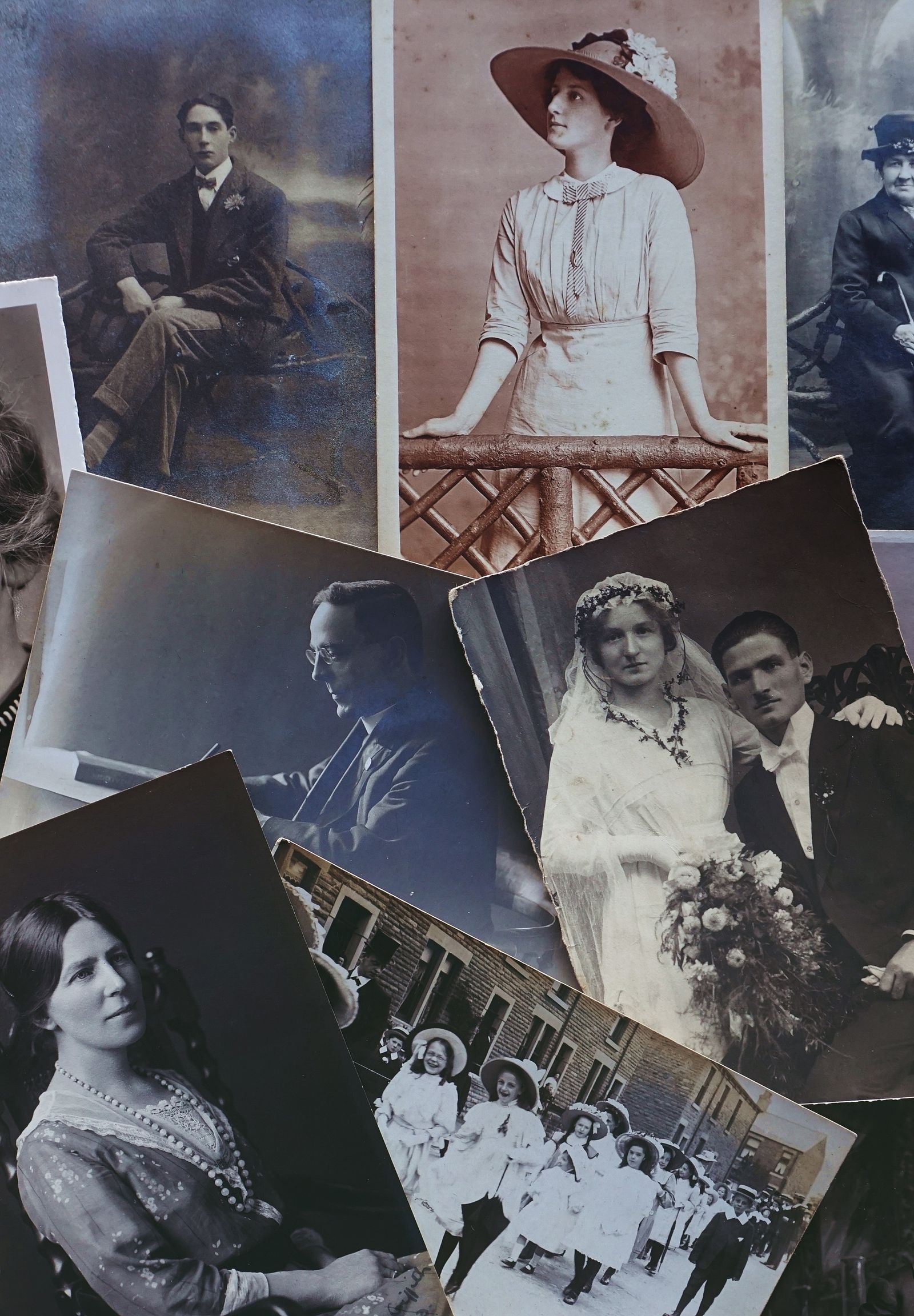
Honest restoration has a hard boundary, and the honest providers state it unprompted. ScanCafe, one of the larger restoration services, tells customers plainly that a completely blurred photo cannot be sharpened, and that if a photo cannot be restored, it will say so in the quote and charge nothing. A careful independent retoucher puts the same limits in writing: they will not invent a face that is not in the photo — torn away, burned out, or covered — will not turn a smudge into a portrait, and will not enlarge a small phone image to poster size.
That is what competence sounds like. Restoration works on information that survives in the print: detail under a stain can often be recovered, a torn corner can be rebuilt from its surroundings, fading can be reversed because the image is still there, merely weak. What is gone is gone. A provider who guarantees any outcome on any photograph — a missing face restored, a blurred snapshot made sharp, a thumbnail made billboard-sized — is either planning to invent the missing detail or planning to take your money and argue later. Invention, especially by generative AI tools, is the subtler danger: an AI restorer does not recover a lost eye or a missing line of handwriting, it constructs a plausible one from patterns in other photographs. The result can look convincing and be historically false. For a snapshot destined for a birthday card, that trade may be acceptable. For a family record, it is a quiet falsification, and a provider who does not disclose that reconstruction is happening has failed the first honesty test.
What to do instead: ask, before paying, "What in this photograph can you not fix?" A good restorer answers specifically, about your image. A bad one changes the subject to price.
Red flag 2: A flat price quoted before they have seen a proper scan
Restoration pricing is labor pricing, and labor follows damage. Published price guides agree on the shape even where they disagree on numbers: light work — dust, scratches, fading — sits at the bottom; tears, stains, and missing areas cost more; damage across a face costs most of all, because faces are where every viewer looks and where reconstruction is slowest. One widely cited cost guide puts light wear at $35 to $85 per image and severe damage at $250 to $500 or more; Thumbtack's cost data averages $78 a job. At the other end, high-volume online services advertise basic work from $3 to $20 an image, because at that level the "restoration" is largely automated cleanup.
Against that background, a single flat price for any photograph, quoted from a phone snapshot of your print, is a warning sign twice over. First, the provider cannot know the job from a phone preview — restorers themselves note that quotes change when a sharp scan reveals a crease or stain across a face that the preview hid. Second, flat pricing means your severely damaged photograph is subsidizing somebody's dusty one, or — more likely — that the work is a fixed automated pass regardless of what your photo needs.
What to do instead: expect a tiered quote after the provider has seen a real scan, with the tier explained by the damage. "Advanced, because the tear crosses two faces and the corner is missing" is a quote. "$49, any photo, 24 hours" is a slot machine.
| Damage level | What it usually involves | Typical published range |
|---|---|---|
| Light | Dust, scratches, fading, color cast | about $20–$85 per image |
| Medium | Creases, moderate stains, color correction | about $85–$150 per image |
| Advanced | Tears, missing corners, background rebuilding | about $150–$250 per image |
| Complex | Severe damage, missing sections, faces rebuilt, colorizing | $250–$500 or more per image |
Use the table as a smell test, not a price list: a quote far below the band for the damage you can see means the work is automated or superficial; a quote far above it, without a damage-based explanation, means you are paying for the provider's marketing.
Red flag 3: They want the original, and they are casual about it
This is the flag that matters most, and the one first-time buyers walk past fastest because the request sounds so normal. It should not be normal. Professional restoration is done on a scan. The original print's role is to be captured at high resolution — good practice is a scan of the full photograph including its edges, at around 300 pixels per inch as a floor and commonly 600 DPI for prints, because borders carry dates, studio marks, and handwriting — and then to be left alone. A provider who insists on keeping originals for weeks, who ships them without tracking, who cannot say whether scanning happens in-house or with a subcontractor, or who is vague about where your photographs are stored and when your files are deleted, is asking you to carry all the risk of their operation.
The scanning trade's own checklists read like an indictment of the casual end of the market: providers who will not state resolution, color mode, or output format in writing; who deliver only enhanced JPEGs and no untouched master scan; who have no process for fragile, stuck, curled, or mounted photographs; who refuse a paid test batch. Each of those is a named red flag in the guidance written for buyers of scanning services, and each applies with double force when restoration is added, because restoration adds an editor's hands to the chain of custody.
What to do instead: keep custody where you can. Scan locally — a local shop where you hand over and collect in person, or your own flatbed — and send the restorer files, not heirlooms. If originals must travel, send a test batch first, photograph the package, use tracked and insured shipping, and get the handling, storage, and file-deletion terms in the order confirmation. And whatever route you choose, keep an untouched master scan, untouched, forever. Every reputable workflow starts from that master and works on a copy.
Red flag 4: Before-and-after galleries that are too perfect
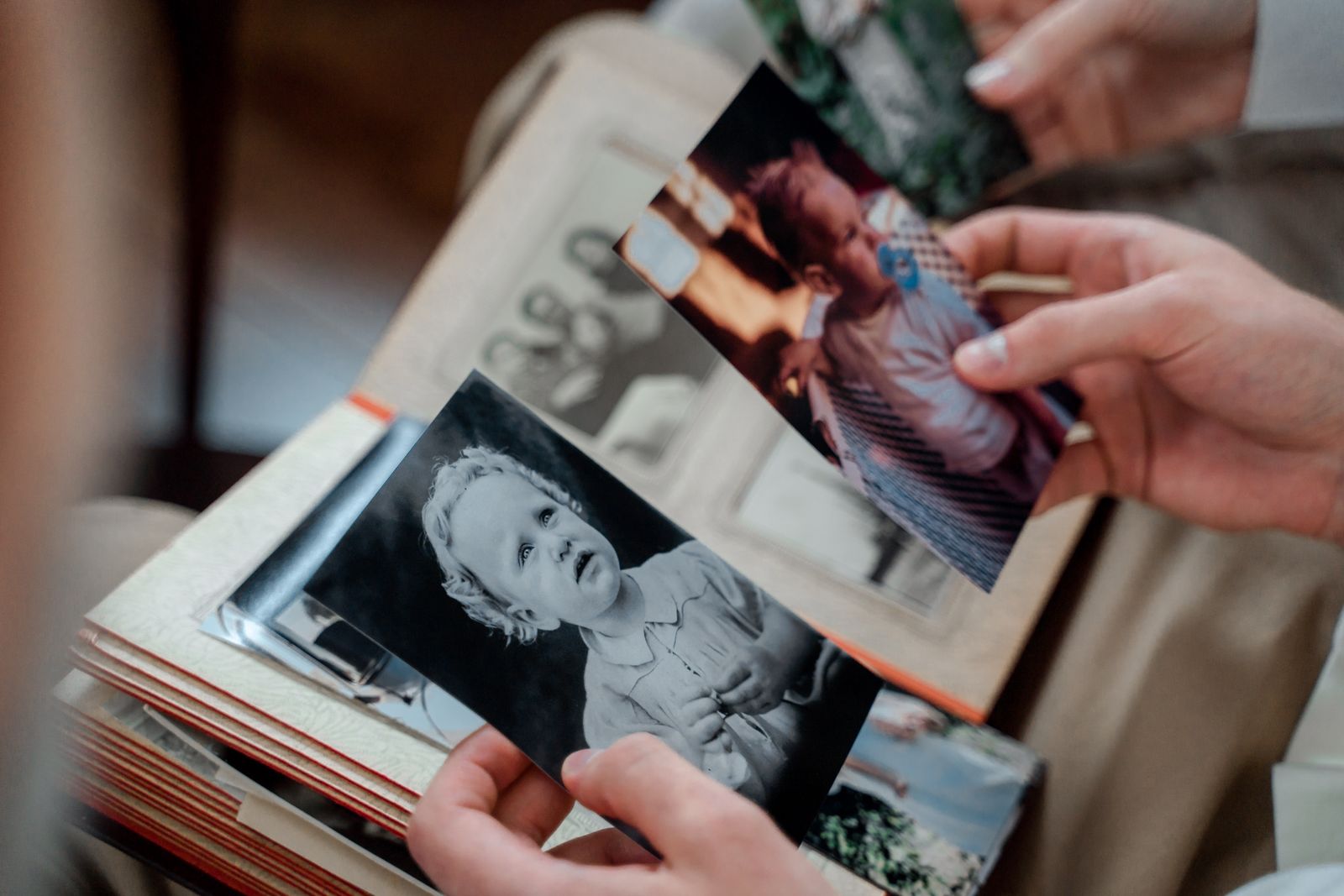
Restoration portfolios are the easiest portfolios in photography to fake, because the "before" can be manufactured from the "after" in minutes — degrade a clean image, then present the pair as a rescue. Even honest galleries mislead by selection: they show the dramatic tear across a blank sky, never the ordinary photograph whose damage crossed a face, because that one came back imperfect. Look for the tells. Before-and-afters where the restored version has more detail than any damaged print could retain — crisp eyelashes reconstructed from a stain, legible text rebuilt from a blur — are showing you invention presented as recovery. Galleries with no faces, no hands, no handwriting, and no group photographs are showing you the easy third of the craft. And a gallery of other families' photographs raises its own question about what happens to yours: reputable restorers can show samples; the question is whether they had permission, and whether your grandmother's portrait is next season's advertisement.
What to do instead: ask for a paid test. One photograph, your photograph, at the quoted tier, before the family archive changes hands. Providers who do this work well expect the request — several structured services build a free or per-photo quote from your actual image as the first step. A provider who refuses a single-photo test but happily accepts a shoebox is telling you where their confidence actually lies.
Red flag 5: Preservation advice that ends at the checkout
Restoration fixes a file. Preservation is what keeps you from needing restoration again, and the two are sold by the same storefronts — this site lists 1,063 photo restoration and preservation listings, alongside 3,152 photo retouching and coloring listings — so a provider's preservation talk is a reliable character test. The honest version is dull and specific: your restored photograph should be delivered as a high-resolution file (an archive-quality TIFF alongside any print-ready JPEG), the master scan should be stored in more than one place with one copy offline, and physical prints should be kept away from the damp, heat, and light that damaged the originals. The dishonest version is a checkout upsell: a proprietary album, a branded storage subscription, a "preservation package" whose contents dissolve into adjectives when you ask what, exactly, is preserved, in what format, at what resolution, and how you get it back out. Any preservation system you cannot leave is not preservation; it is hosting, with your family history as the hostage.
Watch, too, for the quiet privacy version of this flag. Uploading family photographs to a restoration service means asking what the service does with them: how long uploads are kept, whether they are used to train models, and when they are deleted. One careful retoucher states the policy in a single line — originals and results kept for 30 days, then deleted. That is the standard to hold others to. Silence on retention, from a business asking for your family's faces, is itself an answer.
When a flag appears
Stop, and do the boring things in order. Do not send more originals. Get whatever has been promised — price, tier, turnaround, file formats, deletion policy — in writing, or treat it as unpromised. Ask the limit question ("what can't you fix?"), the custody question ("who touches the original, and where?"), and the master question ("do I get the untouched scan back?"). Then run one paid test photograph before any archive follows it. The providers worth using — and there are many, at every price from a careful freelancer's $19 hand restoration to a full-service lab's tiered quote — will recognize these questions as the marks of a good client, because they are the same questions the good providers ask themselves. The ones who hurry you past them are the subject of this guide.
Sources
- Vector Design US, Photo Restoration Cost in 2026 — establishes published price bands by damage level (light wear $35–$85; severe damage $250–$500 or more), Thumbtack's $78 average job cost, and that hand reconstruction drives price.
- ScanCafe, Photo Restoration Services — establishes tiered pricing by damage level and the stated limit that a completely blurred photo cannot be sharpened and unrestorable photos are not charged for.
- GdeFoto, Old Photo Restoration — establishes an honest provider's written limits: faces that are not in the photo are not invented, blurred originals are not sharpened into portraits, and files are kept 30 days then deleted.
- Designs24hr, How to Restore Old Photos With AI — establishes the master-scan workflow (untouched master, work on a copy, scan including edges) and that AI restoration invents plausible detail rather than recovering lost information.
- DopePics, AI Photo Restoration Risks and Safety — establishes the risks of invented facial features, altered text, indefinite cloud storage, and model training on uploaded photographs.
- OldPhotoRestoration.org, Photo Scanning Service Guide — establishes the scanning red flags: unstated resolution or format, no untouched master, no fragile-photo process, refusal of a paid test batch, and vague privacy and loss policies.
Photographs: old photographs — photo by Suzy Hazelwood, https://www.pexels.com/photo/old-photos-3617531/ ; restored print in hand — photo by cottonbro, https://www.pexels.com/photo/8848784/ ; prints still life — photo by Valeria Boltneva, https://www.pexels.com/photo/724644/
More guides
- How to Find a Wedding Photographer: The Complete, Honest GuidePhotographers › Wedding Photographers
- How Much Does a Wedding Photographer Cost? Packages DecodedPhotographers › Wedding Photographers
- 10 Questions to Ask a Wedding Photographer Before You BookPhotographers › Wedding Photographers
- Wedding Photography Styles Explained: Documentary, Editorial, Traditional, Fine ArtPhotographers › Wedding Photographers
- Hiring a Wedding Photographer in California: Venue Light, Permits, and Price LevelsPhotographers › Wedding Photographers
- All Guides & ArticlesBrowse the full guides library