Photographers › Photo Retouching & Coloring
Photo Retouching and Coloring for Small Businesses: What Changes When It Is Not Personal
A person restoring a family photograph buys a result. A small business buying retouching buys a process — one that has to repeat next month, at the same quality, in the same colours, delivered in the same file formats, by a deadline tied to a product launch rather than a birthday. That difference sounds administrative. It changes everything about how the work is priced, specified and judged.
I spent my early working life as a commercial photographer's assistant, and the retouching jobs that went wrong for small businesses almost never went wrong in Photoshop. They went wrong in the brief: nobody said which white the background should be, nobody agreed how many revision rounds were included, and nobody noticed that the per-image price quoted for ten images was not the price for four hundred. This guide is the business version of retouching, translated: volumes, specifications, contracts, turnaround and the true cost per approved image.
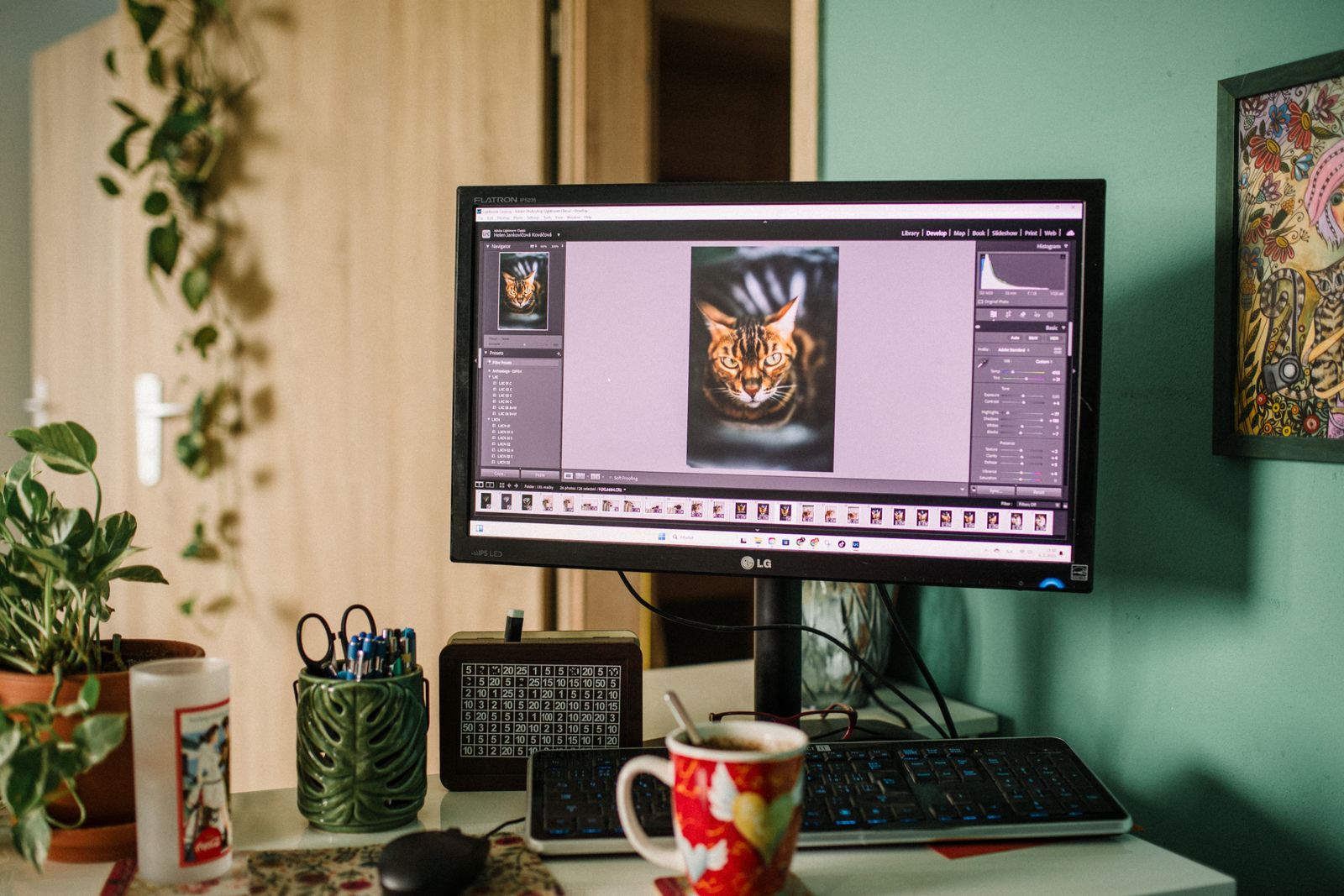
The price landscape: cents, dollars, and a different universe for heroes
Retouching is priced per image, and the range is startling until you separate the work into its real tiers:
| Type of work | Typical per-image price | Notes |
|---|---|---|
| Basic clipping path / background removal | $0.20–$1.50 | Simple, smooth-edged products at the bottom; complex paths rise to $5–$10+ |
| Basic product cleanup | $0.69–$2.99 | Dust, spots, light correction on otherwise clean images |
| Standard product and fashion retouching | $0.90–$8.00 | Ghost mannequin, wrinkle removal, on-model cleanup, colour work |
| Jewellery and highly reflective products | $4.00–$15.00+ | Metal, stones and reflections are slow, skilled work |
| Commercial and editorial retouching | $15–$150+ | Campaign and hero images, billed for judgement, not throughput |
| Freelance specialist retoucher | $30–$50 per hour | The alternative pricing model when scope varies image to image |
Published rate cards support every line of that table. One high-volume service prices basic retouching from $0.69 per image and standard product work under $3, while its commercial and editorial work starts at $15 and runs past $150. A production-focused guide for mid-to-high-volume e-commerce puts basic cleanup at $0.30 to $0.80 per image for large predictable batches, standard fashion and ghost-mannequin work at $0.90 to $2.50, complex on-model work at $2.50 to $8.00, and jewellery at $4.00 to $15.00 or more. A US clipping-path guide puts simple paths at $0.33 to $1.50, standard work up to $3.00, and complex paths at $3.99 to $10.00 and above.
The lesson is not that retouching is cheap. It is that a catalogue image and a campaign image are different products that happen to share software. A business that budgets its hero images at catalogue rates will be disappointed; one that pays campaign rates for 800 catalogue cut-outs is burning money.
Volume changes the deal, not just the discount
For a consumer, ten images are a project. For a business, ten images are a test batch. Providers price accordingly: graduated volume discounts are standard, with one US guide noting that 1,000 images a month can attract a 15–25 percent discount against the 50-image rate, alongside dedicated teams and priority scheduling. Studios selling monthly plans make the same point from the other direction — retainers exist because steady volume lets a provider plan operator time and lock a style across a run.
Volume also changes what you should buy. Under roughly 100 images a month, per-image pricing with no commitment is the honest model. In the hundreds to thousands, volume tiers and then retainers become cheaper and, just as importantly, more consistent: the same hands, or at least the same written style guide, touch every batch. Consistency is the real product at volume. A customer scrolling a category page notices mismatched whites and drifting colour long before they notice any single image's quality.
The specification is the contract's working half
Personal retouching runs on taste: “make it look nice.” Business retouching has to run on a specification, because different operators will handle different batches and all of them must produce the same result. Before the first paid batch, write down:
- Background: pure white, a specific off-white, transparent, or a set brand colour — named, not described.
- Colour reference: which image or physical sample is the colour truth, especially for apparel and cosmetics, where a shifted red is a returned product.
- Geometry: margins, alignment, aspect ratios and output sizes for each channel you sell through.
- File delivery: formats, naming convention, folder structure, and whether layered working files are included or only flattened finals.
- What retouching may and may not change: cleaning and correction, yes; reshaping a product so it differs from what ships, no — that way lies returns and complaints.
Good providers will ask for 20 to 50 representative sample images and return them finished before quoting a volume price. Take that offer seriously. The sample batch is where the specification gets tested while mistakes are still free, and a provider who quotes a firm price for thousands of unseen images is guessing with your launch date.
Turnaround is a service level, not a hope
Standard delivery across the industry runs 24 to 48 hours for routine batches. Rush delivery — same-day or 3-to-6-hour — typically adds a 30 to 100 percent premium. At volume, large drops are commonly split into daily deliveries so your team can publish as files arrive rather than waiting for one giant handover.
What changes for a business is that turnaround belongs in writing, as a service level: batch size, delivery window, what counts as on-time, and what happens when it slips. If your launch calendar depends on 2,000 images landing by Thursday, “usually pretty fast” is not a plan. Nor is paying rush premiums every week — a business that is always rushing has a scheduling problem that a retainer with reserved capacity usually solves for less.
The paperwork that is different when it is business
Invoices and records. A personal customer pays and forgets. A business needs invoices in the company's name, itemised by batch or service, kept with the rest of its cost records — retouching for product images is a cost of selling, and the time to discover your provider issues no proper invoice is not year-end. Agree the invoicing format, payment terms and any deposit structure before volume starts; published consumer-facing studios, for example, commonly take full payment under a threshold and a 50 percent deposit above it, and business providers have their own equivalents.
Rights in the finished files. Retouching works on your photographs, but agree in writing that the delivered finals are yours to use for your business without further fees, and clarify whether layered working files are included. If a provider retains the only layered versions, re-editing a colourway next season means going back — at whatever the then-current price is.
Confidentiality and unreleased products. Businesses routinely send images of products that have not launched. A personal customer never has this problem. For pre-launch work, use a provider willing to agree in writing to confidentiality, secure file transfer and deletion of your files after delivery if you require it.
Revision rounds. Define them. “Two revision rounds included, then billed” is a workable business term; unlimited revisions at catalogue prices usually means the provider is quietly deciding which of your notes to ignore. Track the true measure instead: cost per approved image — total vendor cost plus your own team's checking and rework time, divided by the number of images actually approved and published. A cheap provider with a 30 percent rejection rate is often more expensive than a pricier one whose first pass sails through.
Colour work deserves its own conversation
The “coloring” half of this trade matters more to businesses than to consumers. Colour correction is where retouching touches revenue: apparel sold in a colour the photograph misstates comes back. Colour-change services — producing additional colourways from one photographed sample — are priced per image like other edits, commonly in the $1 to $10 range depending on complexity, and they are a genuine saving against reshooting every variant. But they multiply the cost of an error: approve a wrong master colour and every generated colourway inherits it. Approve colour on a calibrated screen, against a physical sample, and sign off the master file before variants are produced.
How to choose, in business terms
Send the same sample batch and the same written specification to three providers. Judge them on first-pass approval rate, adherence to the specification, delivery against the promised window, and the clarity of their invoice — then on price per approved image, not price per image submitted. This site lists 3,152 photo retouching and coloring services, so the shortlist discipline matters more than the search: the right provider is the one whose process survives your second month, not the one whose test batch was cheapest.
Retouching for a business is not a bigger version of retouching for a person. It is a supply relationship, with a specification, a service level and a unit cost. Set it up that way once, and the photographs quietly stop being a recurring problem — which, for a small business, is worth more than any single perfect image.
Sources
- Path Edits, Photo Retouching Costs: The 2026 Pricing Guide — establishes per-image ranges from $0.69 for basic retouching to $15–$150+ for commercial and editorial work, and freelance retouchers at $30–$50 per hour.
- Pixofix, How Much Does Product Retouching Cost in 2026? — establishes basic cleanup at $0.30–$0.80 per image at volume, standard fashion work at $0.90–$2.50, complex work at $2.50–$8.00, jewellery at $4.00–$15.00+, and the cost-per-approved-image formula.
- Retouching Zone, Clipping Path Cost in the USA 2026 — establishes clipping-path tiers from $0.33 to $10+ per image, volume discounts of 15–25% at 1,000 images a month, standard 24–48 hour delivery, and rush premiums of 30–100%.
- Pro Photoshop Expert, Photo Editing Cost Per Image 2026 — establishes per-service pricing including colour change and product editing at $1–$10 per image by complexity.
- GDE Foto, Bulk Product Photo Editing for E-commerce — establishes sample-batch quoting from 20–50 representative images, daily split deliveries for large drops, and retainers as the cheapest structure at scale.
- Pacific Hill Studio, Photo Editing, Retouching & AI Images — establishes consumer-facing studio terms including volume discounts and deposit structures used as a comparison point.
Photo by Helena Jankovičová Kováčová, https://www.pexels.com/photo/home-office-desktop-with-editing-software-on-screen-30591531/ Photo by Jakub Zerdzicki, https://www.pexels.com/photo/digital-photo-editing-workspace-with-computer-setup-34168280/
More guides
- How to Find a Wedding Photographer: The Complete, Honest GuidePhotographers › Wedding Photographers
- How Much Does a Wedding Photographer Cost? Packages DecodedPhotographers › Wedding Photographers
- 10 Questions to Ask a Wedding Photographer Before You BookPhotographers › Wedding Photographers
- Wedding Photography Styles Explained: Documentary, Editorial, Traditional, Fine ArtPhotographers › Wedding Photographers
- Hiring a Wedding Photographer in California: Venue Light, Permits, and Price LevelsPhotographers › Wedding Photographers
- All Guides & ArticlesBrowse the full guides library