Photographers › Photo Retouching & Coloring
Photo Retouching and Coloring on a Tight Budget: Where to Save, and Where Saving Backfires
When I managed a portrait studio, the retouching conversation almost always started in the wrong place. A client would point at a price list, point at a cheaper one they had found online, and ask why ours cost more. The honest answer was never "because we are better." It was more specific than that: retouching is not one job. It is a stack of very different jobs wearing the same name, and the price difference between services is usually a difference in which parts of that stack you are actually buying. If you are booking this work for the first time — a set of portraits that need polishing, a product photograph that needs cleaning up, a black-and-white family photograph you want in color — you can absolutely do it on a tight budget. You just have to cut in the places where cutting is invisible, and refuse to cut in the places where it is not.
This guide separates the two. It is built on published price lists from working retouching services, because retouching is one of the few corners of photography where honest per-image prices are posted in public and you can compare them line by line.
First, unbundle what you are buying
"Retouching" on a quote can mean any of the following, and they do not cost the same:
Basic correction is crop, exposure, white balance and dust cleanup. It is fast, largely systematic work. Published bulk services price single tasks like this in cents — clipping paths and background removal from around $0.39 an image, basic retouching from around $0.69 — and US-facing services commonly list basic editing at $0.50 to $3 an image.
Standard retouching is the portrait work most first-time clients actually want: skin cleanup that keeps skin looking like skin, stray-hair removal, background tidying, minor object removal. US rate guides put it at roughly $3 to $10 an image, with portrait and headshot work commonly quoted at $3 to $15.
Advanced and high-end retouching is beauty and fashion work, jewelry, complicated hair masking, reflection control, compositing and reconstruction. That runs $10 to $40 and beyond, and high-end commercial finishing can reach $25 to $100 or more an image — because a single frame can hold an hour of a skilled retoucher's attention.
Coloring is a separate craft. Adding color to a black-and-white photograph by hand, with period-appropriate research into clothing, skin tones and backgrounds, is priced as its own service: $25 an image at one Florida digitizing studio, $35 at Forever Studios, $45 at Pacific Hill Studio. Automated AI colorizing sits at the other end of the scale — free tools exist, paid AI runs a few dollars an image or a modest monthly subscription, and one pay-per-image service prices it in cents — but the colors are statistical guesses, not research.
Keep those four piles separate in your head and every quote you receive will suddenly make sense.
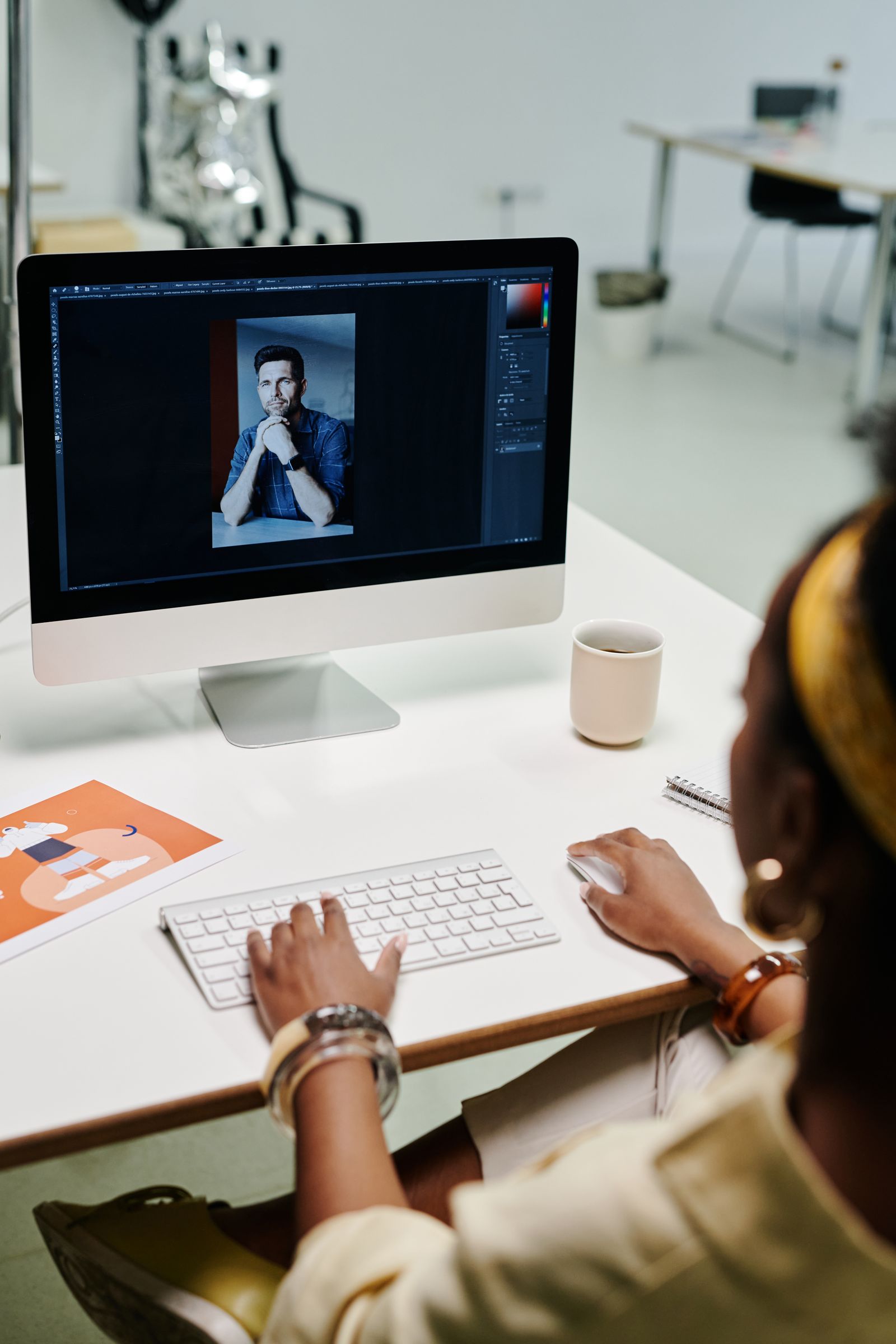
What the tiers actually cost
| Level | Typical price per image | What it covers |
|---|---|---|
| Basic correction | $0.50–$3 | Crop, exposure, white balance, dust spots |
| Standard retouching | $3–$10 | Portrait polish, skin cleanup, background tidying, minor removals |
| Portrait and headshot work | $3–$15 | Standard work finished to a client's face, at print quality |
| Advanced / beauty | $10–$40+ | Fashion, jewelry, hair masking, reflection control |
| High-end commercial | $25–$100+ | Campaign finishing, compositing, reconstruction |
| Hand colorization | $25–$45 | Researched, hand-painted color on a black-and-white original |
Those are planning ranges drawn from published lists, not promises. A volume editing house will quote you $1.50 for basic work and $12 for high-end work on the same page; a named US retoucher will quote you several times that for the same nominal tier, because you are also buying their eye, their consistency across a whole set, and a person who answers email. Both can be the right purchase. The mistake is paying for one and expecting the other.
Where saving is safe
Cut the number of images, not the quality per image. This is the single biggest lever a first-time client has, and it costs nothing in quality. Studios see it constantly: a client sends forty frames for full retouching when six of them will ever be printed, framed, listed or sent anywhere. Retouch the heroes properly. Let the rest get basic correction, which is cheap precisely because it is systematic. A tight budget spent on six excellent frames beats the same budget smeared thinly across forty mediocre ones, every time.
Do your own culling, ruthlessly, before you send anything. Retouchers charge per image touched. Every duplicate, every near-identical frame, every "maybe" you include in the folder is a line item. Picking your final set is your job, and it is free.
Use bulk services for bulk-shaped work. If you have a hundred product photographs that all need the same background removal and color correction, that is exactly the work high-volume services are built for, and their per-image prices — under a dollar for single production tasks — are real. Consistency across a large, uniform batch is what their pipelines do best.
Let AI take the first pass on casual colorizing. For a preview — to see roughly what a great-grandparent's portrait might look like in color, to decide whether a photograph is worth proper treatment — free and low-cost AI tools are a sensible spend of almost nothing. Treat the result as a sketch, not a finished piece, and it will not disappoint you.
Ask what is already included. Many photographers fold standard retouching into their per-image or session price, so the cheapest retouching is sometimes the retouching you have already paid for. Before you hire a separate service, ask your photographer exactly which frames their fee finishes, and to what level.
Accept a longer turnaround. Speed is a priced product in this trade: volume services openly sell delivery windows from a few hours to several days at different prices. If nobody is waiting on the images, the slower lane is the same work for less money.
Where saving backfires
Faces, at print size. Cheap, heavy-handed skin work — the smoothed, plastic look — is the most visible failure in all of retouching, and it cannot be undone by printing smaller once you have seen it. Worse, aggressive retouching done destructively, without keeping an unretouched original, is permanent. On the one portrait that will hang on a wall, pay for the retoucher who preserves skin texture, and always keep your original file untouched.
Colorizing a photograph that matters, by algorithm alone. AI color guesses are plausible, not accurate: uniforms come back the wrong color, a dress that was red returns as blue, skin tones flatten. On a keepsake — the only photograph of someone, a picture destined for a frame or a memorial — hand colorization at $25 to $45, with a human researching period colors and painting layer by layer, is not the expensive option. It is the option that does not have to be done twice. Note, too, that colorization does not include repair: damage restoration is a separate charge (one studio prices it at $60 an image, on top of its $25 colorization), so a torn, faded original needs both lines in the budget.
Restoration of a damaged original, done cheap and destructively. If a photograph is torn, water-damaged or fading, the first step is a proper high-resolution scan — the digital safety copy — before anyone touches anything. Services that work only from a low-resolution phone snap of a damaged print are reconstructing detail that was never captured. You will pay once for the cheap version and again for the real one.
The only copy of anything. Never send the sole original of a photograph through the mail to save a scanning fee, and never let any service work on your only file. Scan first, back up the scan, and let every edit happen on a copy.
Compositing and reconstruction at bargain rates. Background replacement, removing a person, rebuilding a missing corner of an image — this is the work where skill differences are largest and cheap results look cheapest. If an image needs surgery, it needs the $16-to-$60 creative-editing tier, not the $2.50 cleanup tier, whatever a hopeful salesperson suggests.
Rush fees you create yourself. The most common false economy in a studio is not a cheap retoucher; it is a client who sits on a decision for three weeks and then pays expedite charges. Decide your final set early and the standard turnaround — often one to four business days for colorization, next-day or slower lanes for retouching batches — is fast enough.
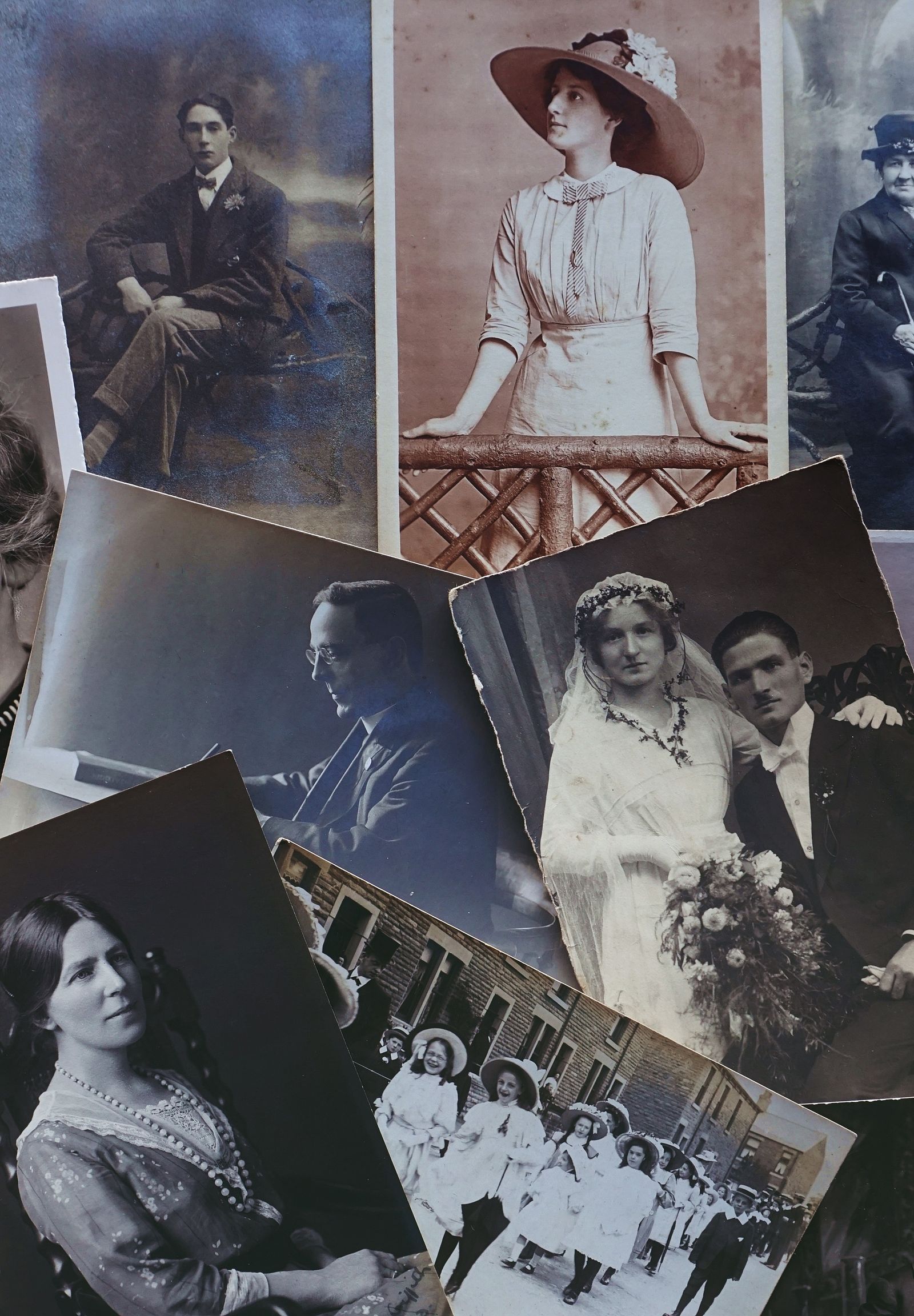
A worked example: twenty portraits and one keepsake
Say you have twenty portraits from a session and one black-and-white family photograph you want colorized for a gift. The extravagant route — full standard retouching on all twenty at, say, $10 each, plus hand colorization — is about $245. The careless route — the cheapest bulk tier on everything, AI color on the keepsake — might be $40, and will show it on every face and in every wrong color.
The budget route that actually works: cull the twenty down to the six you will print or publish, and have those six retouched properly at $10 to $15 each ($60 to $90). Give the other fourteen basic correction at $1 to $3 each ($14 to $42). Colorize the keepsake by hand ($25 to $45), after a good scan. Total: roughly $100 to $175 — about half the extravagant route, with no visible compromise anywhere a viewer will ever look. That is the pattern to copy: full price on the few images that carry weight, production pricing on the many that just need to be clean.
How to brief a retoucher so the first version is the right one
Most revision rounds — and revision charges — are born in a vague brief. Send the original files at full resolution, not screenshots or messaging-app copies, which are compressed and stripped of detail. Say what the images are for: a print at a stated size, a listing, a profile page. Print use justifies and requires more careful work than a small web image, and a good retoucher will spend your money differently once they know. Name what you want kept: freckles, laughter lines, the gap in the teeth. Retouchers remove what looks like a flaw unless you tell them it is a feature. Ask how many revision rounds are included — reputable services state it, one round on colorization and two on standard retouching being common — and ask for one test image before a large batch is processed, so style disagreements surface on one frame instead of forty.
This site lists 3,152 photo retouching and coloring services, alongside 1,063 photo restoration services — a field that wide is exactly why the per-image prices above are worth learning before you ask for quotes. Use the listings to find two or three candidates, send each the same small test set and the same written brief, and compare what comes back. You are not looking for the lowest number. You are looking for the service whose idea of "finished" matches yours, at the tier your images actually need.
The rule to keep
Save on quantity, on uniformity, and on speed. Spend on faces, on keepsakes, and on anything that exists in only one copy. Retouching on a tight budget is not about finding the cheapest pair of hands — it is about knowing which images deserve the expensive ones.
Sources
- UniqRetouch, Photo Retouching Rates in USA — US per-image ranges by level: basic $0.50–$3, standard $3–$10, advanced $10–$40+, high-end commercial $25–$100+; portrait and headshot work $3–$15.
- Vector Design US, Photo Retouching Services — published tiers from $1.50 an image for basic work to $12 for high-end beauty and campaign work.
- Path and Clipping Path King published price lists, via Lars Miller Media's product retouching guide — single production tasks from $0.25–$1.19 an image; advanced retouching to $25+.
- BeEdits, How Much Does Photo Retouching Cost? — standard portrait retouching at $4 an image, beauty at $5, creative compositing $16–$60.
- Forever Studios, Professional Photo Colorization — hand colorization at $35 a photograph, one to four business days, one round of revisions included; AI tools described as statistical color guesses.
- Photo Digitizer, Photo Colorization and Photo Restoration — colorization at $25 an image; restoration a separate service at $60 an image.
- Pacific Hill Studio, Colorize a Black & White Photo — hand-picked color at $45 a photograph.
Photos: retoucher at a desk — photo by Darlene Alderson, https://www.pexels.com/photo/a-woman-using-a-computer-7971616/ ; old family photographs — photo by Suzy Hazelwood, https://www.pexels.com/photo/old-photos-3617531/ ; hands holding photographs over an album — photo by cottonbro, https://www.pexels.com/photo/8848784/
More guides
- How to Find a Wedding Photographer: The Complete, Honest GuidePhotographers › Wedding Photographers
- How Much Does a Wedding Photographer Cost? Packages DecodedPhotographers › Wedding Photographers
- 10 Questions to Ask a Wedding Photographer Before You BookPhotographers › Wedding Photographers
- Wedding Photography Styles Explained: Documentary, Editorial, Traditional, Fine ArtPhotographers › Wedding Photographers
- Hiring a Wedding Photographer in California: Venue Light, Permits, and Price LevelsPhotographers › Wedding Photographers
- All Guides & ArticlesBrowse the full guides library