Photographers › Photofinishing Retail
Photofinishing Retail for Seniors: Costs, Comfort and the Adjustments Worth Asking About
The photo counter used to be the simplest errand in the world. You handed over a roll of film, came back in a few days, and opened an envelope of prints at the kitchen table. Almost every part of that transaction has changed. Film went away, the envelope became an app, the counter shrank to a kiosk with a touchscreen, and the customer who most wants a physical photograph — the grandparent who wants a print for the mantel, not a link for the cloud — is now the customer the system serves worst.
That is a shame, because the product itself has never been better or cheaper. A sharp 4×6 print costs less than it did in the film era, enlargements that once took a custom lab now arrive the same day, and a shoebox of fading prints from 1974 can be scanned, corrected and reprinted before the originals fade any further. The gap is not quality. The gap is comfort: small type on kiosk screens, glossy paper that glares under kitchen light, staff who rush, and ordering systems designed for people who already know what a DPI is.
This guide is about closing that gap — what photofinishing actually costs now, which choices make prints easier to see and handle, and the specific adjustments a good retailer will make for an older customer, most of them free, if you know to ask.
What a photofinishing retailer actually does now
"Photofinishing" is the trade's old word for everything that happens to a photograph after the picture is taken. The modern counter bundles five distinct services, and older customers typically need at least two of them explained separately, because they are priced and ordered separately:
Prints from digital files are the core business: photographs from a phone, camera card or computer, printed in standard sizes from wallet up to poster. Most chains offer same-day pickup for common sizes, and mail delivery for everything.
Enlargements and wall products — 8×10s, 11×14s, canvas wraps, framed prints — are where the money and the mistakes both get bigger. An enlargement magnifies everything in the file, including its flaws, which is why the resolution conversation below matters.
Scanning and digitizing turns old prints, slides and negatives into digital files, delivered on a USB drive, a disc or a download. This is the service that preserves a family archive, and the one where handling matters most: originals are irreplaceable.
Restoration is the repair work on top of a scan — fixing fading, creases, stains and tears in the digital copy. The original is never altered; the repair lives in the file and in the new print made from it.
Photo books, cards and gifts are assembled products — bound albums, calendars, mugs — built from your files, usually through a website editor. Wonderful results, genuinely hostile software for a first-time user with arthritic hands.
A good retailer treats these as five conversations, not one checkout. If the person helping you cannot say which of the five you are buying, slow the transaction down.
What it costs
Print prices are the good news story. Competition between warehouse clubs, pharmacies and mail-order labs has held a standard print at pocket-change prices for years. Current published prices cluster like this:
| Service | Typical price | Notes |
|---|---|---|
| 4×6 print, mail-order lab | $0.10–$0.29 | Shutterfly's base price is $0.29, with app offers at $0.10; shipping usually costs more than the prints |
| 4×6 print, same-day pickup | $0.09–$0.42 | Walmart sits at the bottom of the range; Walgreens lists $0.39 (falling to $0.29 at 100+ prints) and CVS around $0.39–$0.42 |
| 5×7 print | $1.49–$2.99 | Mail order at the low end; pharmacy counters at the high end |
| 8×10 print | $3.95–$5.99 | The size most worth ordering for older eyes — see below |
| Scanning old prints | Roughly $0.50–$3.00 per photo | Simple bulk scans at the bottom; careful hand scanning of fragile originals at the top |
| Restoration | Quoted per image | Always an add-on to a scan, never included silently — get the price before approving |
Three pricing habits are worth knowing. First, pharmacy list prices are the highest in the market and the most frequently discounted — both big chains run app coupons that cut print prices by 40 to 60 percent, so the honest comparison is coupon price against everyone else's everyday price. Second, shipping quietly reverses the mail-order advantage on small orders: twenty prints can cost less than the envelope they arrive in. For small batches, same-day local pickup is often the cheaper total, not just the faster one. Third, scanning is priced per original and adds up with terrifying speed — a 400-photo shoebox at even a dollar a photo is a $400 decision. Any reputable service will count and quote the whole job before starting, and many will scan a small paid test batch first. Ask for both.
The comfort adjustments that actually matter
Here is the part of photofinishing nobody puts in the brochure. The product can be adjusted — substantially — for aging eyes and hands, and most of the adjustments cost little or nothing.
Order one size up. AARP's summary of age-related vision change notes that by the mid-50s, about eight in ten people have noticed at least one significant change in how they see, and difficulty with small detail — presbyopia, the stiffening of the eye's lens — is usually the first. A 4×6 print asks a lot of those eyes; faces in a group shot become guesswork. An 8×10 of the same photograph, at roughly four to six dollars, is not an indulgence. It is the difference between a picture that gets looked at and one that gets politely put in a drawer. For the one or two photographs that matter most from any batch, default to 8×10.
Choose matte over glossy. Glossy paper reflects ceiling lights, windows and lamps directly back at the viewer, and glare is the enemy of aging eyes — federal accessibility guidance for serving older customers makes the same point about retail spaces generally, recommending bright but glare-free lighting because cataracts and aging lenses scatter light. Matte and lustre finishes diffuse that reflection. The photograph looks marginally less punchy on the counter and dramatically better on a wall at home, which is where it will actually live.
Ask for prints, not screens, at decision time. Choosing which of 200 phone photos to print, on a kiosk touchscreen, standing up, is a task designed to exhaust anyone. Good counters will print an inexpensive proof sheet — a contact sheet of small thumbnails on paper — that can be taken home, marked up with a pen at the kitchen table, and brought back. If a store will not do this, order the small batch at home by phone with a family member, or choose a different store. The U.S. Department of Justice's guidance on serving older customers lists exactly the features that translate here: seating, unhurried space, large clear type and staff who explain rather than point. A photo counter that offers a chair is not being quaint. It is being competent.
Mind the contrast in the photograph itself. Faded originals scan flat, and a straight reprint of a flat scan is hard to read. Ask the lab to apply correction — restoring contrast and color balance is a standard, often included step in scanning work — and ask to see one corrected proof before the full batch runs. Faces against busy backgrounds also reproduce poorly at small sizes; cropping a group photo down to the people who matter is a free edit that makes the print kinder to look at.
Get the files back in a form you can hold. Digitizing projects end badly when the only copy of the family archive lives in a cloud account nobody remembers the password to. Ask for delivery on a USB drive as well as any download link, have the drive labeled, and keep the originals — a scan is a copy, not a replacement, and the original prints should go back in their box afterward, in the same order they arrived in. Reputable scanning services return originals in order as a matter of course; confirm it anyway, out loud, before handing over anything irreplaceable. And never mail the only copy of anything without tracking: better services run tracked, barcoded intake precisely because these boxes cannot be replaced.
Scanning the family archive, without the fear
The shoebox problem deserves its own word, because it is where seniors most often get sold more than they need. Scanning works at different resolutions for different originals: prints are typically scanned at 300 to 600 DPI, which captures their detail fully, while slides and negatives — tiny originals holding a great deal of information — are scanned at much higher resolutions, 2,400 DPI and up. A service that quotes one flat process for every format is cutting a corner somewhere.
The honest decision tree is short.
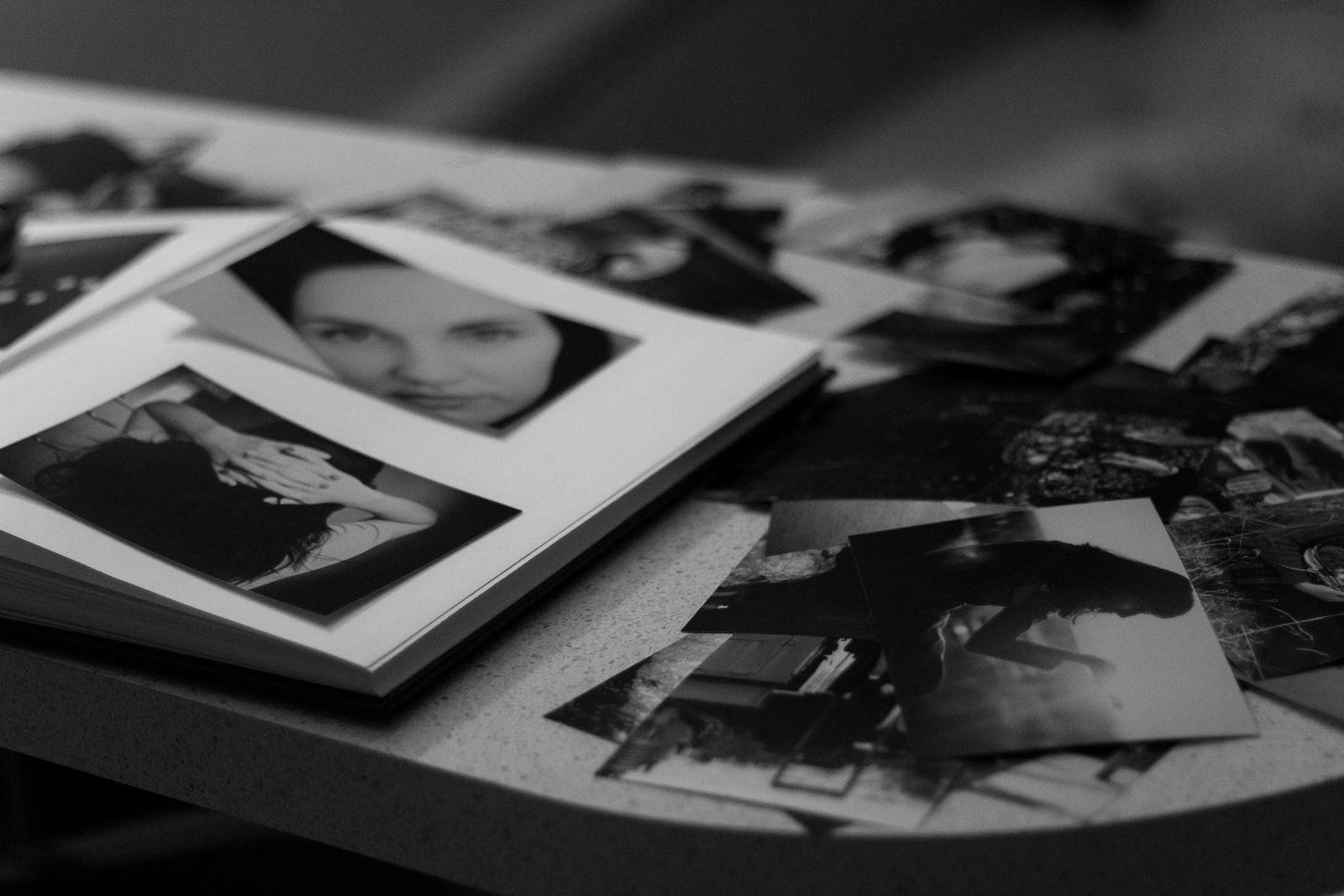 The shoebox, emptied. Every one of these is an original — which is why the handling conversation comes before the price conversation. If the goal is sharing with family and making new prints up to about 8×10, a standard scan is enough, and paying for museum-grade capture is wasted money. If an original is torn, taped, curled or fragile, it should be hand-scanned on a flatbed, never run through an automatic feeder — feeders are built for speed, jam on damaged paper, and a jam with a one-of-a-kind photograph is a small tragedy. Say the words "flatbed, by hand" when you hand it over. If a service cannot accommodate that, it is the wrong service for that photograph, however good its prices are on everything else.
Questions to ask any photofinishing retailer
- What is the total price — prints, shipping or pickup, and any service fees — for this exact order?
- Can I see a proof of one enlargement or one restored photo before the whole job runs?
- For scanning: will my originals be scanned by hand or by feeder, returned in order, and can I have a counted quote and a small test batch first?
- Can you print me a paper proof sheet to take home and mark up, instead of deciding at the kiosk?
- What finish do you recommend for a print that will hang in a bright room — and can I compare matte and glossy samples under light?
- How will my digital files be delivered, and can I have them on a labeled USB drive as well as a download?
- If a print comes back dark, cropped wrong or damaged, what is the reprint policy — and how long do I have to claim it?
Finding a counter that earns the work
Photofinishing has consolidated — warehouse photo centers went mail-only years ago, and many independent labs closed — but the choice is still wide: this site lists 7,823 photofinishing retailers, alongside 274 film-developing services and 1,063 photo restoration specialists. Use that breadth the way you would use any directory: as a map, not a verdict. Call two or three, ask the questions above, and judge the answers. The retailer who explains matte versus glossy without being asked, offers the chair and the proof sheet, and quotes the shoebox before touching it has told you everything about how your photographs — and you — will be treated.
The envelope of prints at the kitchen table was never really about the envelope. It was about photographs you could hold, at a size you could see, of people you love. All of that is still available, at prices the film era would envy. It just takes a counter that slows down — and a customer who knows slowing down is theirs to ask for.
Sources
- Shutterfly, Photo Prints Guide — establishes current mail-order print pricing (4×6 at $0.29, 5×7 at $1.49, 8×10 at $3.95) and same-day pickup availability.
- Walgreens and CVS published print pricing, via FixPhotoLab's size-and-price comparison — establishes same-day counter prices (4×6 at $0.39–$0.42, volume and 5×7 pricing).
- LoveMaddily, side-by-side test of ten photo printing companies — establishes real-world per-print costs including the shipping effect on mail orders.
- AARP, "How Your Vision Changes as You Age" — establishes that about eight in ten people notice a significant vision change by their mid-50s and presbyopia as the usual first change.
- U.S. Department of Justice, "Expanding Your Market: Accessibility Benefits Older Adult Customers" — establishes glare-free lighting, large high-contrast type, seating and unhurried service as the features that serve older customers.
- EverPresent and Preserving Memories scanning guides — establish hand/flatbed handling for fragile originals versus automatic feeders, and in-order return practice.
-
Scanning service explainers — establish 300–600 DPI as the standard range for print scanning and 2,400 DPI and above for slides and negatives.
-
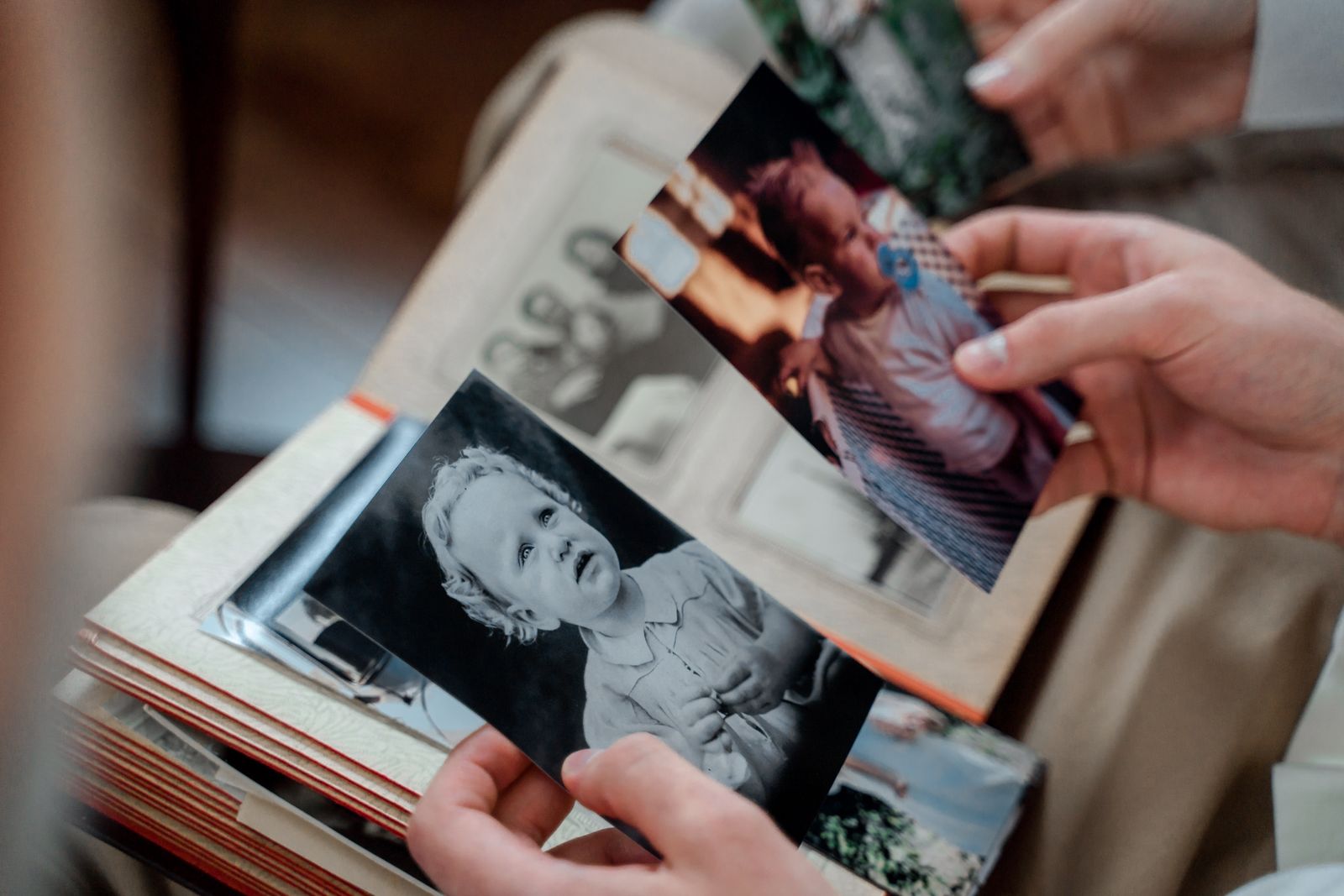
Hands turning the pages of a family photo album — photo by cottonbro studio, https://www.pexels.com/photo/person-holding-baby-pictures-8848784/
- Black-and-white family prints spread across a table — photo by Pavel Danilyuk, https://www.pexels.com/photo/8057039/
More guides
- How to Find a Wedding Photographer: The Complete, Honest GuidePhotographers › Wedding Photographers
- How Much Does a Wedding Photographer Cost? Packages DecodedPhotographers › Wedding Photographers
- 10 Questions to Ask a Wedding Photographer Before You BookPhotographers › Wedding Photographers
- Wedding Photography Styles Explained: Documentary, Editorial, Traditional, Fine ArtPhotographers › Wedding Photographers
- Hiring a Wedding Photographer in California: Venue Light, Permits, and Price LevelsPhotographers › Wedding Photographers
- All Guides & ArticlesBrowse the full guides library