Photographers › Photofinishing Retail
Scanning Old Photos: Mail-In Services vs. Local Labs vs. DIY
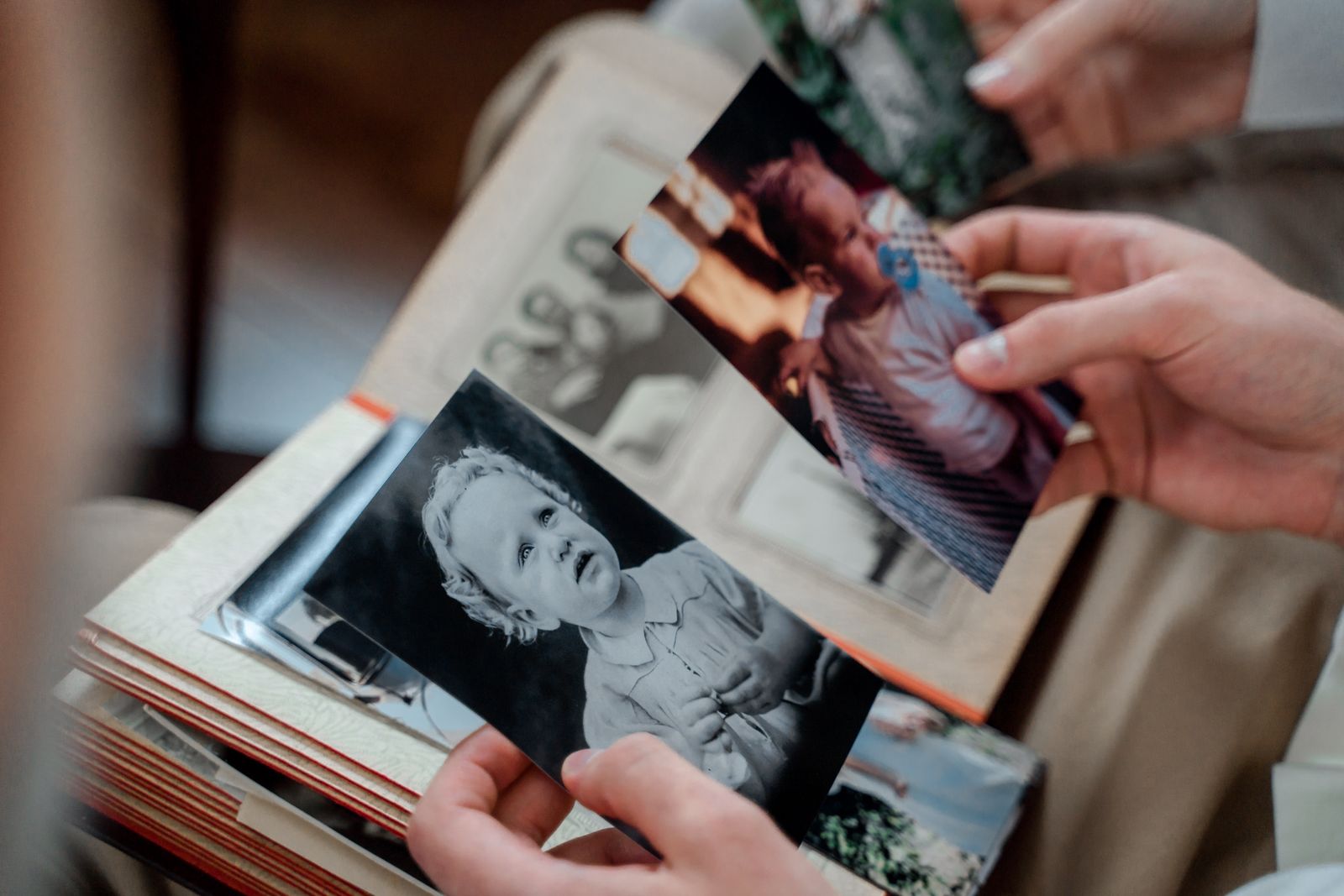
Somewhere in most houses there is a box. It holds the only copies of things that cannot be re-photographed: grandparents as children, houses that no longer stand, people nobody alive can still name. Scanning that box is not really a technology decision. It is a risk decision — how much of the archive you are willing to put in the mail, how much of your own time it deserves, and how good the digital copies need to be, because you will only ever do this once.
There are three honest routes: mail-in services that scan by the hundreds, local labs and photo shops that scan while your originals stay in town, and doing it yourself with a scanner of your own. Each wins for a different collection. This guide compares them on cost, quality and risk, with the numbers as published in late 2026, so you can match the route to the box you actually have.
First, decide what "good" means
Every argument about scanning is secretly an argument about resolution and file format, so settle those before you compare prices.
Resolution is measured in dpi — dots per inch of the original. For prints, the working consensus across services and scanner guides is 600 dpi for an archive scan: enough to reprint at the same size, enlarge modestly, and crop. At 300 dpi you get a file fine for screens and same-size prints, and nothing in reserve. One mail-in comparison makes the trade concrete: a service scanning at 72 dpi produces a file of roughly 288 by 432 pixels from a 4×6 print — screen viewing only, blurry in print. Services scan prints anywhere from 300 to 1,000 dpi, and the number belongs in writing on your order, not in a marketing adjective.
Film is a different scale. Negatives and slides are tiny originals meant to be enlarged, so they need far more: guidance summarising the Library of Congress's personal-archiving material puts slides at around 1,900 dpi, and the federal FADGI guidelines rate 35mm work at 2,000 dpi as good, 3,000 as a very good professional image, and 4,000 at the top level. In practice, 2,000 to 3,000 dpi is the sensible middle for family film.
Format matters as much. Archives save masters as TIFF files because TIFF keeps everything the scanner captured. Services mostly deliver JPEGs, which are smaller and fine for sharing — one service notes its 1,000-dpi JPEGs run about 12 MB a photo — but a JPEG delivery is a finished copy, not a master. If the collection matters, ask whether TIFF is available, and keep your own backup discipline: the Library of Congress's personal archiving advice includes organising scans into one collection folder and migrating them to fresh storage about every five years.
Route one: mail-in services
Mail-in is the volume play. You box the collection, ship it, and get back originals plus files. Published per-photo prices for loose prints, checked in October and November 2026, cluster tightly:
| Service model | Published price | Notes |
|---|---|---|
| Per-photo, 300 dpi | $0.20 per photo, $25 minimum | The budget tier from ScanMyPhotos' individual scanning page |
| Per-photo, 600 dpi | $0.25–$0.50 per photo | One Utah service charges $0.25 including both sides scanned at 600 dpi and dating; ScanMyPhotos lists $0.50 at 600 dpi |
| Per-photo, premium | $0.48–$0.49 per photo | ScanCafe's à la carte rate is $0.48; a California studio scanning at up to 1,000 dpi in-house charges $0.49, with 1,000 loose prints at about $490 |
| Prepaid kit / bulk box | From $19.99 for 200 standard prints | Legacybox's bulk pricing for loose 3×5 and 4×6 prints was listed at $79.99 for 1,000 — but kit pricing for mixed media runs far higher per photo |
| Slides and negatives | $0.49–$0.75 per frame at volume services; $2.50 and up at film labs | A Utah service lists slides and 35mm negatives at $0.75; a specialist film lab charges $2.50 for an enhanced scan and $6.00 for its largest scan |
Do the arithmetic for a typical shoebox of 1,000 loose prints: roughly $200 to $500 at per-photo services, before shipping, USB drives, and extras like enhanced colour sets (one studio charges ten cents a photo more and keeps both the faithful and enhanced versions — a genuinely good idea). Turnaround is the quiet cost: the California studio quotes typically four to eight weeks, and comparison guides put the big services in the same multi-week territory. Mail-in is not the route for a memorial service next Saturday.
The risks are specific, and manageable if you name them. Transit risk is the obvious one: originals travel twice. Services say it themselves — one states plainly that shipping is at your own risk and to use a sturdy box with tracking. Split a large collection into two shipments, keep a phone photograph of the box's contents, and never send the single irreplaceable item by mail at all; that one goes local or DIY. Handling risk varies: ask whether work is done in-house in the United States or sent onward, whether album photos are removed or scanned in place (published album prices run $0.79 to $1.00 per photo or page), and whether you pay only for successful scans — the better services say so explicitly. Review risk cuts the other way in your favour: at least one major service lets you review scans online before final payment, which is worth real money on a mixed box.
Route two: local labs and photo shops
The local route — a photo lab, camera shop or scanning studio in your town — charges more per photo and gives you three things mail-in cannot: your originals never enter a shipping network, a human you can talk to about the fragile and the strange, and turnaround measured in days for small jobs.
Local pricing is less standardised because the work is less standardised. The Utah service above is also a drop-off business at the same $0.25 a photo; the California studio model, with hand-handling of fragile and album material, sits at $0.49 and up. Film labs are local in spirit even when reached by mail: the specialist lab's $2.50-to-$6.00 per-frame pricing buys scanner operators who handle negatives all day, which is exactly what you want for the roll of medium-format film nobody else in the family can even identify. Oversized, torn, stuck-together and mouldy material belongs here too — published price lists treat fragile and oversized pieces as separate, hand-scanned categories ($0.75 for tiny or fragile photos, $5 for oversized at one service), because they are separate work.
The directory scale is on your side: this site's taxonomy lists 7,823 photofinishing retail businesses and 1,063 photo restoration and preservation listings, which means most families have a local option within a reasonable drive. Vet it the way you would vet anyone handling originals: ask to see sample scans at the resolution you are buying, ask what happens if a print is damaged in their care, and start with a test batch of twenty photos — including one difficult one — before handing over the box.
Route three: do it yourself
DIY scanning trades money for evenings. The equipment decision depends on what is in the box:
- Loose prints, in bulk: a feeder scanner such as Epson's FastFoto line is the tool reviewers consistently pick for boxes of prints — it scans about a photo a second at 300 dpi from a stacked feeder, with a 600 dpi ceiling. Curled, torn or sticky prints must be pulled out and scanned flat, because a feeder can jam on them.
- Prints plus some film: a photo flatbed with film holders — the Epson Perfection V600 class, with 6,400 dpi optical rating and dust-removal software — is the balanced family choice in current scanner guides.
- Mostly occasional prints: a slim budget flatbed such as Canon's CanoScan LiDE 400 (4,800 by 4,800 dpi optical rating, roughly eight seconds for a 4×6 at 300 dpi) does fine work one photo at a time.
- Serious film: a pro flatbed such as the V850 Pro, or a dedicated 35mm film scanner, earns its price only if film is most of the archive.
Settings matter more than hardware. Scan prints at 600 dpi, at 100 percent scale, in colour — even black-and-white prints, because colour captures the toning and the stains you may later want a restorer to see — and save TIFF masters with JPEG copies for sharing. Scan the backs of any print with handwriting. Then be honest about throughput: a flatbed archive of 1,000 prints, at a realistic minute or two per print including handling and naming, is twenty to thirty hours of your life. Some families find that time is the pleasure of the project — the stories surface as you go. Others discover at photo 200 that the box has become a chore they resent, which is how archives end up half-scanned. A hybrid is respectable: DIY the hundred photos that matter most, mail the rest.
The decision, by collection
Send it mail-in if the box is large, loose, standard-sized and replaceable in emotional terms only as a set — the family print run from 1960 to 2000, say. Per-photo pricing at volume is unbeatable, and the risk is spread across hundreds of images rather than concentrated in one.
Take it local if the collection is small, fragile, in albums you do not want dismantled, oversized, or contains the handful of originals you would not forgive yourself for losing. Pay the premium; you are buying custody, not pixels.
Do it yourself if you have film the services price punitively, an ongoing trickle of material rather than one box, or a family historian who will actually enjoy the naming and organising — the step no service can do as well as someone who knows the faces. Even the service that uses AI to date and organise photos is guessing from the image; you know.
Whichever route you choose, finish the job properly: verify the file count against the photo count, spot-check twenty scans at full size, keep the files in two places, and put the originals back in a cool, dry box. The Library of Congress suggests photographs live best at 70°F or below and 30 to 50 percent relative humidity. Your digitised archive, done once and done at 600 dpi, should never need doing again — which is the entire point of choosing the route carefully now.
Sources
- ClearCrowds, "Best Photo Scanning Services (2026)" — pricing checked October 4, 2026: ScanCafe at $0.48 per image, ScanMyPhotos at $0.20 per 300 dpi scan and $0.50 at 600 dpi, Legacybox bulk boxes from $19.99 for 200 prints: https://www.clearcrowds.com/posts/best-photo-scanning-services
- Timeline Scan, photo scanning prices (updated November 13, 2026) — loose prints $0.25 at 600 dpi including backs, albums $0.80, slides and 35mm negatives $0.75 per frame, shipping at sender's risk with tracking advised: https://timelinescan.com/scanning
- Legacy Digital Productions, photo scanning service — in-house scanning at up to 1,000 dpi in Orange, California, from $0.49 per loose photo, about $490 for 1,000, typical turnaround four to eight weeks: https://legacydigital.net/services/photo-scanning-service/
- The Darkroom, prints and scans from negatives — enhanced scans $2.50 per image, super scans $6.00: https://thedarkroom.com/product/prints-from-negatives/
- Ancestorii, "How to Digitise Slides and Negatives at Home" — Library of Congress guidance of around 1,900 dpi for slides and FADGI ratings for 35mm film, summarised with the underlying Library of Congress and FADGI sources: https://www.ancestorii.com/guides/how-to-digitize-slides-and-negatives
- TechDetects, "Best Scanners for Old Photos (2026)" — recommended settings of 300–600 dpi for prints and 600 dpi as an archive setting, and the flatbed and feeder picks by collection type: https://techdetects.com/best-scanners-for-old-photos/
- TrueGear Guide, "The Best Scanners for Old Photos" — feeder scanning at about one photo per second at 300 dpi, with fragile prints routed to a flatbed: https://truegearguide.com/best-scanners-for-old-photos-2027
- Photo by cottonbro, https://www.pexels.com/photo/8848784/
- Photo by Pavel Danilyuk, https://www.pexels.com/photo/8057039/
More guides
- How to Find a Wedding Photographer: The Complete, Honest GuidePhotographers › Wedding Photographers
- How Much Does a Wedding Photographer Cost? Packages DecodedPhotographers › Wedding Photographers
- 10 Questions to Ask a Wedding Photographer Before You BookPhotographers › Wedding Photographers
- Wedding Photography Styles Explained: Documentary, Editorial, Traditional, Fine ArtPhotographers › Wedding Photographers
- Hiring a Wedding Photographer in California: Venue Light, Permits, and Price LevelsPhotographers › Wedding Photographers
- All Guides & ArticlesBrowse the full guides library