Photographers › Digital Imaging Photographers
What Digital Imaging Photographers Actually Includes: The Service Broken Down in Plain Language
"Digital imaging" is the vaguest phrase in the photography business, and the most useful one to understand before you pay for it. It is not a camera service. A digital imaging photographer may never take your picture at all. What they sell is everything that can be done to an image once it exists as data: capturing it into digital form if it starts as film or paper, correcting it, repairing it, combining it, preparing it for a specific output, and delivering files that behave correctly wherever they are going — a printer, a marketplace, a billboard, an archive.
Because the phrase covers so much, quotes for "digital imaging" are nearly impossible to compare until you unbundle them. Two providers can both say yes to your project and mean entirely different lists of work. This guide is the unbundling: each component service in plain language, what it typically costs at published rates, which parts are standard, which are optional, and the questions that pin a quote down before money moves. It is written for first-time buyers, because first-time buyers are exactly who the vagueness hurts.
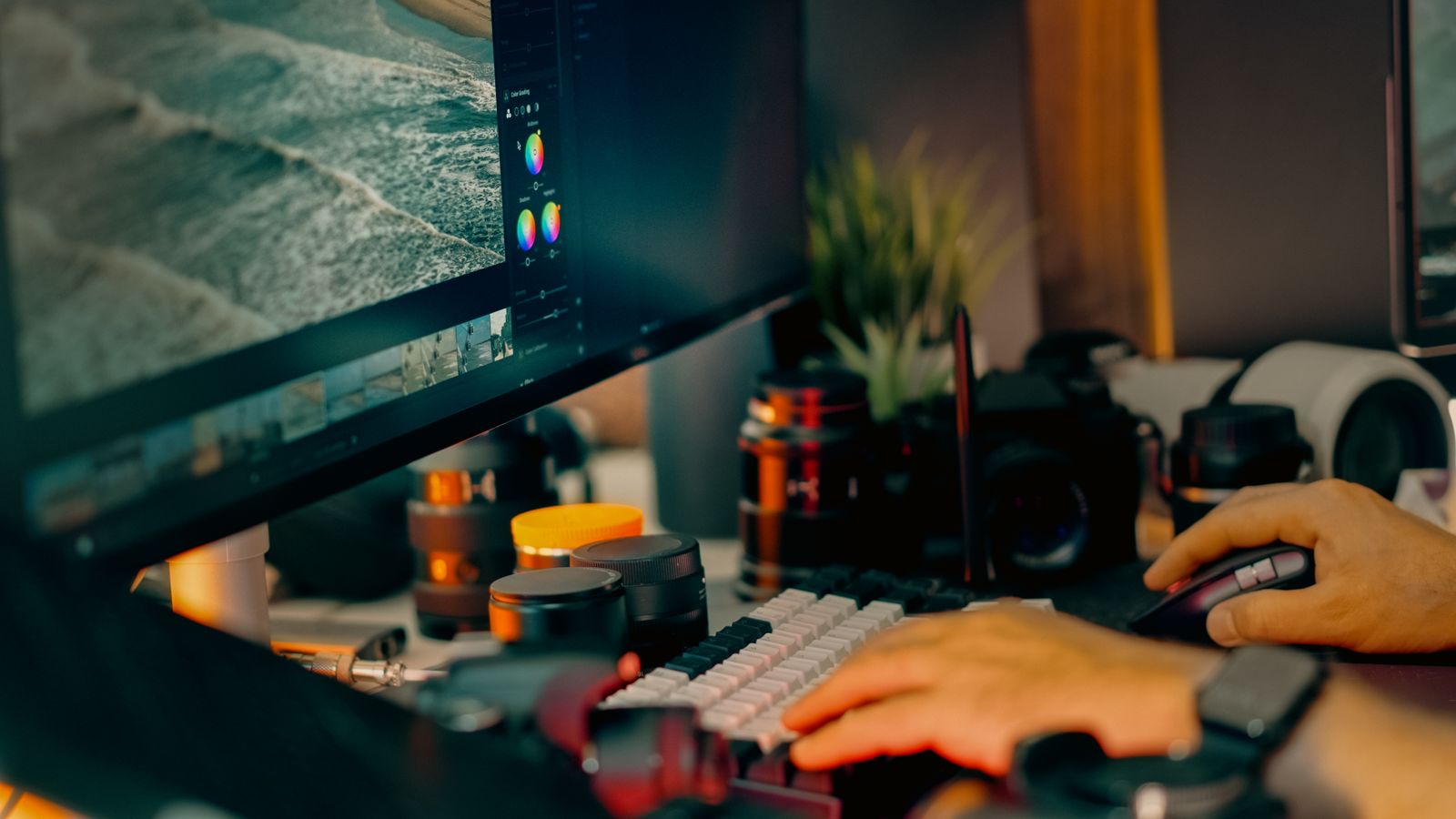
First, the shape of the trade
A digital imaging photographer sits between the photograph and its use. Their clients are photographers who outsource their editing, businesses with images to fix or standardize, families with film and paper to digitize, artists who need faithful reproductions, and publishers and sellers who need files built to a specification. Some are solo specialists with a calibrated monitor and twenty years of Photoshop. Some are labs with scanning departments and hourly digital benches. Some are production houses overseas turning around thousands of ecommerce images overnight.
That range is why pricing comes in three incompatible currencies — per image, per hour, and per project — and why the first job of a buyer is translation. The sections below follow an image through the whole pipeline, in the order the work usually happens.
1. Capture: getting the image into digital form
If your source is physical — prints, slides, negatives, artwork — imaging starts with digitization, and it is priced like a commodity because it mostly is one.
Print scanning. Loose prints are the cheapest thing in the building: published rates run from about $0.25 to $0.50 per photo at volume services, with local labs charging around $45 per 100 shoebox prints, and fragile, curled, or oversized prints scanned individually at roughly $1.49 each. Resolution is the variable you are actually buying: 300 dpi is enough to reprint at the same size, 600 dpi gives you enlargement room and is the standard recommendation for anything you care about.
Slides and negatives. Published per-frame prices cluster between $0.45 and $1.00 for 35mm at standard quality, dropping with volume — one lab's slide price falls from 89 cents to 45 cents at a thousand slides — and rising steeply for high-resolution archival tiers, where a single service prices its 6,400 dpi archival slide scan at $10 per frame against 50 cents for its basic tier. Medium and large format film costs more per frame because it is scanned one piece at a time. The honest summary: you are paying for resolution and for the infrared dust-and-scratch pass that separates a scan you can use from a scan you have to clean yourself.
Artwork and oversized originals. Flatbeds top out around 12 by 17 inches at most labs. Beyond that, reproduction becomes studio work: the piece is photographed or scanned in sections and stitched, with one published rate card charging a $50 studio setup per piece plus a per-megabyte image fee. Color matching to the original is the skilled part of this service, and the reason artists do not mail their work to the cheapest scanner.
What is not usually included at this stage: restoration, organization, or naming. Scans arrive as files, in order, at the resolution you bought. Anything beyond that is the next line item.
2. Correction: making the image accurate
This is the core service, and the one most buyers actually mean by digital imaging.
Basic correction — exposure, white balance, contrast, cropping, straightening, dust spotting — is the entry tier everywhere. Published per-image prices for an essential edit sit around $6 at a US studio and under $3 at volume production houses. It is normally included inside any higher tier and inside most photographers' own delivery prices, which is why you rarely see it sold alone except as batch work.
Color correction and color matching are correction with intent: making a product the exact color it is, making forty images from three cameras look like one shoot, making a file match a physical original or a printed proof. This is skilled, monitor-dependent work. High-end imaging shops do it on calibrated reference displays and charge accordingly — one Brooklyn imaging studio publishes $150 an hour for retouching work — while production services fold routine color work into per-image rates. When color is the deliverable (a catalog, an art book, a brand's product line), this line is the job, not a step in it.
Batch editing is correction industrialized: one adjustment recipe applied consistently across dozens to thousands of files, with human review for exceptions. It is how event galleries, catalogs, and listing sets get finished overnight, and it is priced per image at the lowest rates in the industry because the per-file human time is measured in seconds.
3. Retouching: making the image better than accurate
Retouching changes content, not just accuracy, and prices climb with how much change you want. A representative published US menu: portrait retouching — skin cleanup that keeps texture, flyaway hairs, teeth and eyes, clothing wrinkles — at $10 an image; magazine-level beauty work at $20; product and real-estate cleanup at $7. Volume houses publish the same ladder lower: basic retouching under a dollar to a few dollars per image, advanced work into the low teens. Both ladders are real; they buy different amounts of a skilled human's attention per file, and the difference shows at print size, not on a phone.
Included in retouching, usually: temporary blemishes, dust and sensor spots, minor distractions. Not included unless specified: reshaping bodies or faces beyond cleanup, rebuilding missing content, or work the provider considers manipulation rather than retouching. Say what you want in words; "retouched" alone means different things in different studios.
4. Compositing and manipulation: making an image that never existed
Compositing combines captures or replaces parts of a frame: a better sky, a window view from a second exposure, a group photo assembled from two frames so everyone's eyes are open, a person added or removed. Published starting prices cluster around $20 per composite for defined tasks — a head or expression swap at $20 is a typical menu item — and rise by the hour for open-ended creative work. This is the component most likely to be quoted per project after the provider sees the files, because feasibility lives in the source images: matching light direction, perspective, and resolution is what you are paying an expert to judge before promising anything.
Two buyer notes. First, compositing is where disclosure rules live: real-estate and marketplace images carry rules about edits that misrepresent, and a good provider will flag a request that crosses them. Second, revisions: menus commonly include one or two rounds. Beyond that, you are buying more hours.
5. Restoration and colorization: imaging as repair
Restoration — repairing tears, fading, water and mold damage, missing corners — is usually priced per image after assessment, with published starting points around $45 for typical damage, because no two damaged photographs take the same time. Colorization of black-and-white photographs is typically an add-on of similar size (one published menu: plus $45). Both sit inside "digital imaging" menus everywhere, and both are the services where a cheap quote most often means a fast automated pass rather than hand work. Ask to see before-and-after examples at full size, of damage like yours.
6. Output: making the file right for where it is going
The least glamorous component, and the one whose absence ruins the most projects. Output work includes:
- Color space and profile conversion — sRGB for screens and most marketplaces, CMYK builds for commercial print, wide-gamut files for fine-art printing. The wrong profile is why correct files print dark or dull.
- Resizing, sharpening, and format delivery — marketplace specifications (Amazon's main image, for example, demands a pure white background, RGB 255/255/255, with the product filling most of the frame), MLS sizes, social crops, print files at the right effective resolution.
- Print preparation and printing itself — soft-proofing against a paper profile, test prints, and at full-service labs, the printing: a service that ends with a physical object, not a download.
- Upscaling and AI enhancement — now a standard menu item (published from about $20 to upscale a low-resolution image for print, more to extend or reframe), sold honestly as reconstruction: it invents plausible detail, which is fine for a backdrop and not fine for evidence, archives, or anything whose truth is the point.
7. The unglamorous components nobody lists
File handling and turnaround are services even when they are not lines: intake, renaming, organizing, delivering layered working files (a layered PSD costs extra at some studios, because it hands you the ability to revise their work), and rush delivery, typically a surcharge of 25 to 50 percent at production houses for same-day or overnight turns. Archiving — keeping your masters backed up and retrievable — is included at some labs for a period and absent at others; if your only copy of a restored family archive lives on a provider's drive, ask for how long, in writing.
| Component | What it is | Typical published pricing | Usually included? |
|---|---|---|---|
| Scanning / digitizing | Prints, slides, negatives, art → files | $0.25–$1 per print or frame at volume; archival tiers to $10/frame | The base product — priced per item |
| Basic correction | Exposure, color balance, crop, dust | ~$6/image at US studios; under $3 at volume houses | Included in most higher tiers |
| Retouching | Content cleanup: skin, products, surfaces | $7–$20/image at US studios; hourly benches ~$150/hr at high-end shops | Partially — scope varies most here |
| Compositing | Combining frames, swaps, replacements | From ~$20 per defined task; open-ended work by quote | No — quoted per job |
| Restoration / colorization | Repairing damage; adding color to B&W | From ~$45/image after assessment | No — assessed per piece |
| Output prep | Profiles, sizing, print & marketplace specs | Often folded into the job; upscaling from ~$20 | Ask — this is the silent omission |
What is optional, honestly
You can safely decline: archival-tier scanning for images you will only ever view on screens; layered working files if you will never revise the work; rush fees when the deadline is yours rather than real; upscaling for anything archival; and beauty-level retouching for images whose job is documentation. You should not decline: the resolution tier that matches your largest planned use (rescanning later costs more than scanning right once), color matching when the physical original is the reference, and output prep when a printer or marketplace has a specification — files rejected by a spec are the purest waste in this trade.
Questions that pin down any quote
- Which components, from the list above, are in this price — named, not implied?
- Per image, per hour, or per project — and what makes the price move?
- How many revision rounds are included, and what does another round cost?
- What files do I receive: formats, color space, resolution, layered or flattened?
- For scanning: what resolution, what dust-and-scratch handling, and do my originals stay in-house?
- What is the standard turnaround, and the rush surcharge?
- How long do you keep my files, and can I get them again?
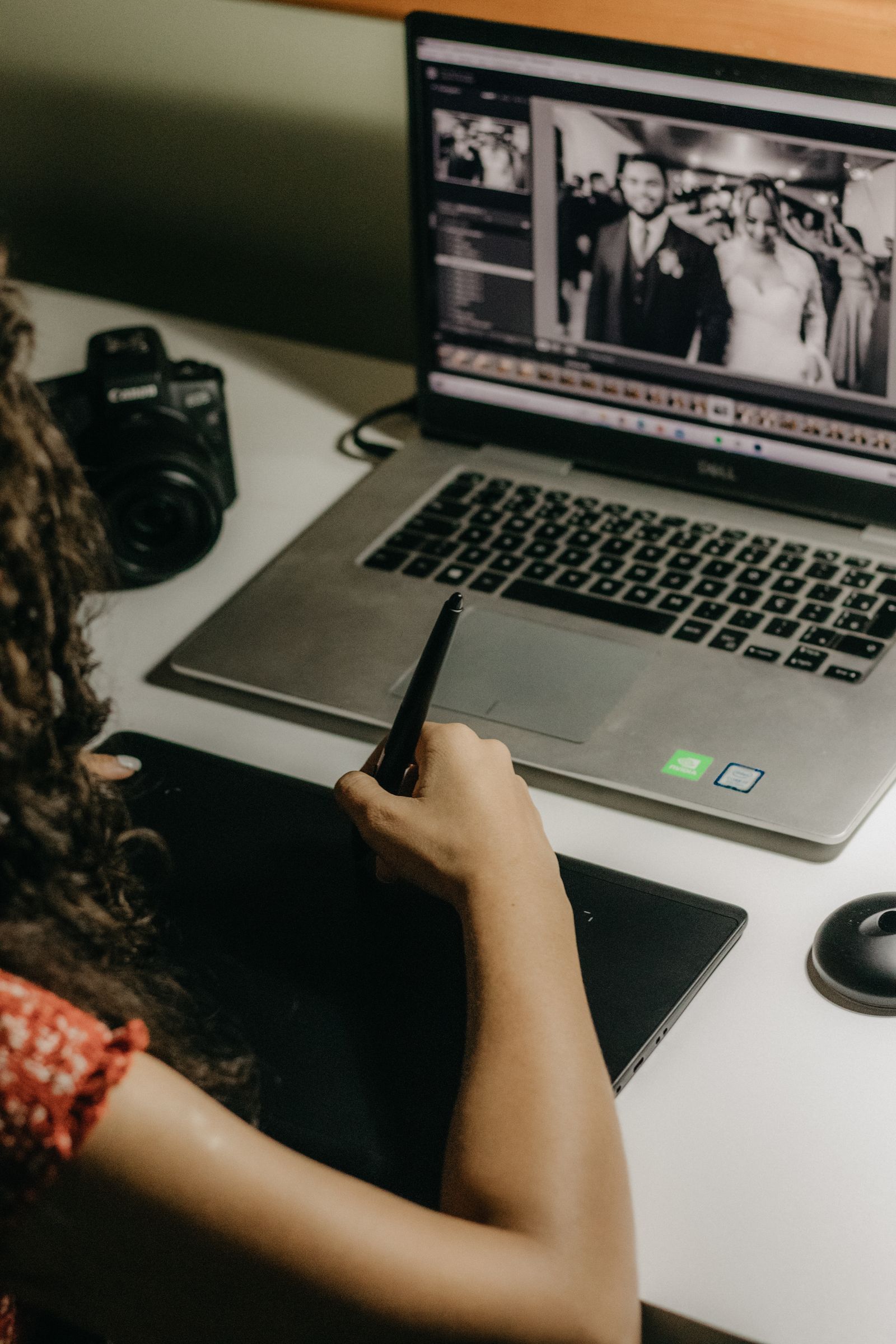
Finding one
This site lists 354 digital imaging photographers — a category that spans film labs with scanning benches, solo retouchers, reproduction studios, and production houses. The label tells you the building, not the menu. Match your project to the components above, find providers whose published menus name those components with prices, and let the seven questions do the rest. Digital imaging, unbundled, turns out to be a perfectly ordinary set of services. It is only the umbrella term that was ever confusing.
Sources
- Pacific Hill Studio, photo editing and imaging price list — establishes published US per-image pricing: essential edit $6, portrait retouch $10, beauty retouch $20, product and real estate $7, restoration from $45, colorization plus $45, compositing and head swaps from $20, upscaling from $20, with two revision rounds included.
- Brooklyn Editions, retouching services and rates — establishes high-end imaging practice: calibrated reference monitors, color correction and matching, raw conversion, and retouching at $150 per hour ($225 in person).
- Pro Photo Connection, services and pricing — establishes lab pricing for flatbed scanning by file size, stitching for oversized work, a $50 studio setup fee for art reproduction, and digital services billed at $150 per hour.
- Capture, digitization pricing — establishes volume scanning prices: loose photos from $0.29–$0.59 per photo by quality tier after minimums, slides and negatives at $0.49 per item at 4K with color correction.
- Pixel Preserve OKC, digitizing price list — establishes resolution-tier scanning pricing: 35mm slides from $0.50 (basic 800 dpi) to $10 (archival 6,400 dpi) per frame, loose prints at $0.25 each.
- Black Lab Imaging, photo scanning prices — establishes local lab pricing: shoebox prints $45 per 100, slides 89 cents each falling to 45 cents at volume, negatives 75 cents per frame, individual fragile prints $1.49 each.
Photographs
- Digital editing workspace — photo by Jakub Zerdzicki, https://www.pexels.com/photo/34168280/
- Editing with a graphics tablet — photo by Kawê Rodrigues, https://www.pexels.com/photo/16313517/
More guides
- How to Find a Wedding Photographer: The Complete, Honest GuidePhotographers › Wedding Photographers
- How Much Does a Wedding Photographer Cost? Packages DecodedPhotographers › Wedding Photographers
- 10 Questions to Ask a Wedding Photographer Before You BookPhotographers › Wedding Photographers
- Wedding Photography Styles Explained: Documentary, Editorial, Traditional, Fine ArtPhotographers › Wedding Photographers
- Hiring a Wedding Photographer in California: Venue Light, Permits, and Price LevelsPhotographers › Wedding Photographers
- All Guides & ArticlesBrowse the full guides library