Photographers › Photo Retouching & Coloring
What Photo Retouching and Coloring Actually Includes: The Service Broken Down in Plain Language
Book enough photographers and a pattern emerges. The shoot fee you understand. The travel fee you understand. Then comes a line — "retouching and coloring" — priced per image, per hour, or as a mysterious percentage of the whole job, and nobody at the table can tell you exactly what it buys. Retouchers are not being evasive. The problem is that "retouching" is an umbrella word covering about a dozen distinct tasks, some of which take ninety seconds and some of which take an afternoon, and services bundle different subsets of them under the same label.
If you run a small business and buy images — for a shop, a menu, a listing, a campaign — this guide unbundles the word. Here is what each part of the service actually is, what it typically costs, and which parts you can safely leave unbought.
First, three words that are not synonyms
Editing is the whole post-production process: selecting the keepers, adjusting them, and preparing files for use. Everything below lives inside it.
Coloring — the word in the service name — is work on the color of the whole image. It splits into two jobs that professionals treat as opposites. Color correction is technical: fixing exposure, setting white balance so whites are actually white, removing a color cast from mixed lighting, and matching a set of images so the same product looks the same in every frame. Correction has a right answer. Color grading is creative: once the image is accurate, pushing it toward a look — warm and filmic, cool and clean, high-contrast for an ad. Grading has no right answer, only a consistent or inconsistent one. Correction always comes first; a grade built on an uncorrected image falls apart the moment two shots sit side by side.
Retouching is work inside the frame, on specific things in it: a scuff on a shoe, a flyaway hair, a reflection hiding a logo, a cable running across a room. Where coloring changes the whole picture at once, retouching changes named pixels, usually by hand, with the aim that you cannot tell it happened.
Layer one: cleanup and correction
This is the foundation every professional image gets, and it is the cheapest work in the building. It includes cropping and straightening, exposure and contrast correction, white-balance fixes, dust and sensor-spot removal, and light sharpening. On product work it also covers removing the small evidence of the shoot itself — dust on a lens, lint on fabric, fingerprints on glass.
Published rate cards from high-volume editing houses put basic cleanup like this at roughly $0.69 to $2.49 an image; broader US market guides put basic editing, including correction and dust cleanup, at about $0.50 to $3 an image. At these prices you are paying for a trained person working fast through a batch, not for artistry — and for most business images, this layer plus correction is genuinely most of what you need.
Layer two: the retouching most people picture
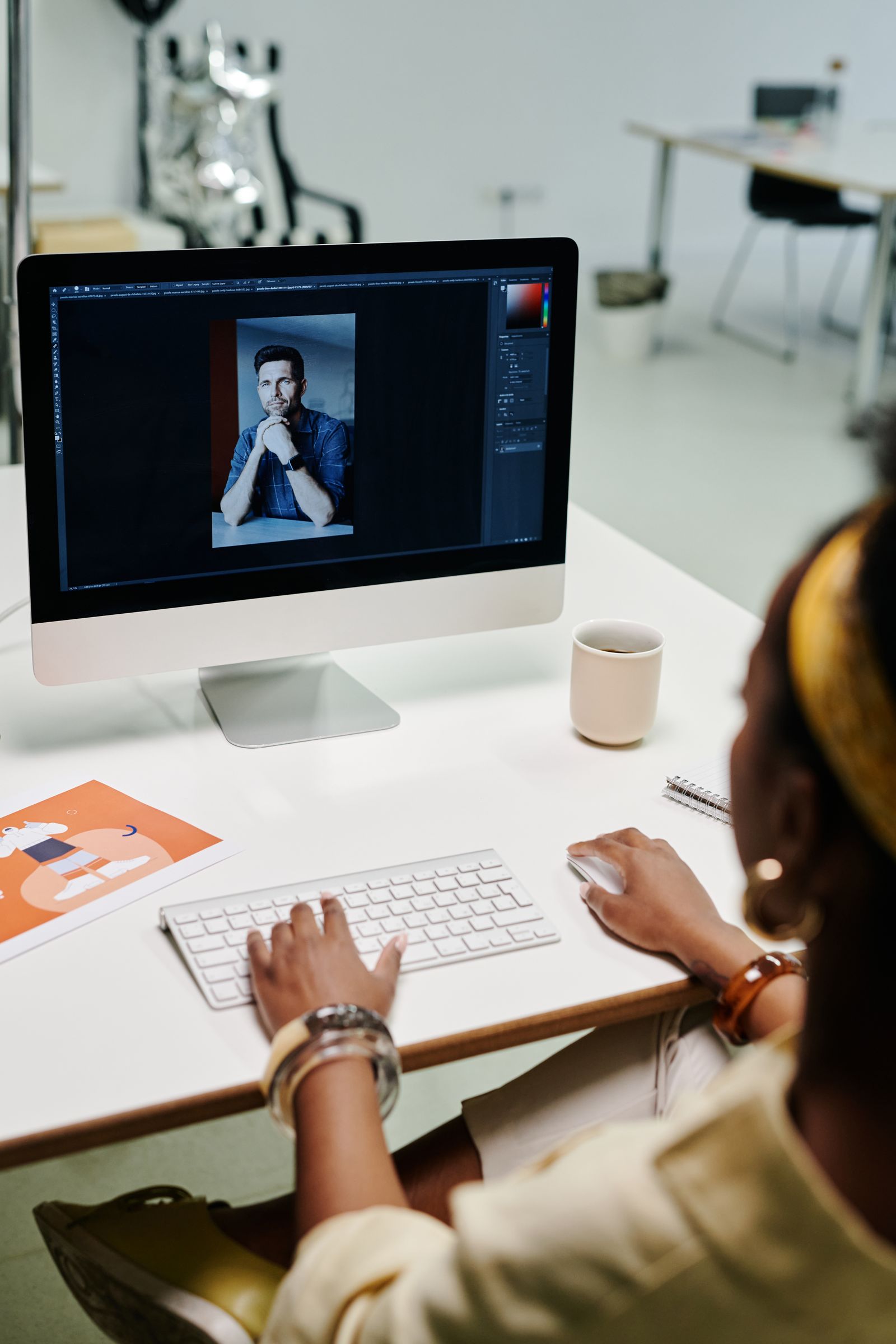
Skin work is what the word "retouching" usually conjures. Done well, it is two techniques. Frequency separation splits an image into a color layer and a texture layer, so a retoucher can even out blotchy skin tone without erasing the pores that make skin look like skin. Dodge and burn lightens and darkens tiny areas by hand, with a pen tablet, to smooth transitions and shape a face the way makeup and light would. Blemish removal, under-eye cleanup, teeth whitening, and eye brightening sit in this layer too. US guides put standard retouching of this kind — skin cleanup, stray-hair removal, minor object removal, color matching — at roughly $3 to $10 an image, with full beauty work on close-up faces running higher.
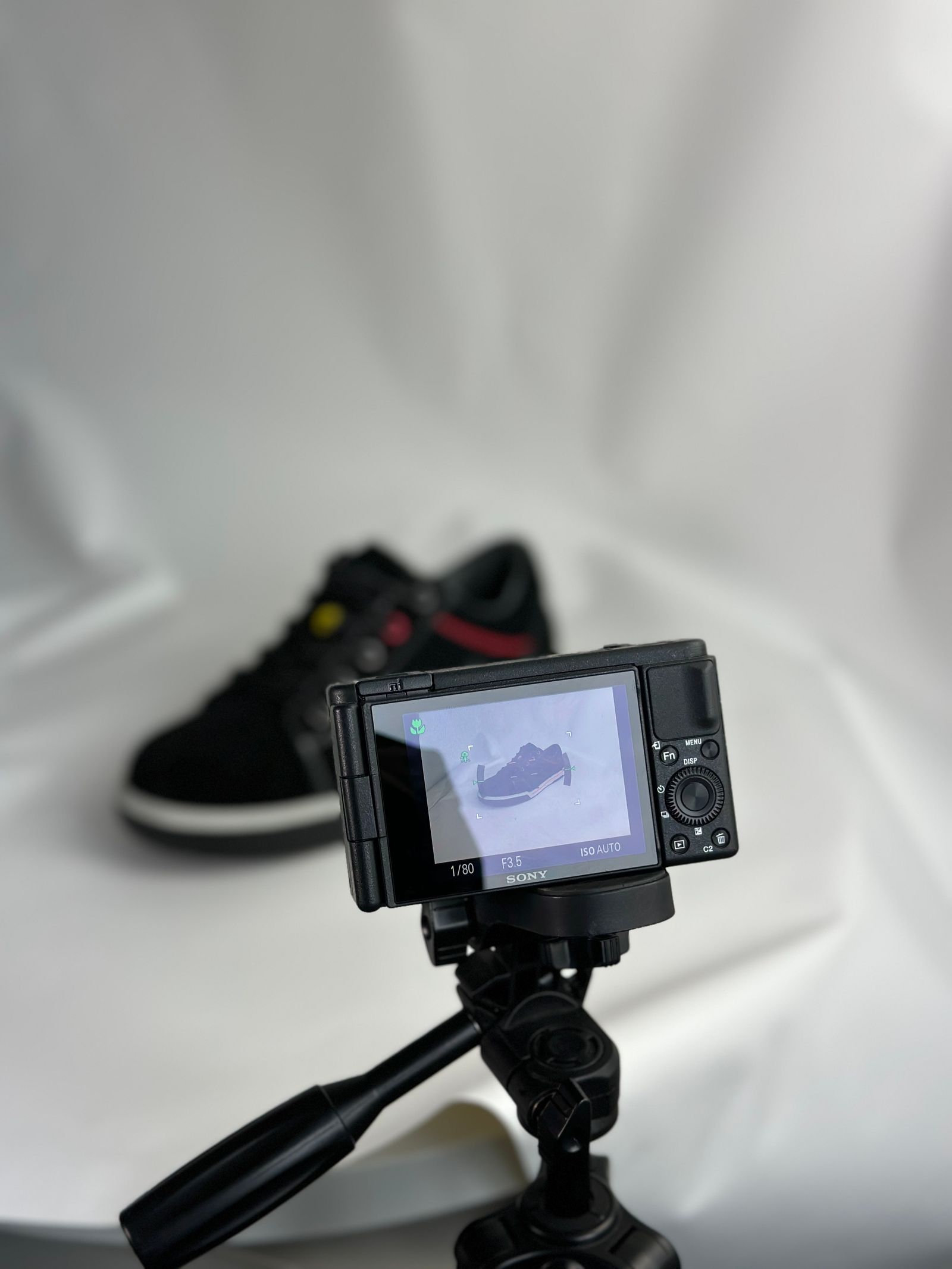
Product polishing is the same layer aimed at objects instead of people: removing scratches and scuffs, cleaning reflections off glossy packaging and glass, steaming wrinkles out of clothing digitally, and making a row of products look like they came from the same factory on the same day. Simple reflection or wrinkle removal starts under a dollar an image at volume houses; complex reflections on large glossy surfaces cost several dollars, because a reflection has to be rebuilt, not just erased.
Layer three: backgrounds, cutouts, and color variants
A separate family of services changes where the product sits rather than the product itself.
A clipping path is a hand-drawn vector outline around a subject. With it, the subject can be lifted onto pure white for a marketplace, onto transparency for a designer, or onto a brand color for an ad. Simple shapes — a bottle, a book, a box — start around $0.39 to $0.50 an image. Image masking does the same job for edges a path would destroy: hair, fur, feathers, glass, smoke. It starts around $1.19 an image and rises with complexity. A bicycle, with its spokes and gaps, costs more than a shoebox; a chain necklace costs more than either.
Shadow work adds or rebuilds the drop or reflection shadow that keeps a cutout product from floating. Ghost mannequin editing, for apparel, composites the front and inside-back shots of a garment so it appears worn by an invisible person — a standard catalog look, priced from about $0.89 an image at volume houses.
Color variants — sometimes sold as "color change" or "recoloring" — take one photographed product and produce it in every colorway you sell, from about $0.99 an image. This is one of the best-value services a small business can buy: one shoot, six listings. It is also the one to watch ethically, covered below.
Layer four: compositing and reconstruction
At the top of the menu, retouching stops meaning "clean this up" and starts meaning "change what happened." Removing a person, a sign, or a parked car and rebuilding the background behind them. Swapping a head from one group photo into another where everyone blinked in the first. Replacing a blown-out sky. Combining several exposures or several products into one scene. US market guides put advanced retouching at $10 to $40 or more an image, and high-end commercial and editorial work — campaign images, jewelry, large-format advertising — at $15 to $150 and beyond, priced less by the image than by the hours of a senior retoucher's judgment.
The price map, in one place
| Service | What it actually is | Typical price per image |
|---|---|---|
| Basic cleanup & correction | Crop, exposure, white balance, dust and spot removal | $0.50–$3 |
| Clipping path / background removal | Hand-drawn outline; product placed on white or transparent | From ~$0.39–$0.50, rising with edge complexity |
| Masking | Cutouts for hair, fur, glass and other soft edges | From ~$1.19 |
| Color variant | One product recolored into each colorway you sell | From ~$0.99 |
| Standard retouching | Skin cleanup, wrinkle and reflection removal, minor object removal | $3–$10 |
| Advanced retouching | Beauty work, difficult masking, fabric and reflection rebuilding | $10–$40+ |
| Commercial / editorial | Compositing, reconstruction, campaign finishing | $15–$150+ |
Two forces move any quote off these starting points: volume (hundreds of similar images are cheaper per image than ten) and turnaround (a 24-hour rush commonly adds a surcharge — 20 percent is a published example). Revisions, layered working files, and extra output sizes may or may not be included; ask, because they are the classic source of the second invoice.
What a small business actually needs — and what it doesn't
For a shop or service business, the honest shopping list is short. Buy cleanup and correction on everything. Buy clipping paths and shadow work on anything destined for a marketplace or your own store pages, because marketplaces enforce presentation rules — Amazon's main image, for instance, must sit on a pure white background (RGB 255, 255, 255), fill about 85 percent of the frame, and carry no text, logos, or watermarks. Buy color variants if you sell colorways. Buy standard retouching on the handful of hero images — the homepage banner, the owner's portrait, the signature product — that carry your brand.
Skip, for most purposes: full beauty retouching on staff photos (a team that looks airbrushed into a different species undermines the trust the photo exists to build), compositing you don't need, and per-image pricing on work that should be a flat batch rate. And learn the cheapest sentence in this whole trade: ask for a paid sample edit of three to five real images before committing a catalog. Every legitimate service offers one, and five finished frames tell you more than any portfolio, because portfolios show the retoucher's best day and samples show their ordinary one — which is the day your images will get.
The line retouching should not cross
One boundary matters legally as well as commercially. Retouching may clean and clarify; it may not misstate the product. A color variant that shows a colorway you do not sell, a "cleanup" that removes a scratch that is actually a feature, a composite that puts your product somewhere it has never been — these stop being retouching and start being misrepresentation, and marketplaces reject or penalize images that add graphics or misrepresent the item. The same discipline applies to people: heavy reshaping of bodies in advertising draws regulator and platform scrutiny in a growing list of jurisdictions. The professional standard is simple to state — the customer who buys from the photograph should not be surprised by what arrives.
How to brief it so you pay once
Most retouching overruns are brief failures, not retoucher failures. Send the original files, not screenshots or re-compressed copies. Name the output: sizes, formats, background, and whether you want the layered working files back. Provide one approved reference image that shows the look you mean, because "clean and bright" means four different things to four different retouchers. State what may not change — the product's true color, a model's recognizable face. Agree the revision count in writing. Do that, and the line on the invoice stops being mysterious: it becomes a list you wrote.
This site lists 3,152 photo retouching and coloring services, which is another way of saying the market is deep enough that you never have to accept an unbundled quote. Ask any of them what, exactly, their price includes — layer by layer. The ones who can answer in plain language are the ones to hire.
Sources
- Path Edits, "Photo Retouching Costs: The 2026 Pricing Guide" — per-image rates for basic retouching, reflection and wrinkle removal, beauty retouching, and commercial/editorial work.
- Path Edits published rate card, via Lars Miller Media's product retouching guide — clipping path from $0.39, ghost mannequin from $0.89, color change from $0.99, image masking from $1.19 per image.
- UniqRetouch, "Photo Retouching Rates in USA: Per-Image & Hourly Costs 2026" — US planning ranges: basic editing $0.50–$3, standard retouching $3–$10, advanced $10–$40+, high-end commercial $25–$100+ per image.
- BeEdits, "How Much Does Photo Retouching Cost?" — tier definitions showing what standard and beauty retouching include (frequency separation, dodge and burn, teeth and eye work) and what entry tiers exclude.
- Digital Wedding Pro, "Color Correction vs Color Grading" — the correction/grading distinction: correction is technical accuracy done first, grading is the creative look applied after.
- Amazon's product image requirements, via Lars Miller Media's guide — main image on pure white (RGB 255, 255, 255), product filling 85% of the frame, no text, logos or watermarks.
Photos: Retoucher at a desk — photo by Darlene Alderson, https://www.pexels.com/photo/7971616/ · Sneaker product shoot — photo by J. S. J. S., https://www.pexels.com/photo/18190257/ · Editing desk — photo by Masood Aslami, https://www.pexels.com/photo/19177223/
More guides
- How to Find a Wedding Photographer: The Complete, Honest GuidePhotographers › Wedding Photographers
- How Much Does a Wedding Photographer Cost? Packages DecodedPhotographers › Wedding Photographers
- 10 Questions to Ask a Wedding Photographer Before You BookPhotographers › Wedding Photographers
- Wedding Photography Styles Explained: Documentary, Editorial, Traditional, Fine ArtPhotographers › Wedding Photographers
- Hiring a Wedding Photographer in California: Venue Light, Permits, and Price LevelsPhotographers › Wedding Photographers
- All Guides & ArticlesBrowse the full guides library